
Selling a product online often means vying with tens and hundreds of alternatives available out there. Whether you’re selling on your own website or online marketplaces like Amazon, Shopee, or TikTok Shop, you need to be standing out enough for a potential customer to click your listing and check out what you have to offer.
Picture this: A customer searches for “vanilla lotion” and gets 8 pages of results. Your product is on page 4, and your thumbnail is a little lackluster—the lighting is off, the product pixelated. Some competitors are advertising deals and bonus freebies in addition to already having a great thumbnail. Unfortunately, you lose the sale. You’ve got a great product made of high-quality ingredients, but your thumbnail didn’t get far enough to show them what makes you different.
The first point of contact between your product and a potential customer is often your thumbnail. This is where you set the stage for engagement, capturing attention and driving clicks. So even if you have a great product that customers love, making sure it reaches them is another skill entirely.
So Why Use Templates?
Here's the uncomfortable truth: a lot of the time, one-off thumbnails don't scale. You might design an amazing single thumbnail for a new product, but what happens when you launch another set next month? Are you redesigning from scratch each time? Now, you’ve got yourself a bottleneck. And without a consistent system, your thumbnails can start looking disjointed, and your brand loses the visual coherence that builds trust and drives repeat clicks.
That's where reusable templates come in. They're not just about saving time (though they do). They're about building a scalable system that you can use across your product catalog—no matter how many items you're selling or which platforms you're selling on. But here's what most people get wrong: templates require a completely different approach than designing one by one. You still need to think about spacing, imagery, contrast, and text, but there’s one critical constraint in mind: flexibility. One wrong choice early on, and those small mistakes multiply across your thumbnails, killing conversions at scale.
This guide walks you through how to recognize effective product thumbnails, then what you need to do when designing thumbnails that actually work as reusable templates.
What Do Good Product Thumbnails Look Like?
Even seasoned designers can stumble with thumbnails. The problem usually stems from one core issue: trying to apply a one-size-fits-all approach—which ironically is exactly what templates are believed to do.
The difference: Reusable templates are intentionally built with scalability in mind from the start. So while there may be some common features, there’s enough versatility to keep your product from getting lost in the scroll.
Some common mistakes you might encounter are:
- Inconsistent sizing across platforms (what works on Amazon doesn't work on TikTok Shop)
- Poor image quality that degrades when scaled or repurposed
- Unclear product representation where the template's layout obscures or misrepresents what's actually being sold
- Ignoring your audience (TikTok Shop tends to have a younger, trend-driven user base, so your template design needs to appeal to that)
When these elements aren't considered in your template, it can create a disjointed brand experience that kills conversions at scale.
So what makes a good product thumbnail template? Here are three key features:
- Stops the scroll with instant visual impact—even when product details change
- Builds trust so buyers feel confident clicking, regardless of which product they're viewing
- Communicates value through a flexible layout that works with different images, text, or icons
Save the manual design work for important ads, product launches, and features. Thumbnails are where consistency is king.
Best Practices For Designing Reusable Product Thumbnails
User engagement increases when thumbnails are clear, enticing, and relevant. But designing for scale is different from designing a single thumbnail. You need to think strategically about which elements will change, which will stay fixed, and how everything adapts across platforms.
Here are five interconnected practices that will keep your templates flexible, fast-loading, and on-brand:
1 - Keep the Numbers Dynamic
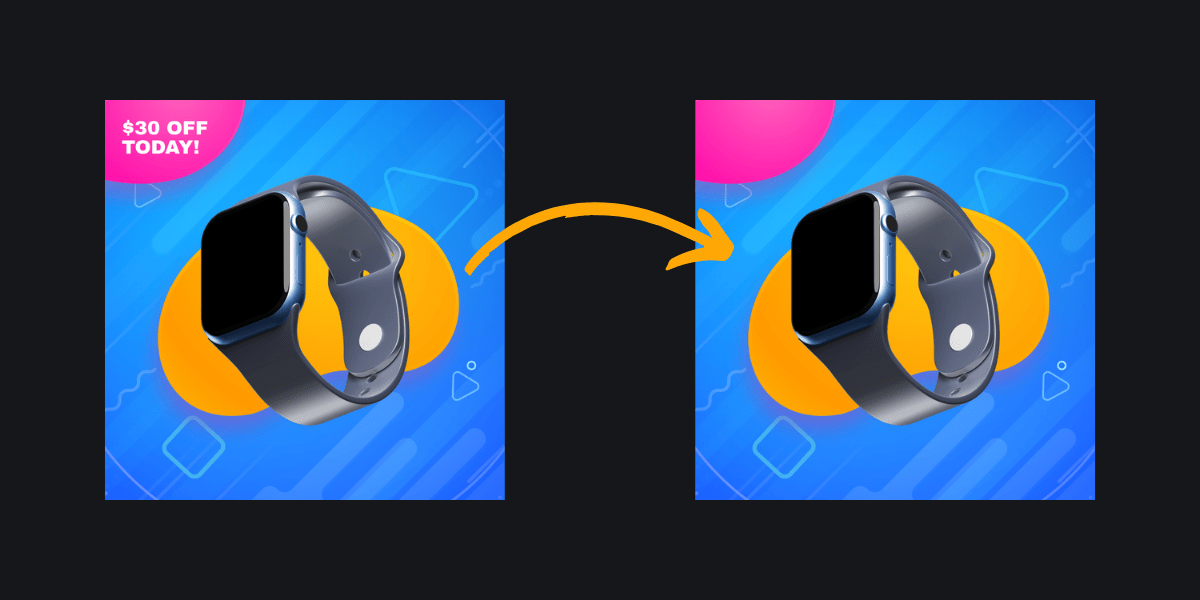
If you’re planning on putting pricing details on your thumbnail, make sure it’s a dynamic field. Your pricing strategy will shift— whether that’s running sales, advertising freebies, or testing different price points. A reusable template needs to be able to handle these changes without requiring a redesign.
The same goes for removing numbers entirely. Sometimes you aren’t running a sale, or don’t want to advertise pricing at all. One easy solution: use 0.0 as the opacity value on any text and background fields. This lets you toggle pricing on or off instantly, making your template far more versatile.
2 - Keep Image Files Small and Light
Flexibility with your numbers means nothing if your thumbnail takes forever to load. Thumbnails are usually displayed alongside dozens of other images on a page, so speed matters. Most e-commerce platforms have technical requirements to adhere to. Shopify, for instance, recommends 150-300px dimensions at a 1:1 ratio, under 2MB, and compressed in WebP format.
Even on your own website, remember that you don't need the highest resolution file for a beautiful thumbnail. In fact, a slow load time will hurt conversions more than a slightly compressed image will. Look up the technical specs for any platforms you're selling on, and consult your developer about what works best for your site.
3 - Overlay Text Strategically
Now that you've locked in your sizing and technical specs, let’s take a look at text placement. When you’re creating thumbnails for many products, your text will change frequently. When you're mapping out element boundaries, make sure text stays visible and readable. Position it as a top layer so it doesn't get buried.
Color consistency matters too. If your product images vary in color, create contrast so text always reads clearly. Add a stroke, shadow, or subtle background behind your text to ensure legibility across all product variations. Before you roll out your template at scale, test it with several different product images and text combinations. If everything stays clean and legible, you're ready to launch!
4 - Maintain Brand Identity
Flexibility and technical precision shouldn't come at the expense of your brand. Your thumbnails don't need logo overlays everywhere, but they also shouldn't feel disjointed from your brand identity. Let your product showcase your branding naturally, and make sure any additional elements—text, sales banners, icons—feel cohesive with your overall look.
Remember: less is often more with thumbnails. Clean, intentional design will outperform a cluttered one every time.
5 - Use Adaptable Sizing
The last step of designing a flexible template is ensuring it actually works across different platform dimensions. Instead of redesigning for each channel, use adaptive sizing to generate your template in multiple sizes without starting from scratch.
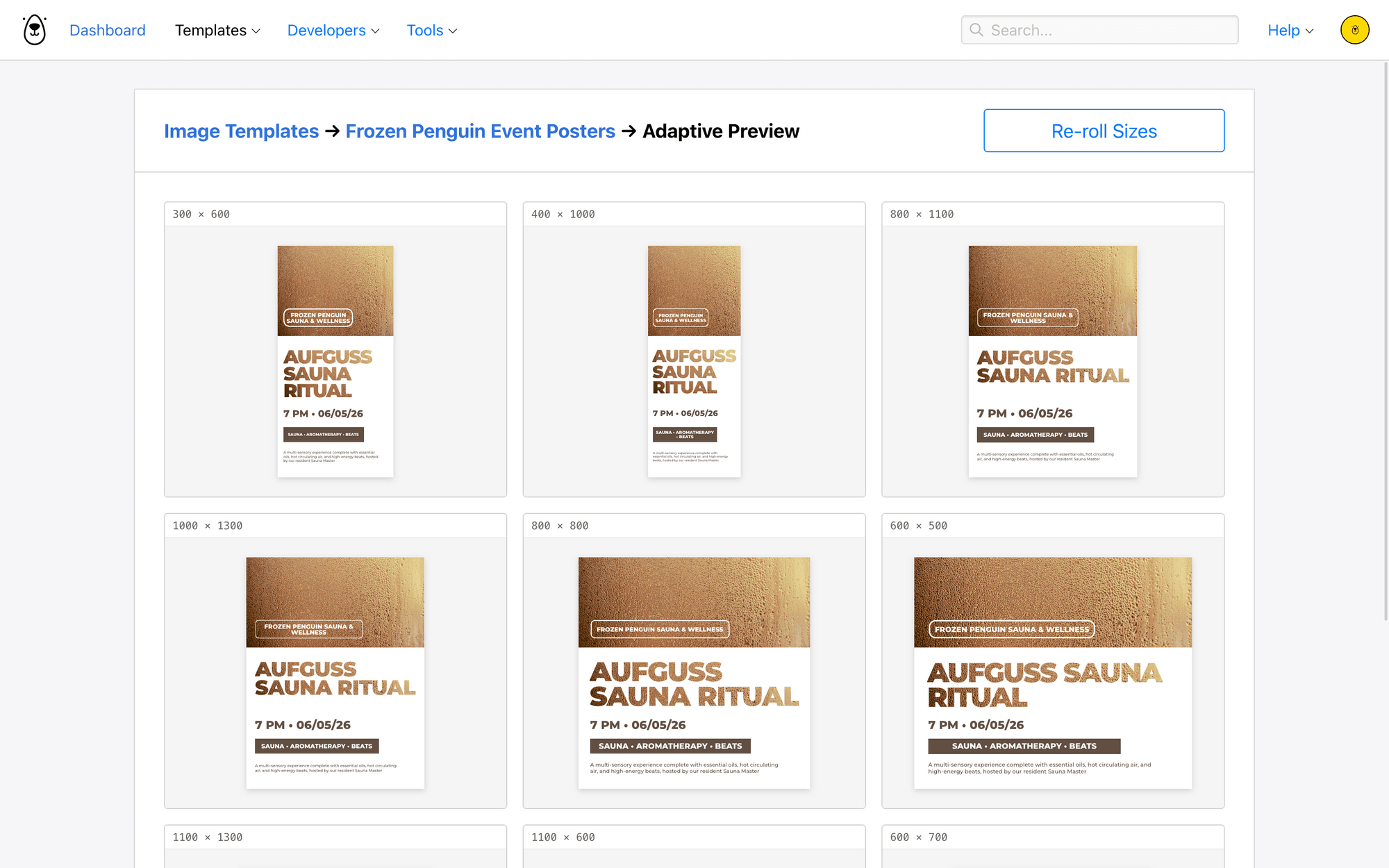
This is particularly useful when your aspect ratios stay consistent (as they typically do with product thumbnails).
If you need more variation or want to take different design approaches for different platforms, you can also create Image Collections that package the same data, but deliver it in a different layout.
Getting Started With Pre-designed Templates
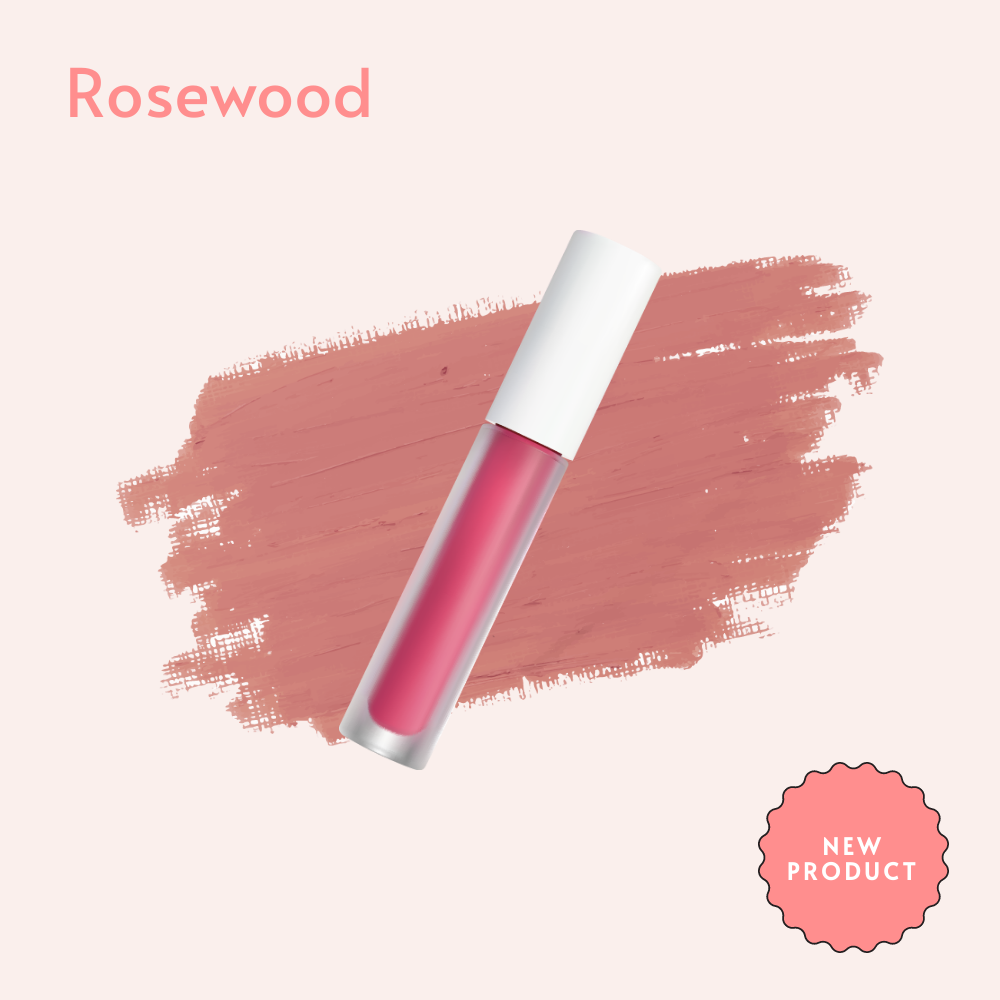
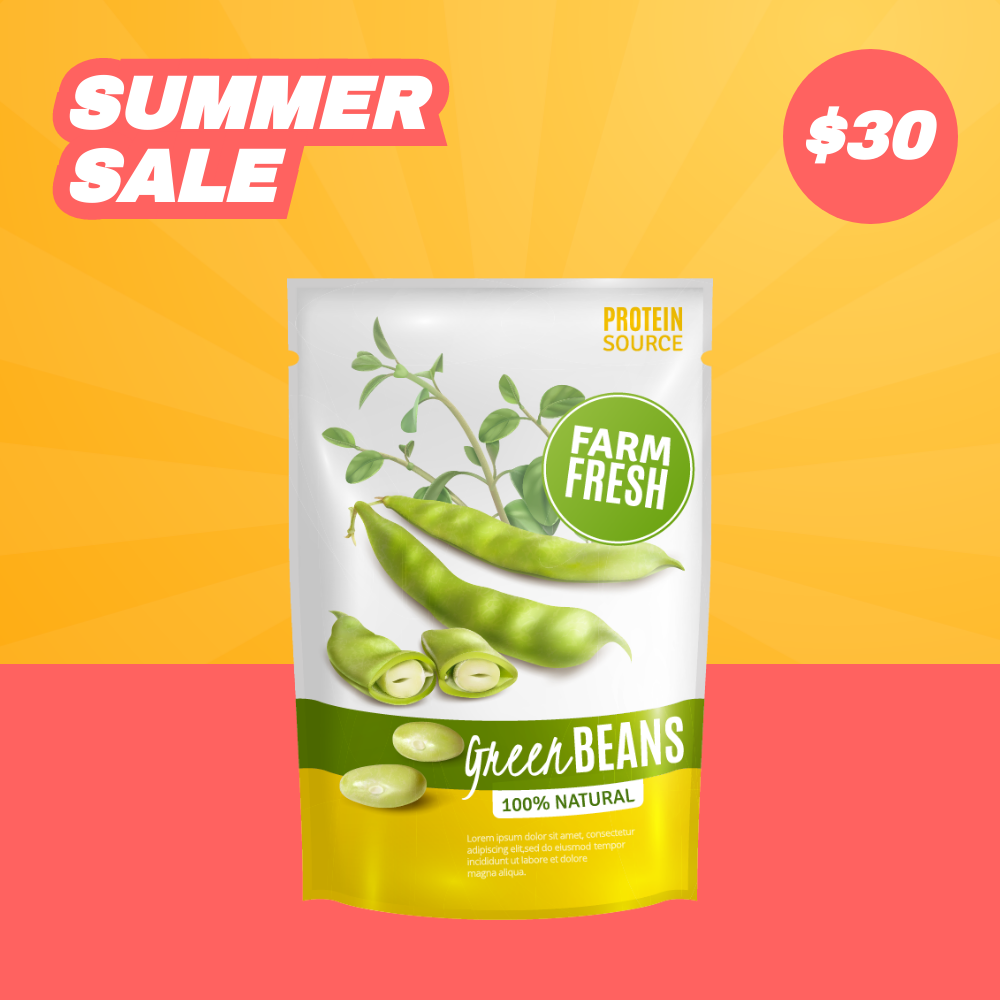
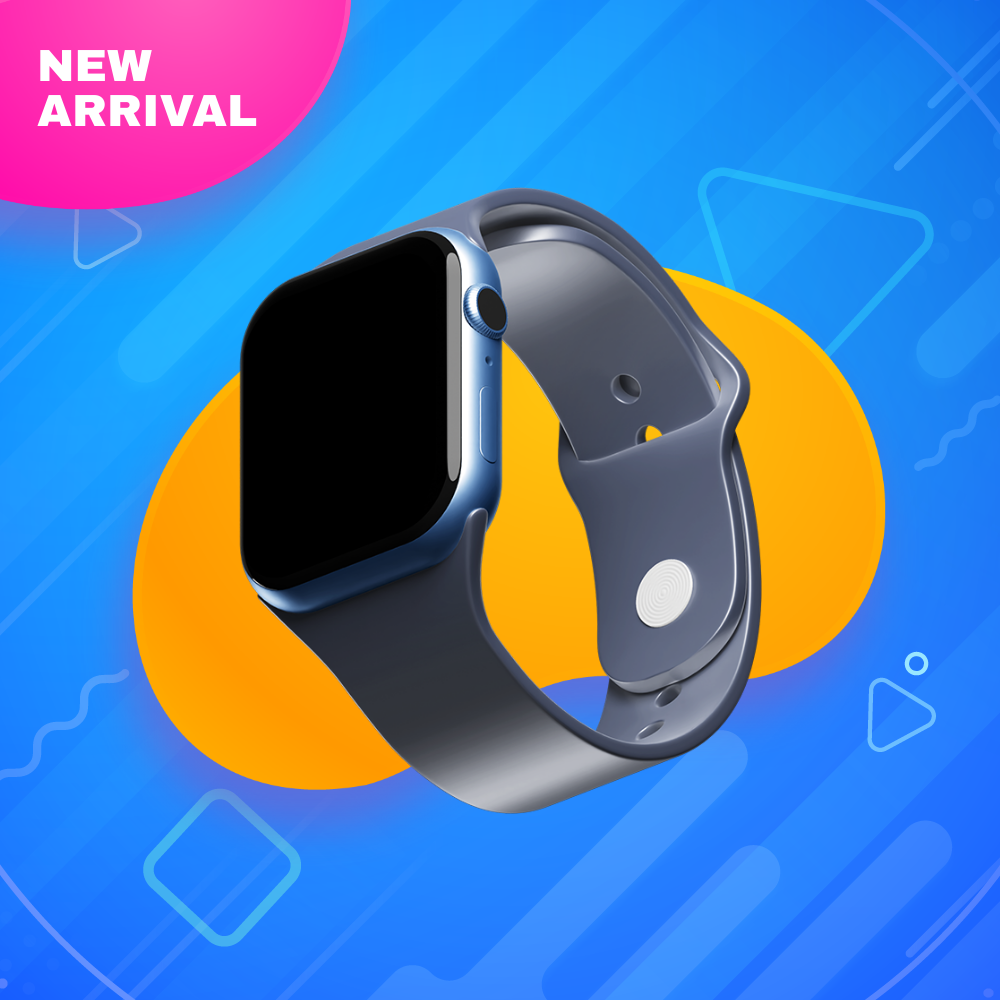
If you’re just getting started with thumbnail design, we’ve got some designer-approved templates that you can get started with. Just click to add to your Bannerbear project!

Conclusion
By building reusable thumbnail templates, you've created a system that scales with your business without sacrificing quality or brand consistency. This approach not only saves time across your product catalog—it also builds the visual foundation that drives clicks and conversions. But thumbnails are just the beginning. Once you've streamlined this critical element, there are other backend processes worth automating to keep your operations efficient and your brand polished across every touchpoint.
Looking for other ways to supercharge your e-commerce brand’s backend? Here are some processes you can automate with the help of Bannerbear:
👉 How to Generate E-commerce Product Thumbnails with Bannerbear
👉 Bannerbear's Guide to Creating Beautiful Video Thumbnails For Instagram (in 2026)
👉 Ecommerce Localization: How to Generate Images with Local Currencies and Languages
👉 How to Generate and Print Custom Labels for Small Batch Products
👉 How to Generate a Collection of Product Ads for Facebook Carousel