
What's New in Bannerbear V5
AI image prompting, adaptive templates, and more creative controls
Adaptive Sizing via API
Generate the same template at any size — in a single API call
const bb = new Bannerbear()
const image = await bb.create_image(TEMPLATE_ID, {
  "modifications": {
    "template": {
      "width": 1080,
      "height": 1080
    },
    "objects": [
      {
        "name": "headline",
        "text": "Super Sale"
      }
    ]
  }
});
const bb = new Bannerbear()
const image = await bb.create_image(TEMPLATE_ID, {
  "modifications": {
    "template": {
      "width": 1080,
      "height": 1300
    },
    "objects": [
      {
        "name": "headline",
        "text": "Flash Sale"
      }
    ]
  }
});
const bb = new Bannerbear()
const image = await bb.create_image(TEMPLATE_ID, {
  "modifications": {
    "template": {
      "width": 1080,
      "height": 1920
    },
    "objects": [
      {
        "name": "headline",
        "text": "12/12 Sale"
      }
    ]
  }
});
AI Tools
Powerful AI integrated with our new V5 editor and API
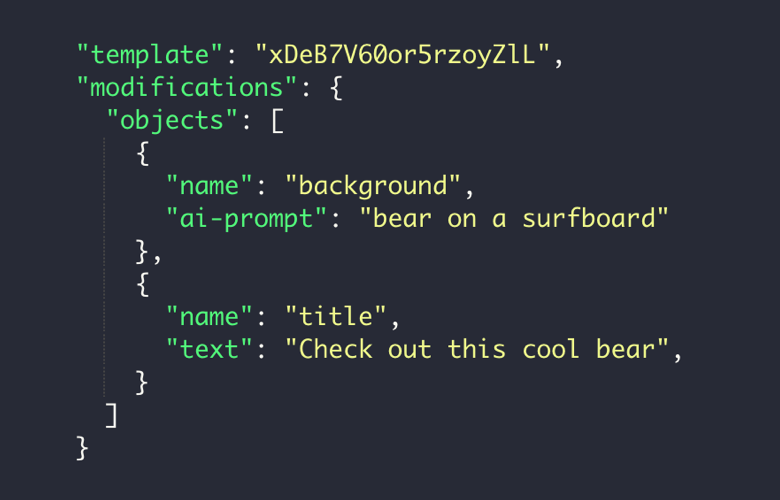
Generate AI backgrounds
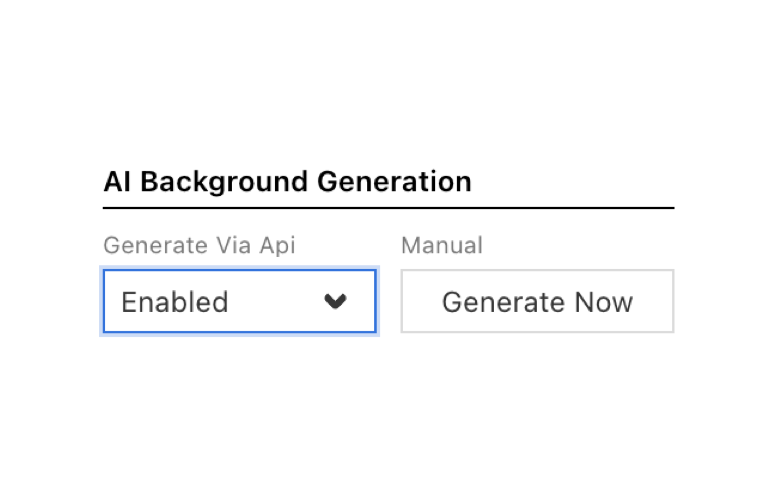
Prompt via API
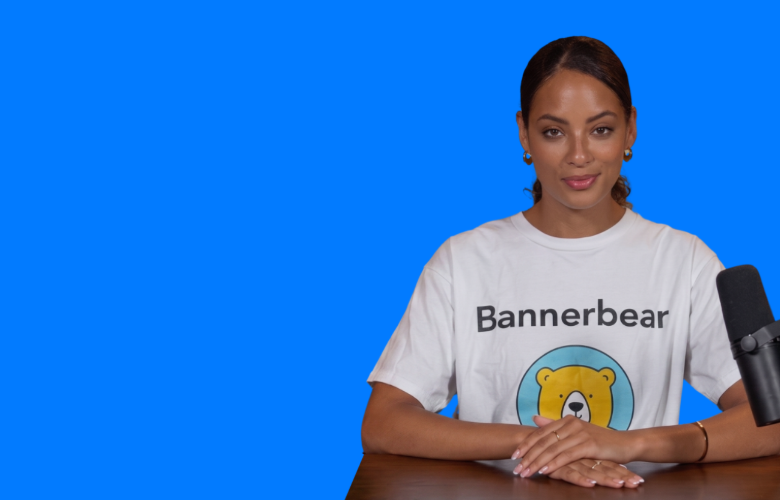
AI Background Removal
Creative Possibilities
More ways to create with our V5 editor
Outline PNG files
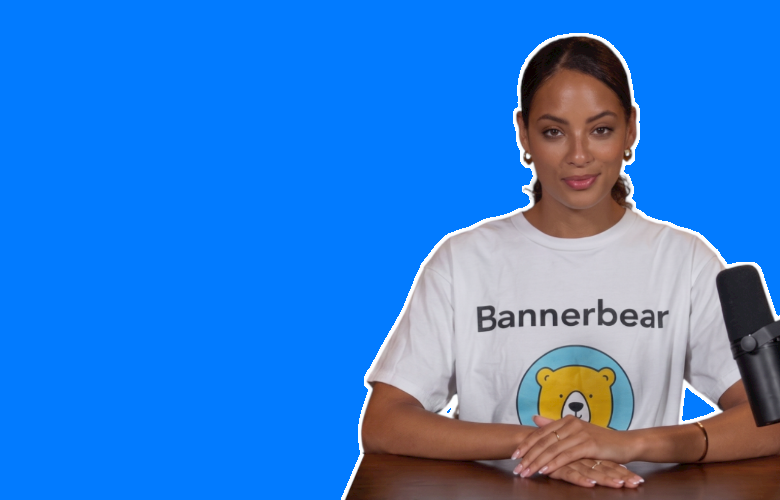
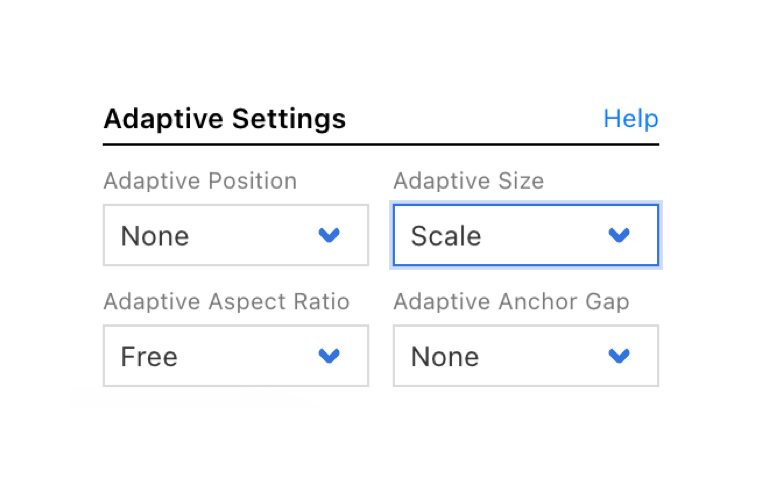
Powerful anchoring / adaptive sizing
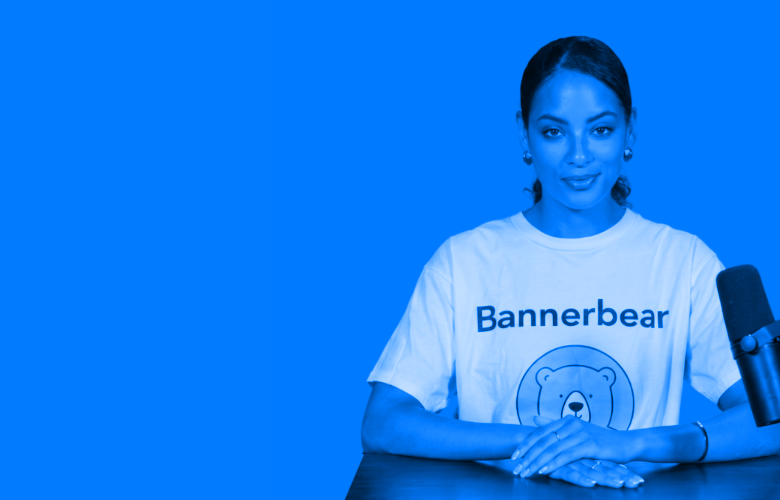
Tint images
Dev Tools
Quality of life improvements for devs working with our API
Filter logs by multiple criteria
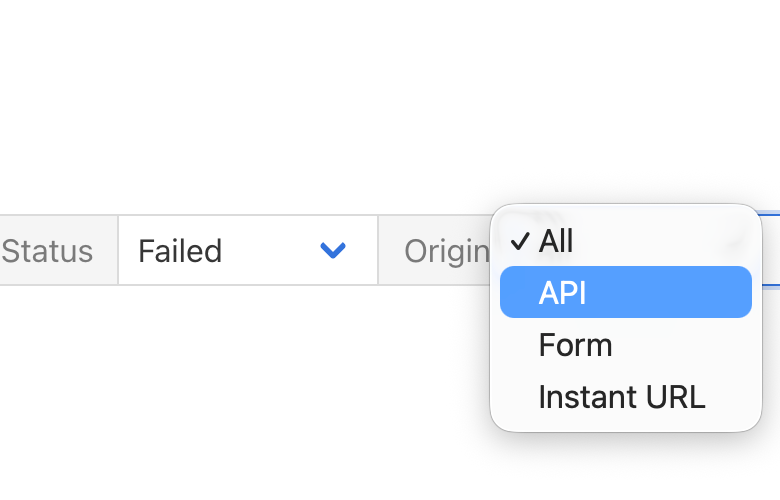
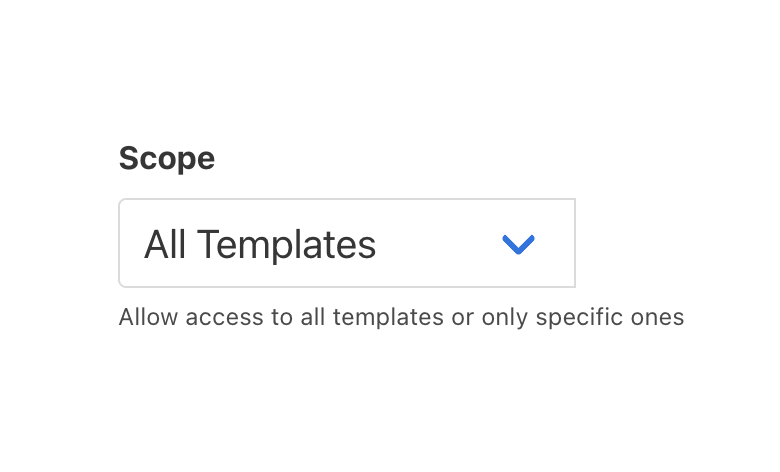
Scope API keys
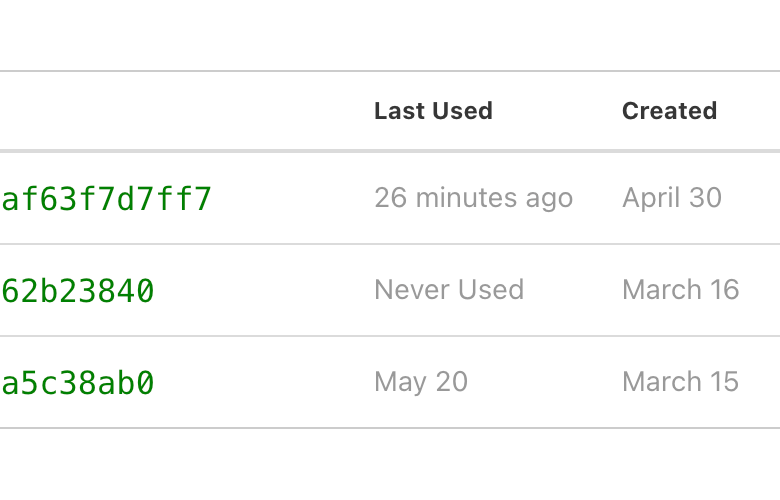
API Key usage insights
More V5 Features
Read the full V5 announcement listing all new features over on the Bannerbear Blog
Start a Free Trial
Start a free trial with 30 API credits,
no credit card required