
Auto Generate
Instagram Stories with Integromat
Use the Bannerbear Integromat integration to auto generate Instagram stories in your scenarios
Instagram Stories
With the Bannerbear Integromat integration you can quickly set up a scenario to auto generate Instagram stories in just a few clicks, no coding required.
Simply set up a template, connect Bannerbear to your Integromat account and create a scenario that sends image and text data to Bannerbear.
Integromat Tutorials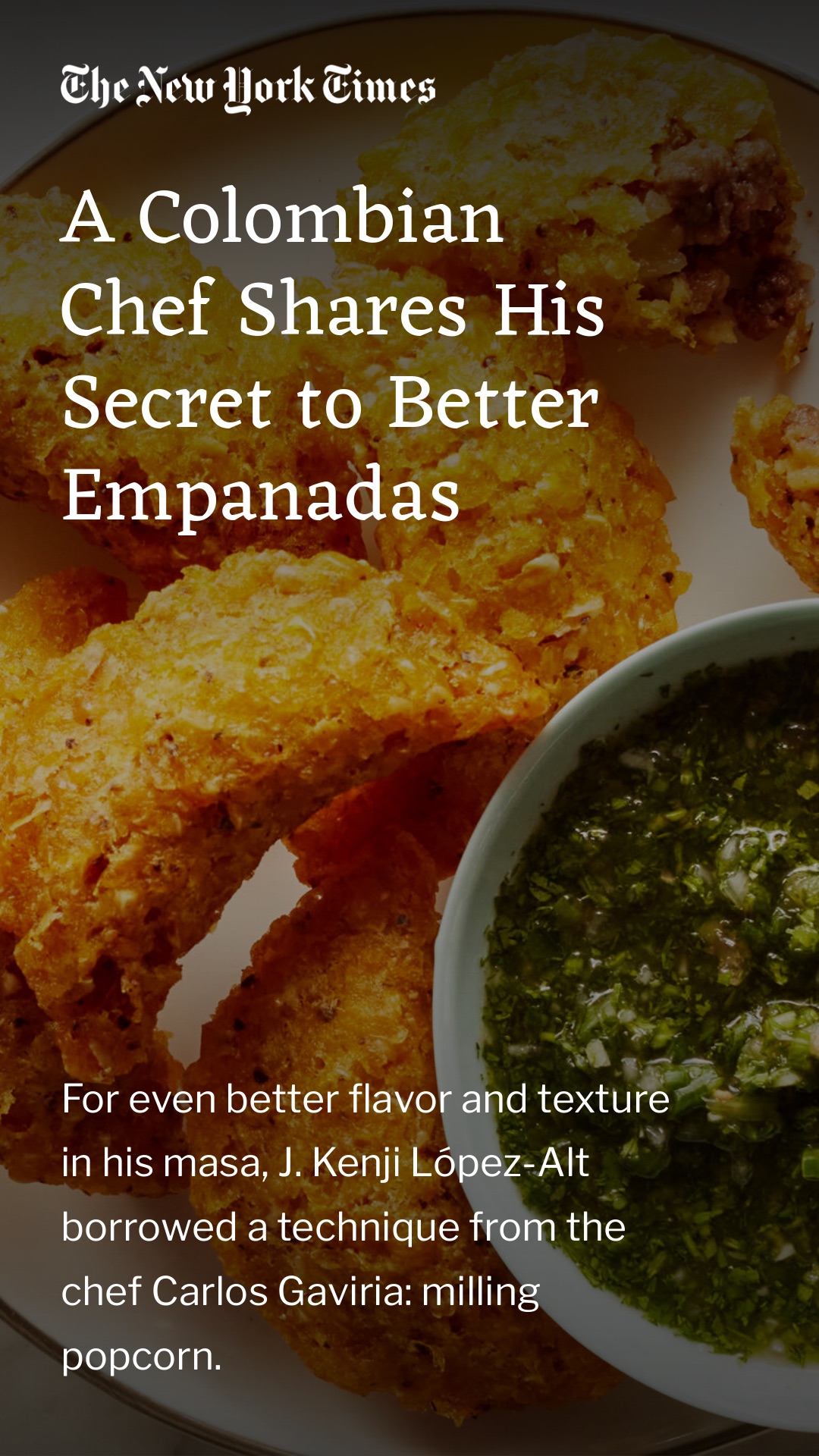

Help Articles
Knowledge Base articles on how to auto generate Instagram stories with Integromat
- What image formats does the API respond with?
- How do I create an image via Make?
- How do I create an image via Forms?
- How do I create an image via Airtable?
- How do I create an image via API?
- What is an image?
- How do I create an image via Zapier?
- What is the difference between Image and Image Rectangle?
- What is Text and Image Anchoring?
- What is Group Auto Vertical Align?
How to Generate Event Marketing Graphics in Any Size with One Template (Bannerbear + Node.js)
If your users need the same event graphic in 5 different sizes — Instagram post, story, Facebook banner, X header, print flyer — this video is for you.
How to Add AI-Generated Backgrounds to Your Bannerbear v5 Templates (Node.js Tutorial)
Learn how to add AI-generated backgrounds to your Bannerbear v5 templates. This step-by-step tutorial shows you how to enable AI Background Generation in the template editor and generate on-brand product images automatically using the Bannerbear API.
3 Ways to Automatically Generate Certificates With Bannerbear
Tired of creating certificates one by one?
Start a Free Trial
Start a free trial with 30 API credits,
no credit card required