

7 Best AI for Coding in 2026
Contents
In 2026, there are so many AI coding tools out there compared to just a year ago—Claude Code, GitHub Copilot, Cursor, Windsurf, Lovable, etc., and that's just the ones you've probably heard of. If you're feeling overwhelmed and not sure where to start, that's completely normal.
In this article, we break down the 7 best AI coding tools in 2026 in plain terms—what each one does, who it's for, how much it costs, and what the developer community thinks of it to help you narrow down your best options.
Let’s jump right into it!
What Makes the Best AI for Coding in 2026?
In a global survey of over 36,000 developers, the number one reason for using AI tools was to improve productivity. But what actually makes an AI tool productive?
Here are a few key things to look for:
- Context awareness: Can it understand your entire repository, not just the file you have open?
- IDE integration: Does it fit naturally into your existing editor, or will you need to switch tools entirely?
- Autonomy: Can the assistant handle multi-step tasks like refactoring across files, writing tests, and submitting pull requests? Or is it limited to single-line suggestions?
- Privacy: Does your code get sent to an external server? For enterprise teams handling sensitive IP, this should be a key concern.
- Cost: Pricing models vary wildly, from free tiers to usage-based billing that can surprise you at the end of the month.
With those in mind, let's see which tools are in the list…
7 Best AI for Coding in 2026
1. GitHub Copilot
GitHub Copilot is one of the most popular options. It integrates directly into VS Code, JetBrains, Xcode, and more. This makes it the most widely deployed AI coding tool with over 15 million users and roughly 42% market share among paid tools.
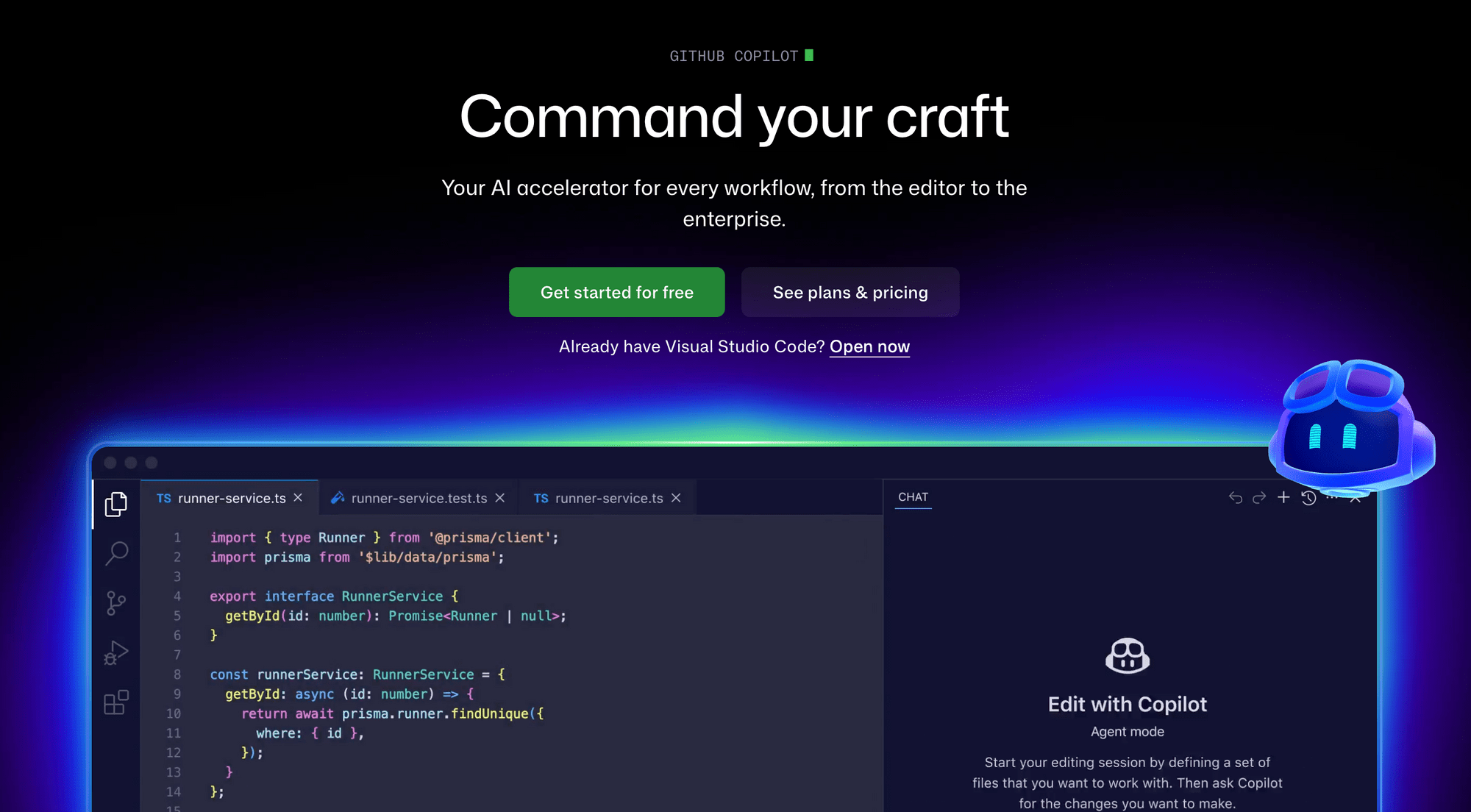
GitHub Copilot supports autonomous code modifications, pull request generation directly from GitHub Issues, and repository-aware suggestions. You can also switch between multiple models—GPT-4.1 for quick completions, Claude Sonnet for nuanced code reviews, Gemini 2.5 Pro for large-context reasoning, etc.
Pricing: Free tier available. Paid plan starts from $4/month.
What other developers say: Developers on r/programming describe Copilot as the "Toyota Camry of AI coding tools—reliable, everywhere, nothing to write home about". However, the recurring criticism is that it still feels like smart autocomplete on complex multi-file tasks.
Best for: Developers already in the GitHub ecosystem who want a reliable assistant without switching editors.
2. Cursor
Cursor is an AI-native IDE. Its highlight feature is codebase-wide context: it indexes your entire project and uses that understanding to give far more accurate suggestions than tools that only see the current file. Its Agent mode can plan multi-file changes, edit the relevant files, and iterate until a task is complete, with up to 8 parallel subagents tackling different parts of the codebase simultaneously.
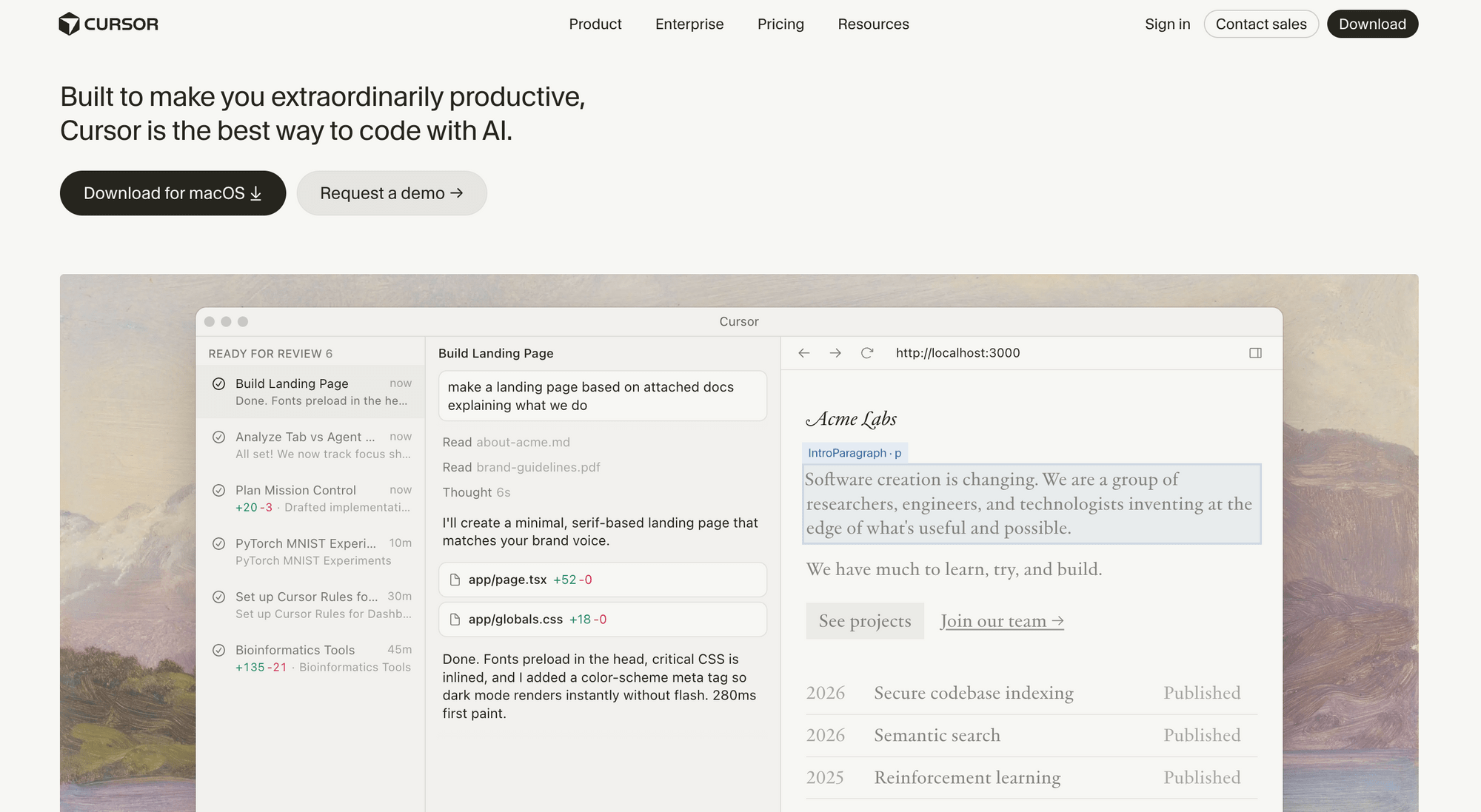
Cursor also lets you route tasks to different models per-session. For example, you can use Claude Sonnet 4.5 and Claude Opus 4.6 to handle the majority of complex reasoning work. For speed-sensitive autocomplete, switch to GPT-5 or Gemini to preserve Claude credits for harder tasks.
Pricing: Free tier. Pro at $20/month. Pro+ at $60/month for heavy users.
What other developers say: Cursor dominates developer conversation on r/programming as the go-to power tool. However, after a controversial June 2025 pricing overhaul that left developers burning through credits in days instead of months, many migrated to Windsurf. That said, if you can predict your usage and stay within limits, Cursor is one of the most productive AI coding tools available.
Best for: Developers working on large, complex codebases who want the deepest AI integration and don't mind switching editors.
3. Windsurf
Windsurf (originally Codeium) has quickly become one of the most discussed tools in the developer community. As of February 2026, it ranks #1 in LogRocket's AI Dev Tool Power Rankings—ahead of both Cursor and Copilot. Its core feature is Cascade, an agentic AI system that understands your entire codebase, executes multi-file changes, and runs terminal commands autonomously via Turbo Mode. Besides that, it also learns your coding patterns and architecture conventions over time.
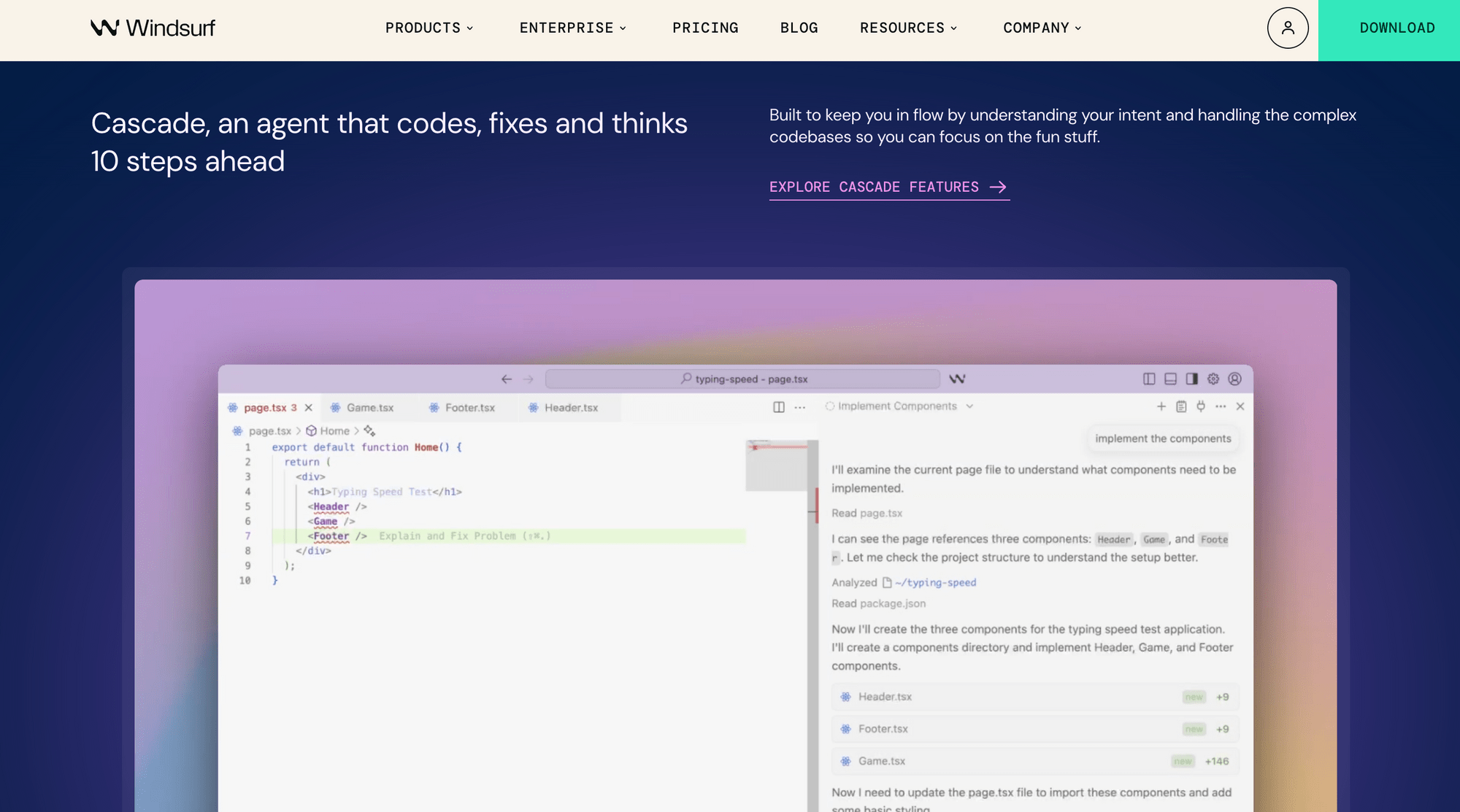
Unlike tools that are just wrappers for third-party models, Windsurf built its own in-house SWE-1.5 model that is purpose-built for software engineering workflows. It's reportedly 13x faster than Claude Sonnet 4.5. That said, users still have the option to use other third-party models like Claude Opus 4.5, GPT-5.1 Codex, Gemini 3.1 Pro, etc., with a paid plan.
Pricing: Free tier available with limited model availability. Paid plans start at $20/month.
What other developers say: Reddit sentiment on Windsurf is split. Developers who've switched from Cursor praise the value and Cascade's flow-state experience. On the other hand, critics flag stability issues during long agent sessions, slow support, and a free tier that burns through free usage fast.
Best for: Mid-level developers learning AI-first workflows.
4. Claude Code
Claude Code is Anthropic's terminal-native coding agent. It runs directly from the command line and brings strong reasoning capabilities to repository-level tasks, such as multi-file refactors, debugging sessions, and complex problem decomposition. That said, it also has a desktop, an IDE plugin, and a web version.
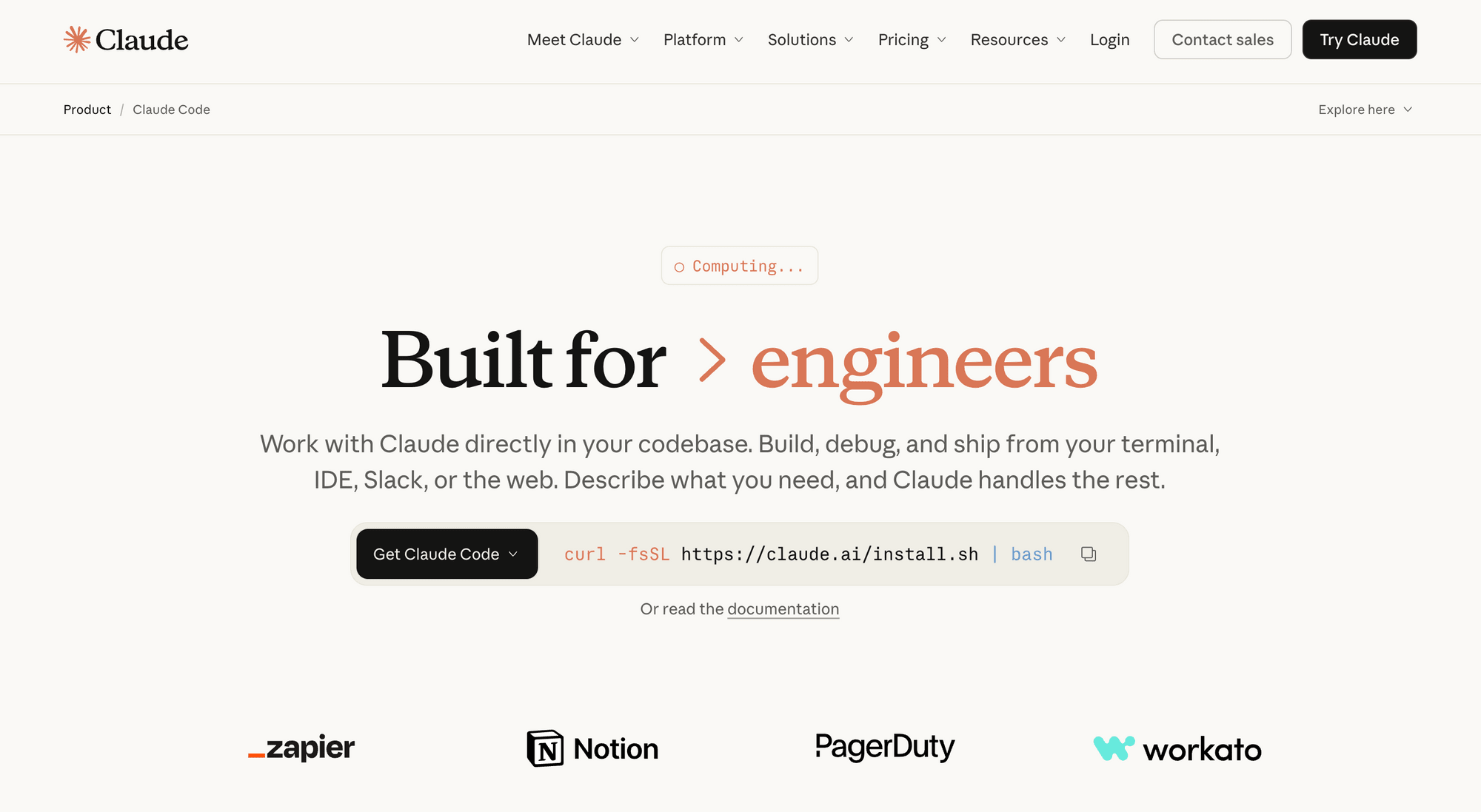
Claude Code has its own AI models—Claude Sonnet 4.6 is the community-recommended one for daily usage. For deep debugging or architectural work, Claude Opus 4.6 is better as it has better long-context coherence and intent understanding for ambiguous prompts.
Pricing: Free tier available. Pro at $17/month. Max from $100/month.
What other developers say: On r/programming, Claude Code has gained serious momentum in early 2026. Threads consistently note it handles multi-step agentic tasks and complex refactoring better than most competitors. However, the main frustration is rate limits hitting mid-session during heavy use.
Best for: Developers who want strong reasoning for complex debugging, code review, and understanding unfamiliar or legacy codebases.
5. Lovable
Lovable is slightly different from the tools above. It's not merely a coding assistant but an AI app builder. You describe what you want in plain English, and Lovable generates a full-stack web application with React/TypeScript frontend, Supabase backend, authentication, and deployment, all from a single prompt.
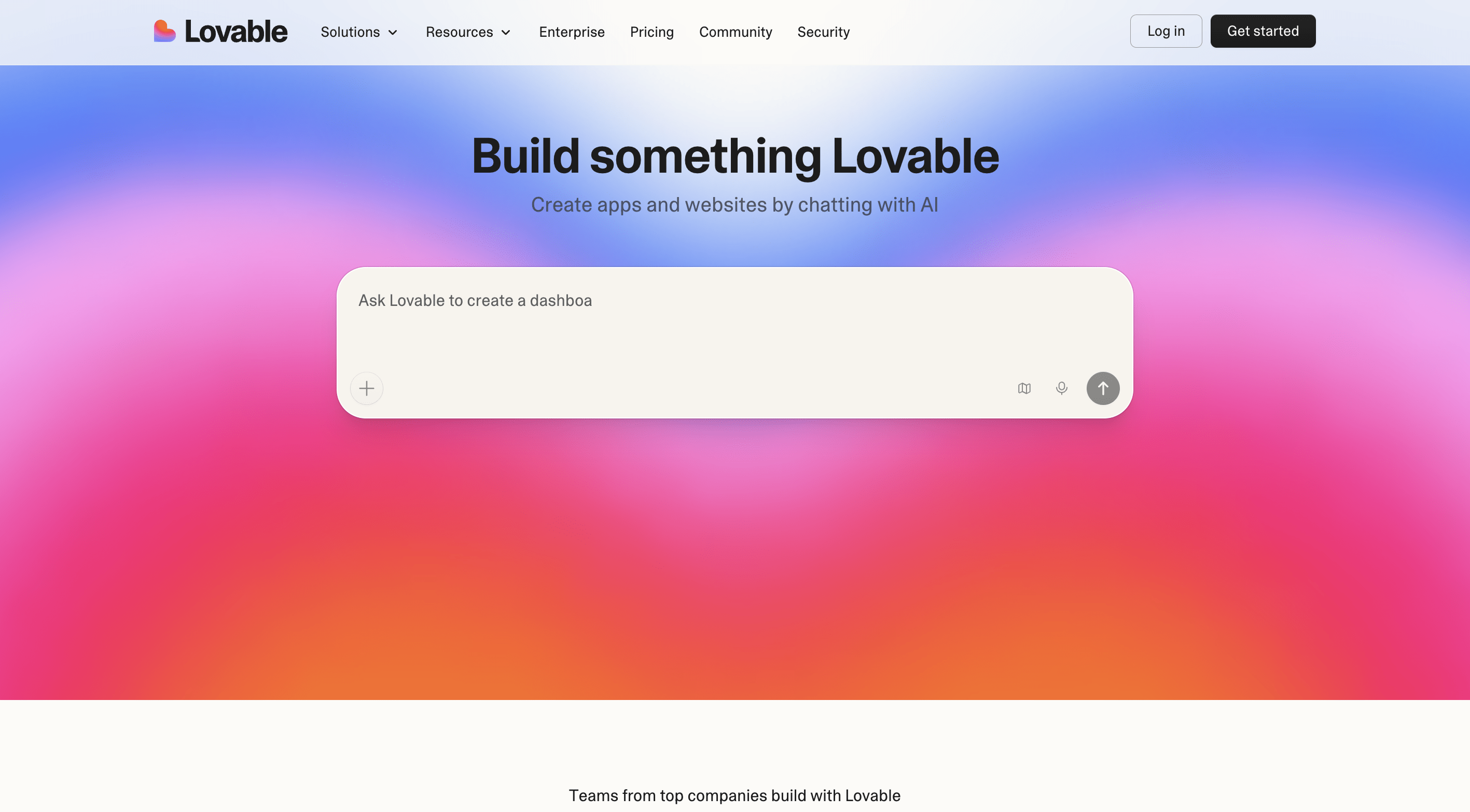
Lovable AI uses Gemini 3 Flash as the default model. That said, if you want to use a different model, you can specify it in the prompt. Supported models include Gemini 3.1 Pro, Nano Banana 2, GPT-5.2, GPT-5 mini, and more.
Pricing: Free tier (5 credits/day). Paid from $25/month.
What other developers say: Developers on r/webdev have a clear love-hate relationship with Lovable. The first generation is usually impressive—polished UI, real backends, instant deployment. However, frustration kicks in during iteration as Lovable regenerates entire files instead of targeted changes, so debugging loops burn through message credits fast.
Best for: Non-technical founders, product managers, and solo builders who want to turn ideas into working applications without learning to code.
6. Replit
Replit is a full browser-based development environment with AI integrated throughout. No local setup is required. With its real-time multi-user features, it becomes the best option for collaborative learning environments, especially for beginners and students.
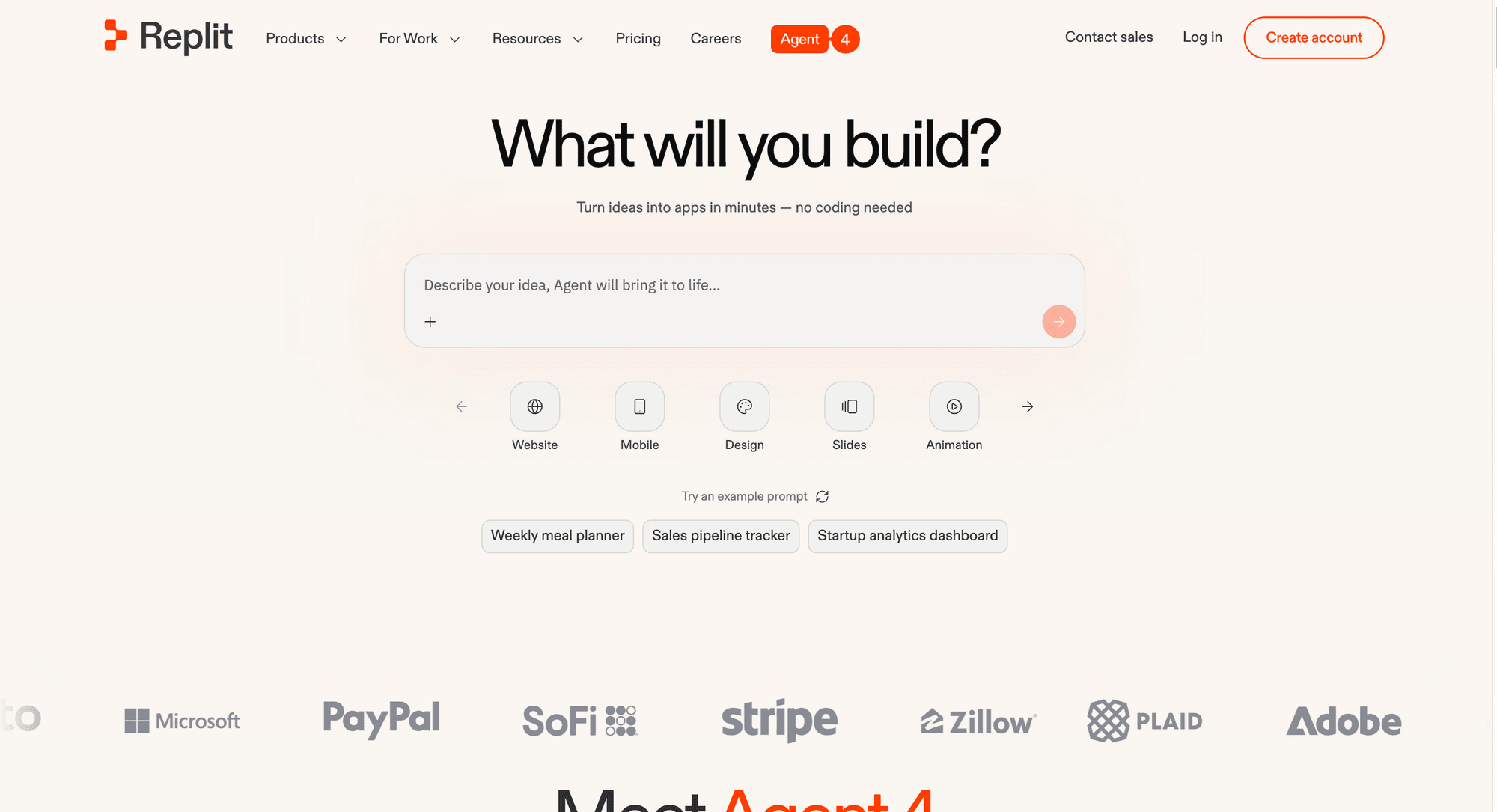
Agent 4 lets you ship anything from web apps, mobile apps, landing pages, slide decks, and videos, all live in the same project with shared context and consistent design. Besides that, for teammates working on a single shared project, it handles 90% of merge conflicts automatically, making building and shipping more efficient.
Pricing: Free tier. Paid starts from $1/month.
What other developers say: Replit comes up regularly in r/learnprogramming and r/webdev as the go-to recommendation for anyone who doesn't want to deal with local setup. Experienced developers tend to move on from it, but for getting started, it's consistently the top community pick.
Best for: Beginners, students, and developers who want zero-setup, browser-based development with real-time collaboration.
7. OpenAI Codex
Codex is an AI coding agent from OpenAI. It’s built for end-to-end engineering, from building features to refactoring to CI/CD. And for routine work like issue triage and alert monitoring, Codex can work unprompted, so developers can stay focused on building.
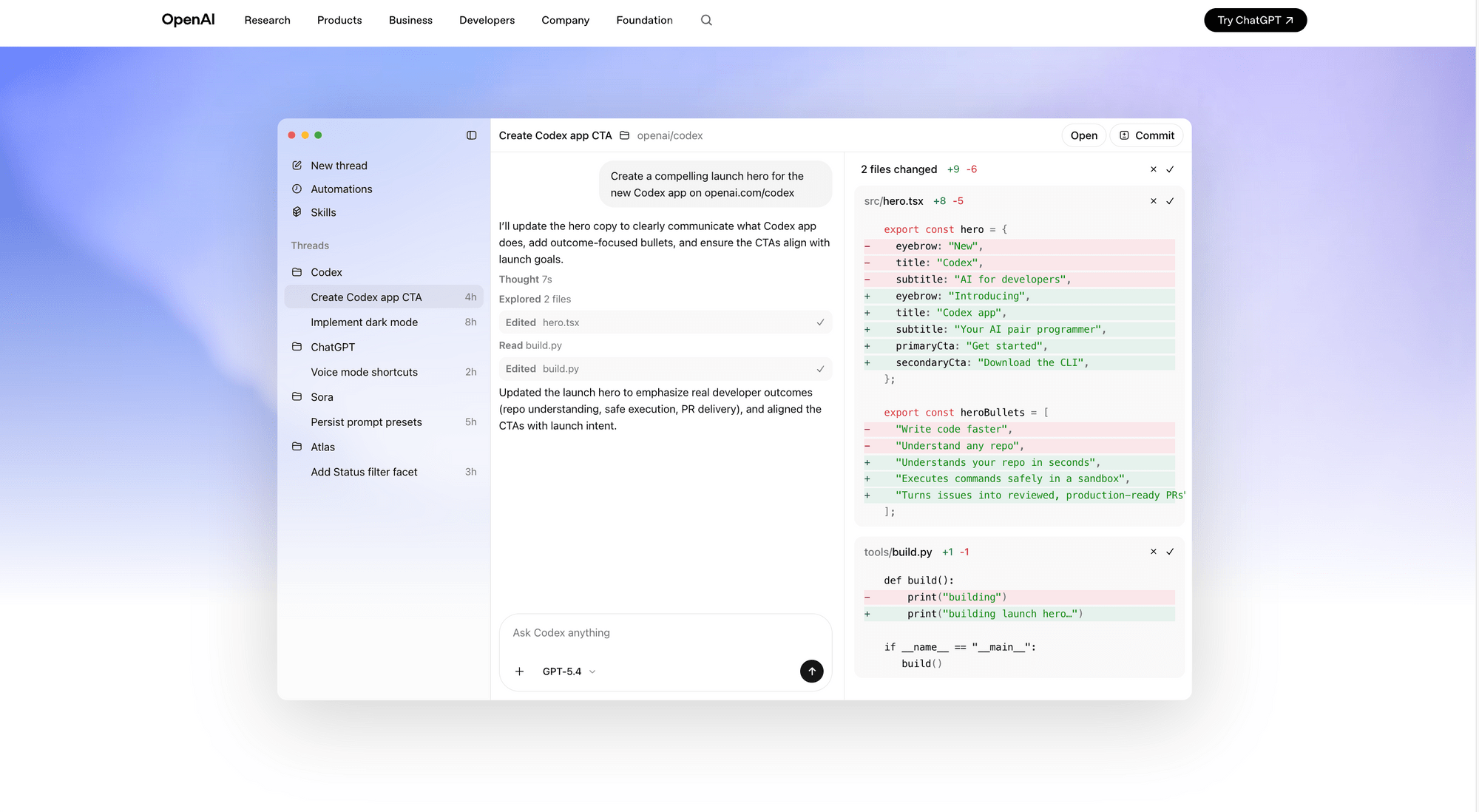
The current default model is GPT-5.3-Codex. It combines frontier coding performance with stronger general reasoning and runs 25% faster than its predecessor. It leads Terminal-Bench 2.0 at 77.3%, generates code at over 240 tokens per second, and can run independently for more than 7 hours on complex tasks while delivering real-time progress updates you can steer mid-execution.
Pricing: Free tier available. Paid plan starts from the Go plan.
What other developers say: On Reddit, developers praise its throughput and the morning batching workflow—queue tasks before you start your day, review completed PRs after.
Best for: Developers who want to batch and parallelize coding tasks asynchronously, and teams already invested in the ChatGPT/OpenAI ecosystem.
Final Thoughts
That's it! The ones available as IDE plugins (GitHub Copilot, Claude Code, Codex) are the lowest-friction entry point since you don't have to switch editors. The AI-native IDEs (Cursor, Windsurf) offer deeper integration but require you to commit to a new environment. The terminal agents (Claude Code, Codex) can run outside the editor entirely and work best alongside an IDE rather than replacing one.
On the other hand, Lovable and Replit are products that are more focused on building and not assisting an existing developer workflow. If you're a non-technical founder, product manager, or someone who just wants to turn an idea into a working app without touching a code editor, go for them.
Feel free to start with the free tiers and experiment before paying for subscription. If you'd like to learn more, here are more related articles: