You’ve just recorded a new podcast episode, and it’s packed full of great content. But before it goes live, there’s a laundry list of things to do: edit the episode, design thumbnails for Youtube and Spotify, create social content, optimize across different platforms… and the list goes on. If you’re a solo podcaster, the behind-the-scenes work can feel never ending.
ChatGPT has transformed how creators work. But it can’t replace the in-depth, context-rich expertise of someone who’s worked in their industry for years. What it can do is give smaller creators access to capabilities they otherwise wouldn’t have.
Combining ChatGPT’s conversational power with Bannerbear’s image generation can help you ship professional marketing assets in minutes.
ChatGPT x Bannerbear
Bannerbear's MCP makes it possible to connect directly to ChatGPT, combining the power of LLMs with image generation. With it, you can iterate directly in the chat. Use ChatGPT to mock up templates based on a description, play around with variations, and render images with different data. You can access the Bannerbear features you know and love—just in a different, conversational way.
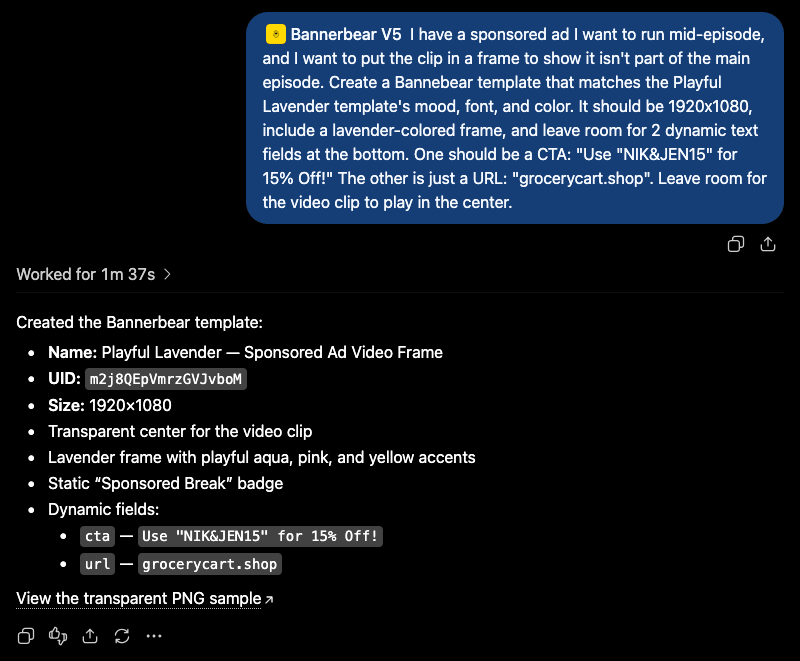
The magic is being able to brainstorm, design, and ship in the same place. Instead of having to constantly switch between tools and pass comments back and forth in an email chain, you can describe what you need and iterate in real-time.
Even if we budget in time to make final manual adjustments to your templates, you’re still cutting production time to a fraction of what it used to be.
5 Ways to Use Bannerbear With ChatGPT For Your Podcast
The examples below cover podcast marketing tasks that benefit most from combining AI and Bannerbear, yielding you quick iteration, consistency across formats, and minimal manual overhead.
Here are just a few ideas to get your creative juices flowing:
1 - Create Thumbnail Cover Variations
Your thumbnails are getting stale. Instead of redesigning from scratch, describe a few variations you want in ChatGPT—fresh colors, layout tweaks, maybe even new elements—and let it generate some options. You can keep your template structure while just refreshing the look.
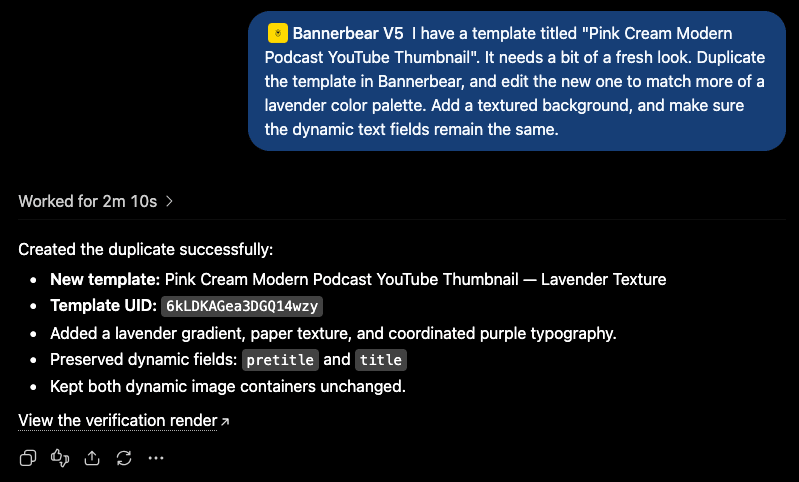
Here’s what this prompt yielded:
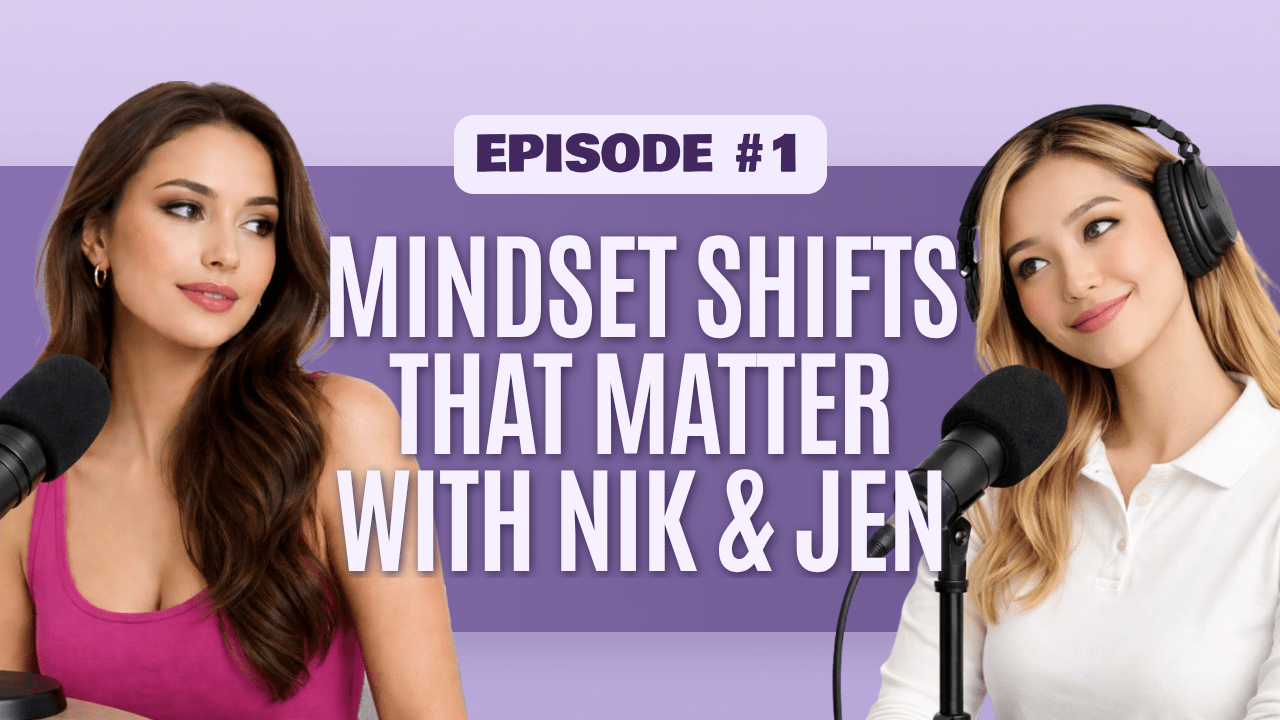
Whether you want different colors within the same brand palette, elements moved around, new input data, or a completely different look, you can prompt the system for what you need.
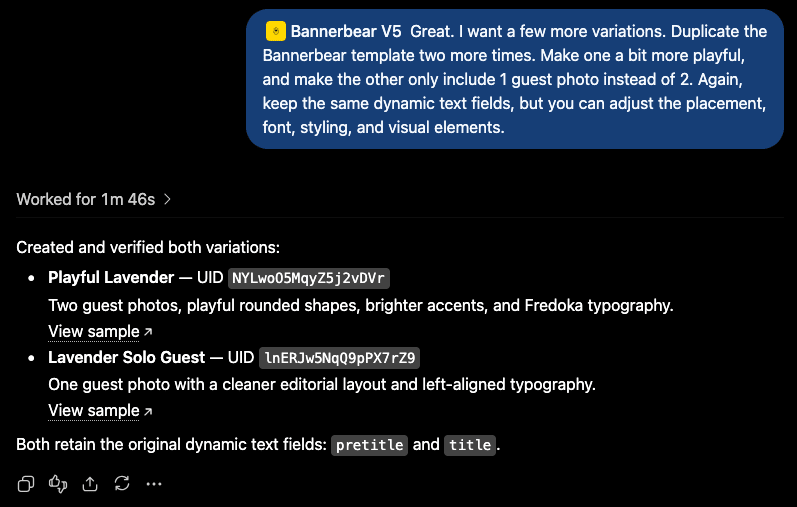
Here’s some sample output:
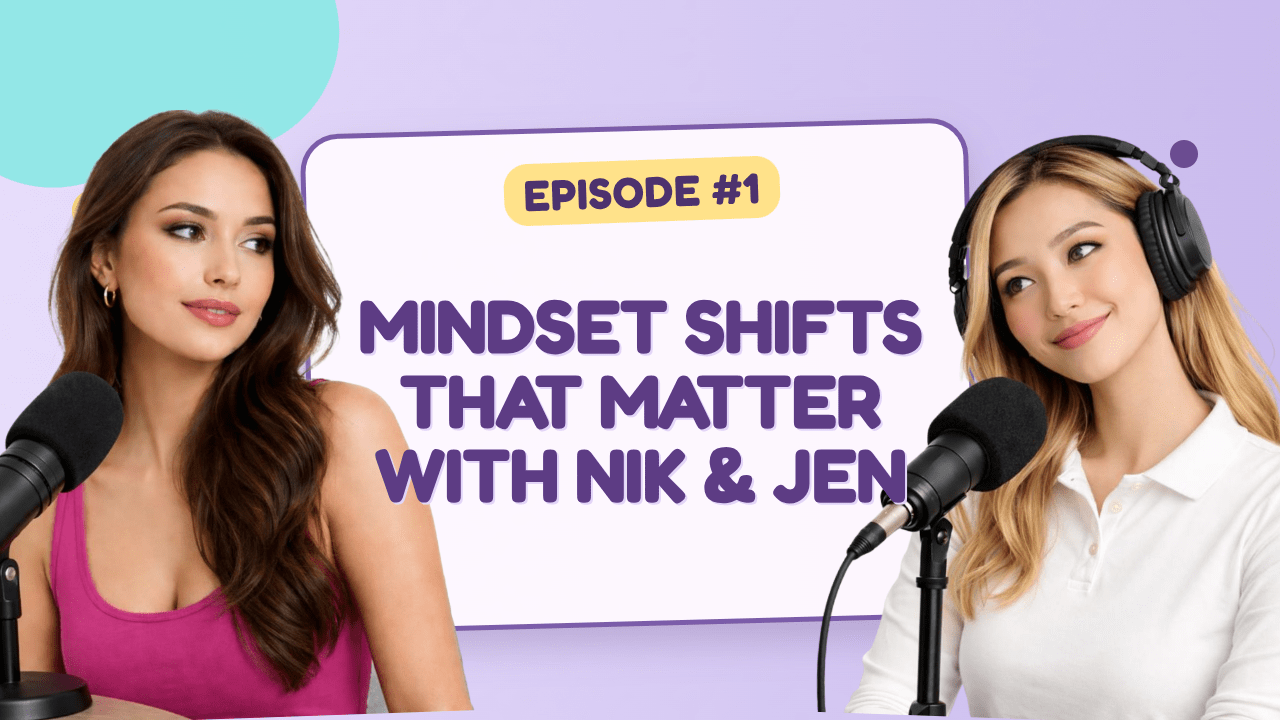
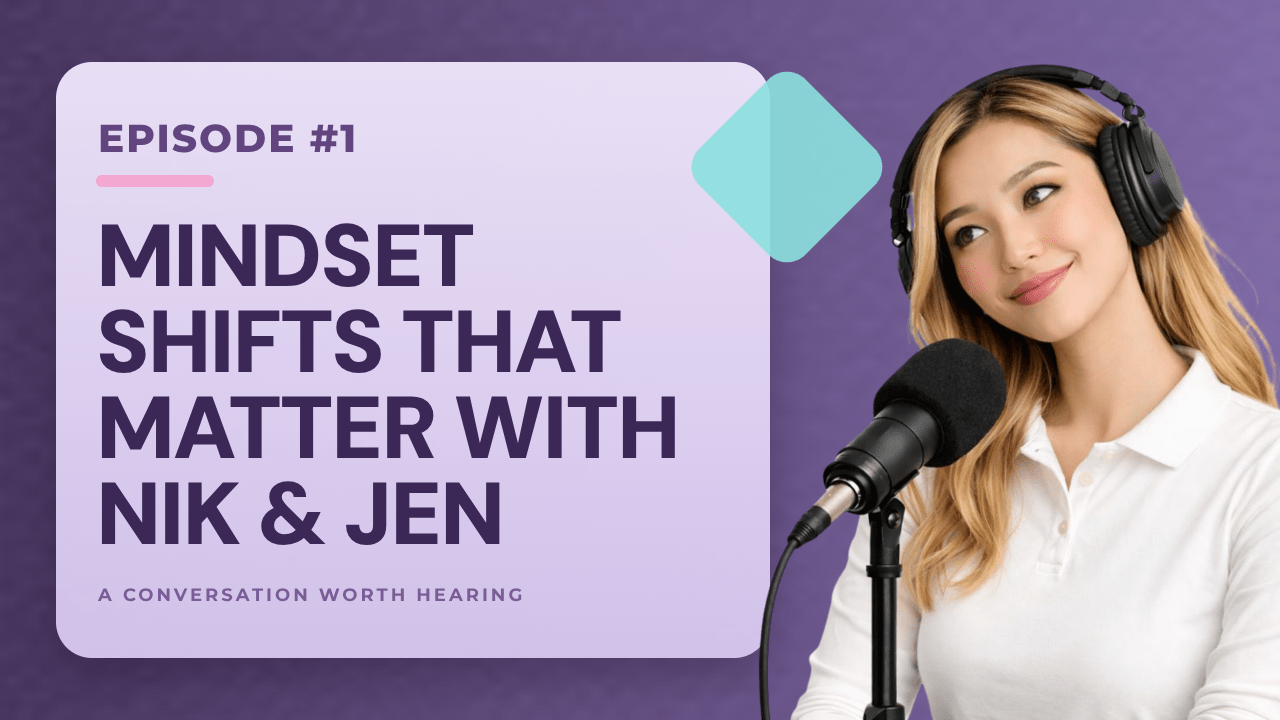
Bear Tip 🐻: Need access to utility tasks like removing backgrounds from guest photos? Guess what—you can iterate this direction in the chat too, then tie it right into your template!
2 - Overlay Sponsor Clips & Graphics
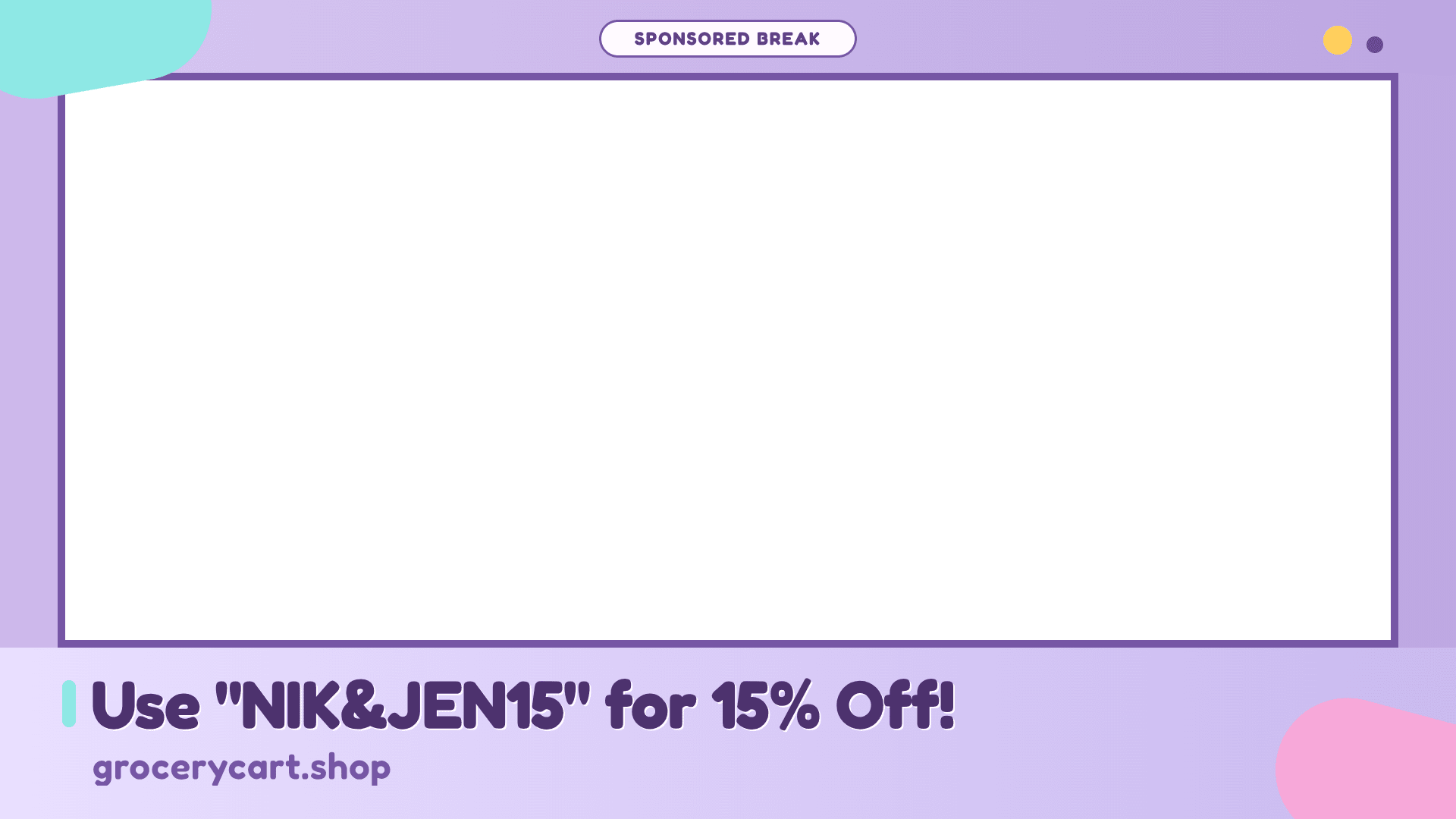
Sponsors want visibility, and audiences want to know when they’re listening to an ad. Overlays, frames, and branded graphics signal professionalism and make sponsorships feel intentional rather than dropped in. But that doesn’t mean you have to do the manual design work. Generate them in ChatGPT, then reuse the template for every sponsor read.
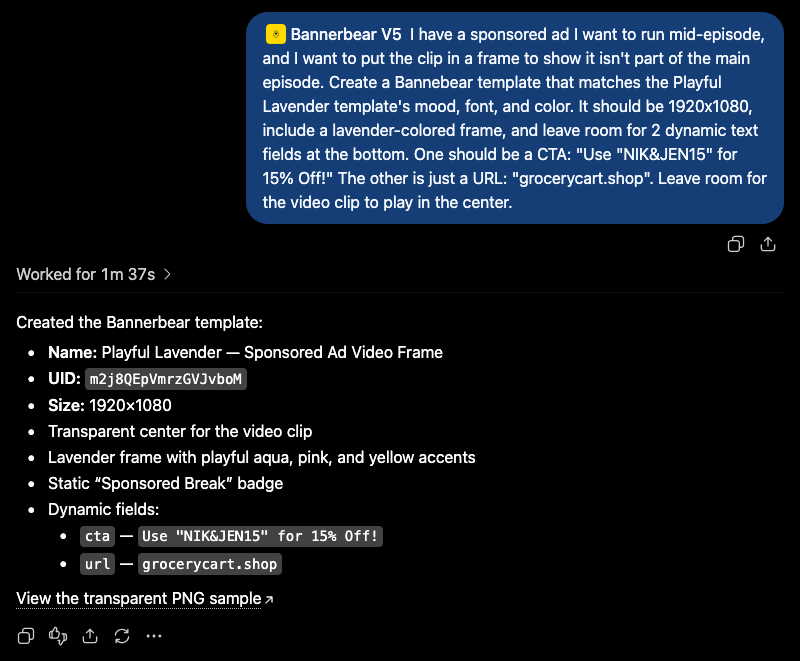
An overlay designed to be used in a YouTube video might look something like this:
And it doesn’t end there. Need to create a few other sponsored posts? Prompt the system to mock up something else based on the same information.
3 - Repurpose Content For Different Platforms
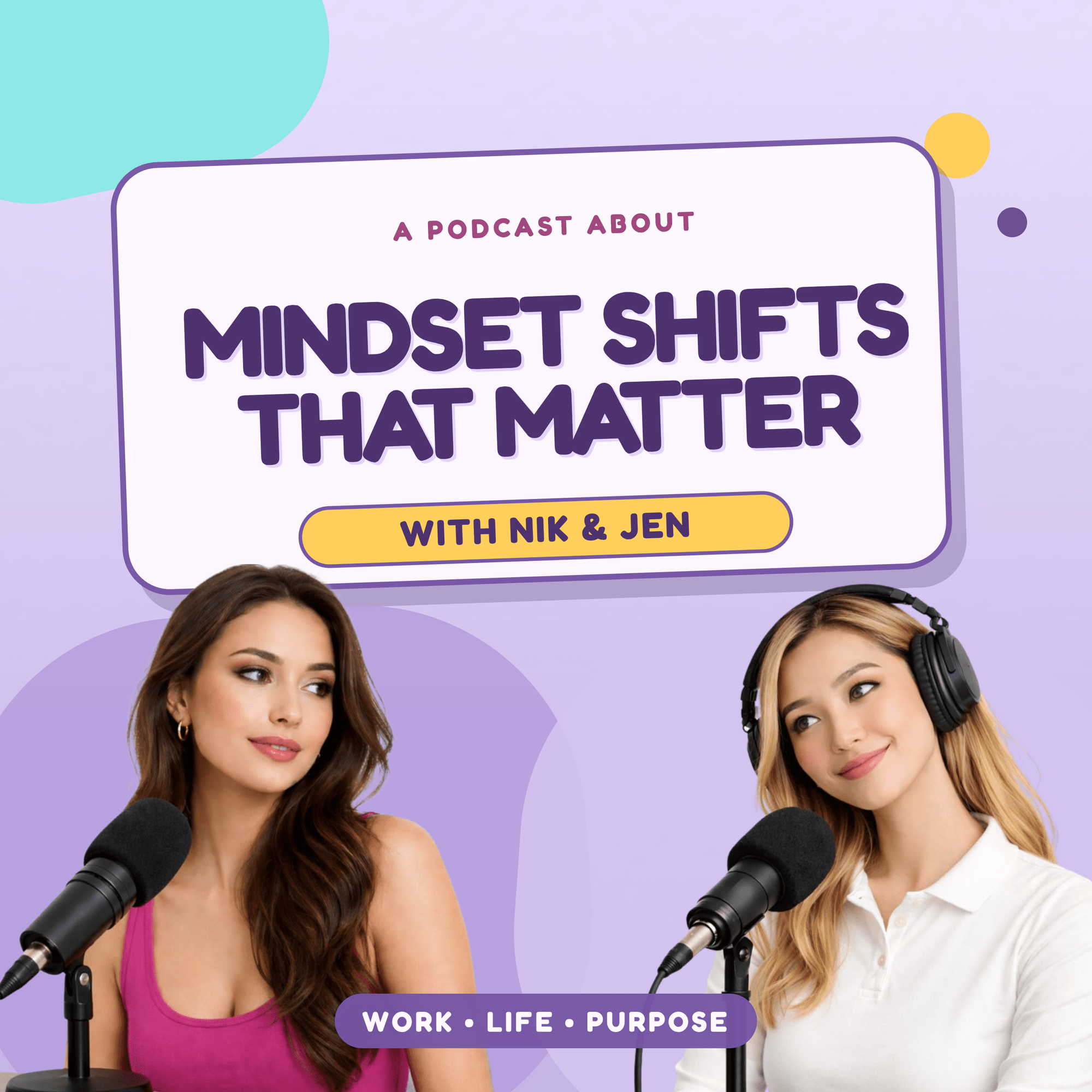
A single podcast episode can turn into endless content ideas across several different platforms. Feed ChatGPT your transcript, an episode title, a guest name—whatever data you need—and turn it into social posts, quote graphics, discussion points, and more. The same information goes into different formats and templates, optimized for where it needs to go.
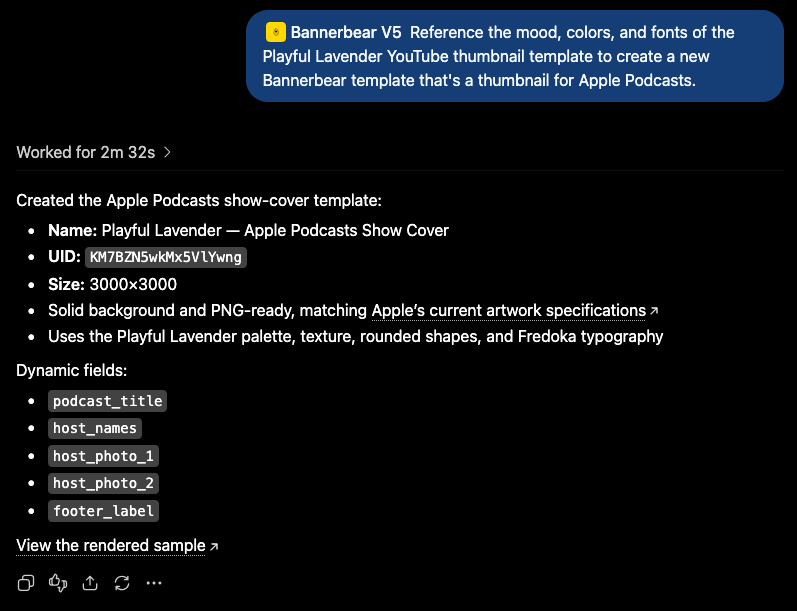
Your YouTube thumbnail can turn into an Apple podcasts thumbnail…
…or even a Patreon post.
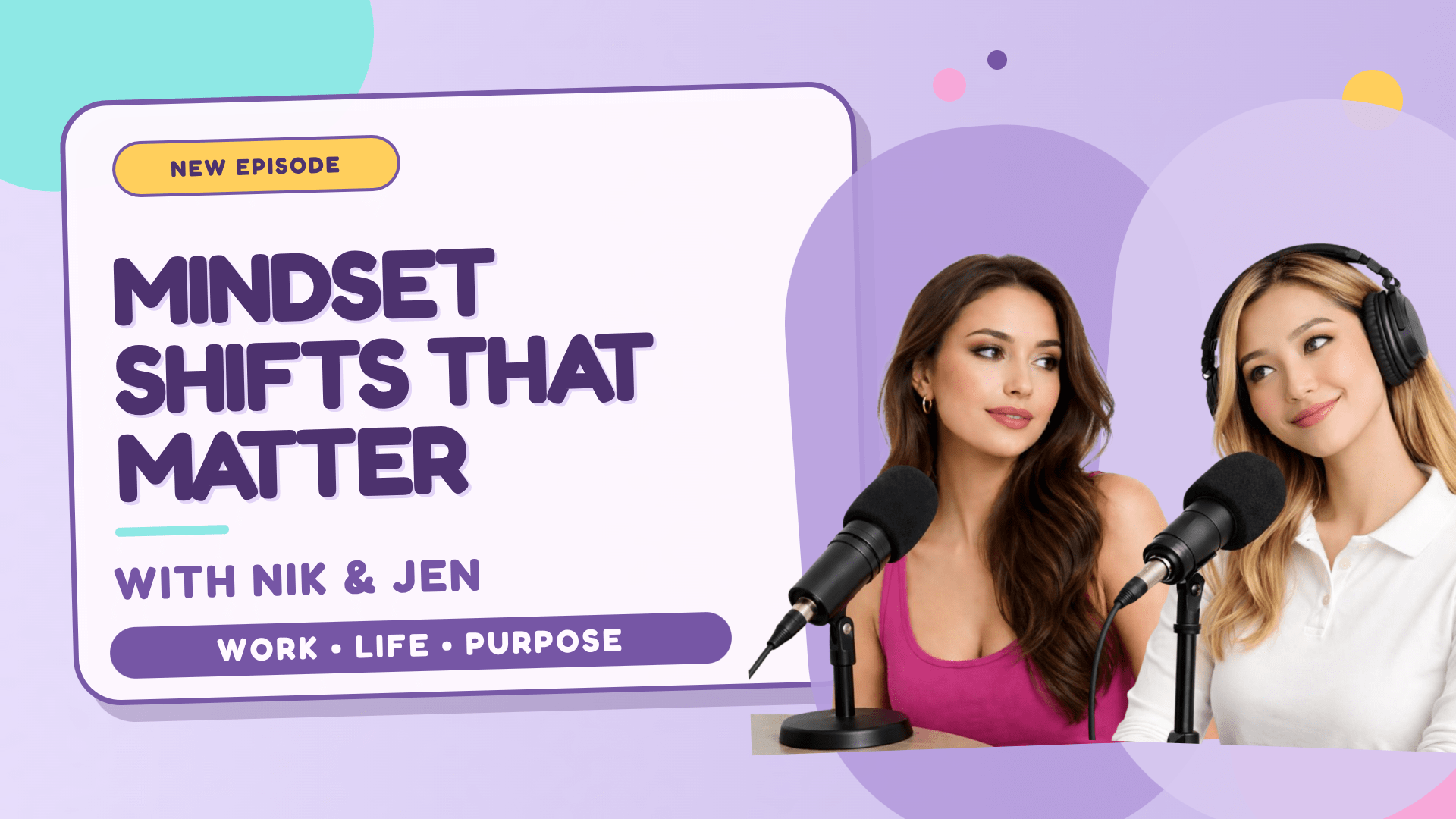
The possibilities are endless!
4 - Mock Up Interactive Posts For Social
Engagement is a key factor when marketing on social. It shows that your audience is interested in your content. And with podcasts, you’re constantly bringing new topics and conversations to the stage.
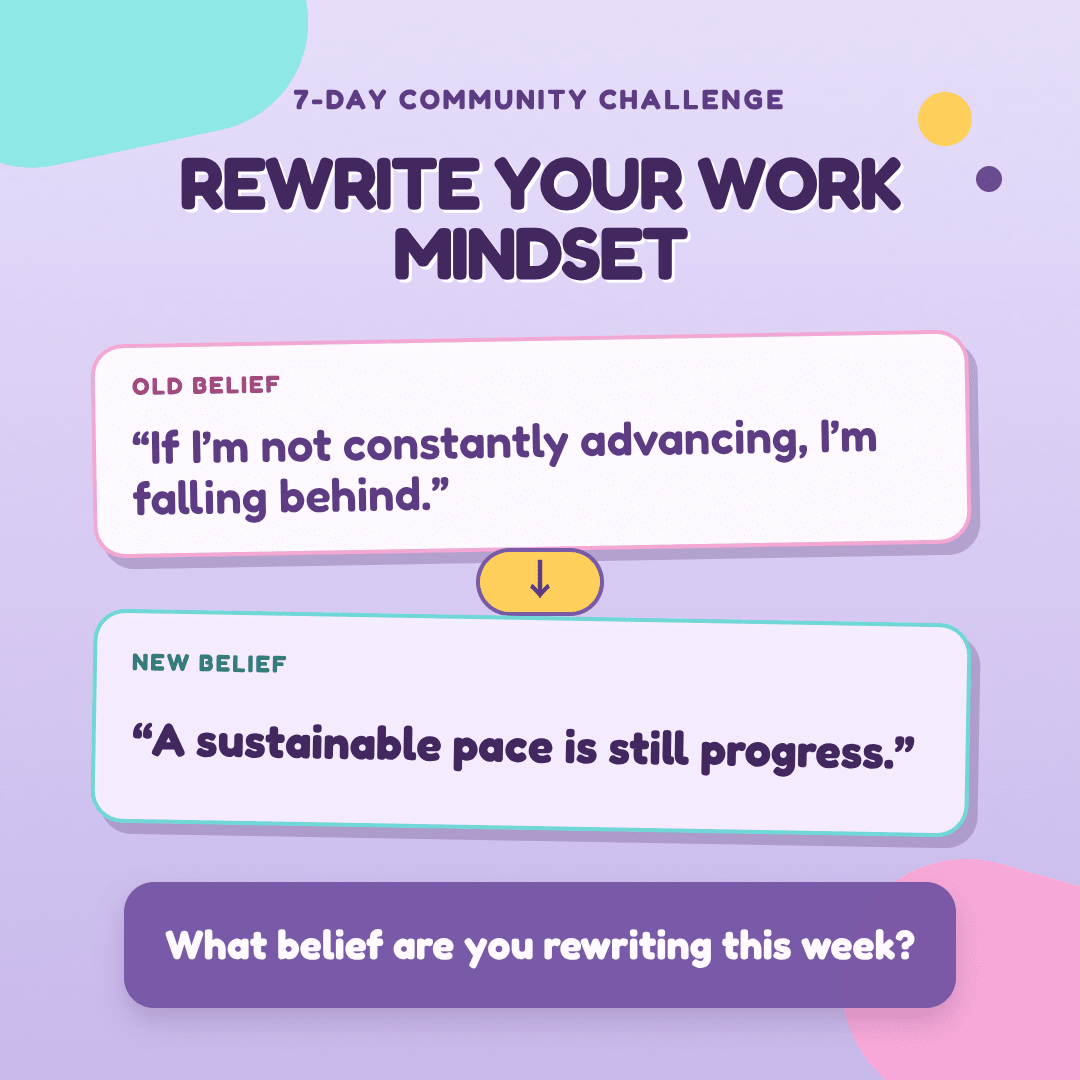
Polls, questions, conversation starters… every fresh episode of content is an opportunity to spark a discussion. ChatGPT can suggest discussion hooks from your transcript. Then, Bannerbear turns them into formatted graphics you can post immediately.
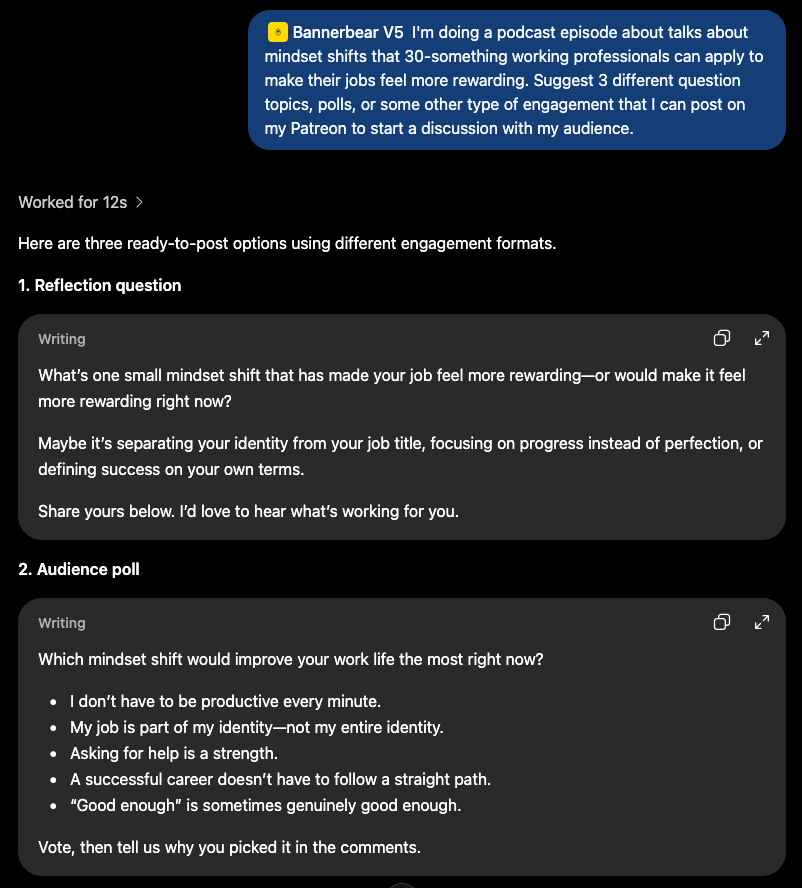
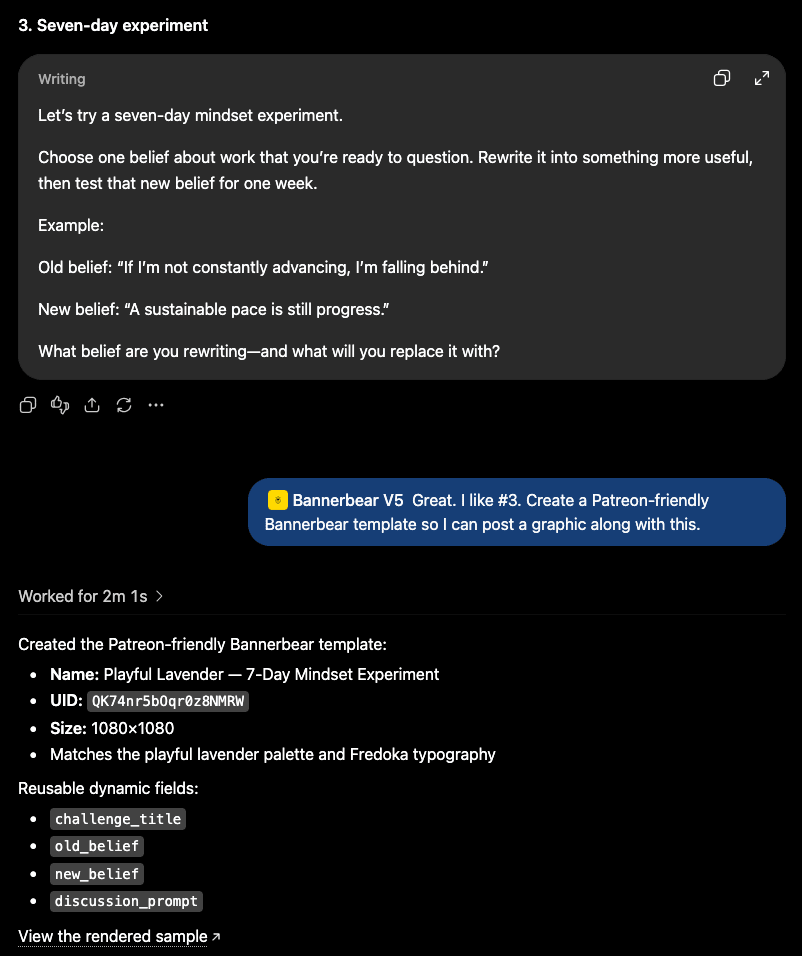
The reusability factor of the Bannerbear template means you can keep using these designs as more episodes come out.
5 - Turn Episode Gold Into Social Content
The best moments in your episode are often buried in the transcript. ChatGPT can help you isolate them, before using Bannerbear to turn them into share-worthy graphics. Quick iteration means you can post them shortly after the episode drops, while momentum remains high.
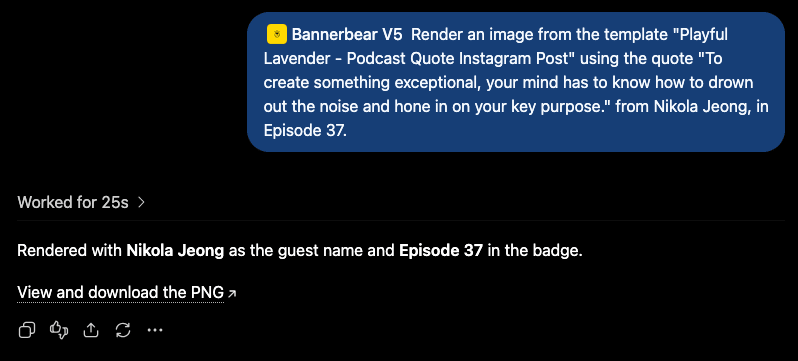
Pull a quote directly from the transcript, feed it into your template, and render it right away. Rinse and repeat for every platform—X, Patreon, Facebook, and email newsletter.
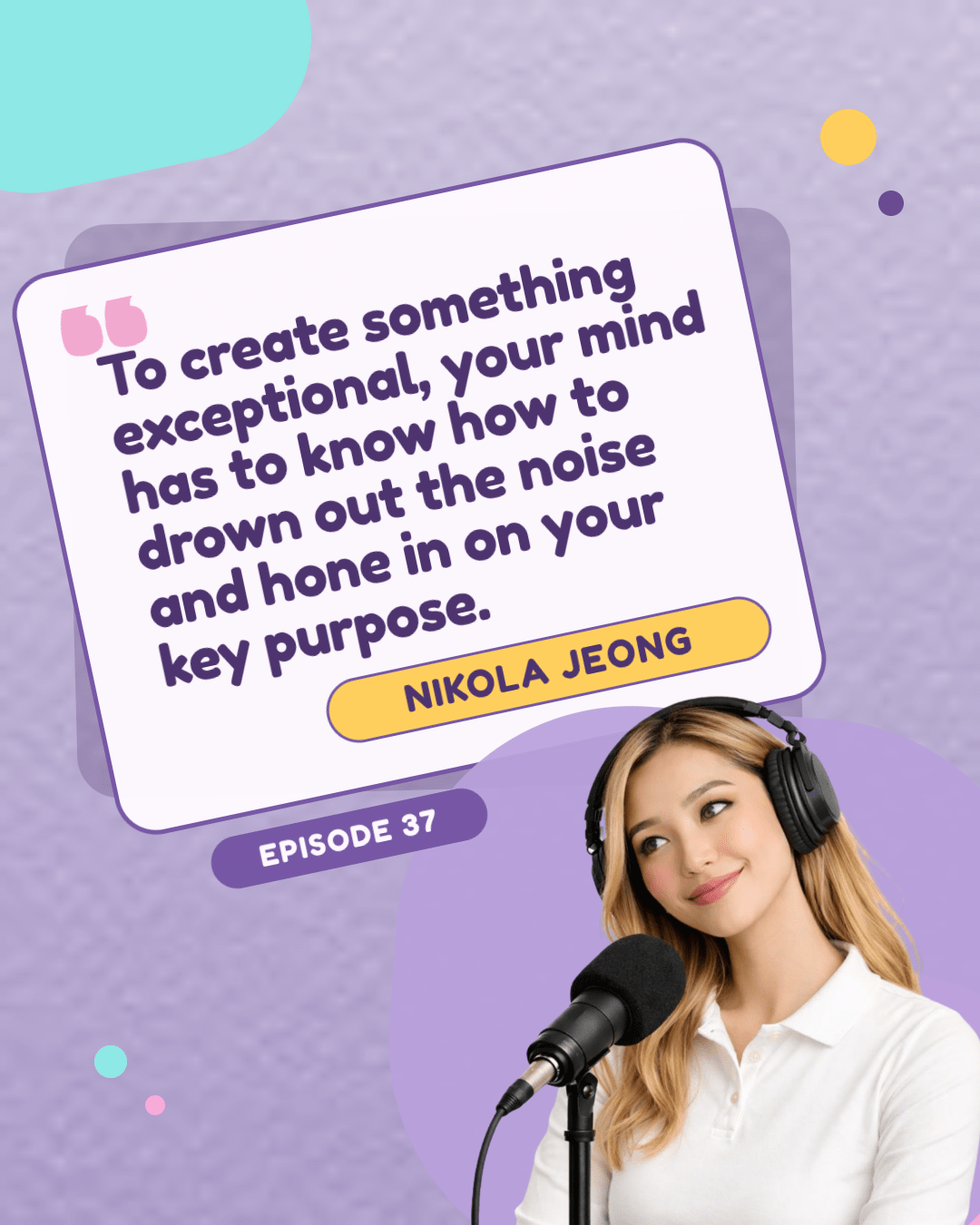
Bear Tip 🐻: Responsive sizing in Bannerbear means you can set your templates to scale to a bunch of different sizes and aspect ratios without breaking. Just set each layer up to scale the way you want it to, and insert dimensions as input data!
Conclusion
You don't need a full marketing team to compete with big podcasts—sometimes, that just isn’t in the cards. Fortunately, there are tools to help you work smarter.
ChatGPT x Bannerbear collapses the gap between idea and execution. A few minutes of prompting replaces hours of design work, giving you a launchpad without the multi-day back and forth. One dataset can turn into ten social assets. Templates can scale across platforms automatically with fresh data, new variations, and more.
Ready to give it a try? Start with one of these five workflows. Pick whichever solves your most annoying bottleneck—whether that's thumbnail fatigue, sponsor consistency, or the endless social posting treadmill. Spend 15 minutes setting up a template in Bannerbear—or even hit the ground running by describing what you want in-chat. Then, let technology do the heavy lifting.
Podcasting doesn’t have to become an endless void of admin work. Here are other ways Bannerbear can help:
👉 How Great Visual Media Increases Podcast Visibility (And How Bannerbear Can Help)
👉 5 Ways to Supercharge Your Podcast Marketing with Bannerbear
👉 Style Your Subtitles Like YouTube, Netflix & Crunchyroll Using FFmpeg
👉 Stop Resizing Graphics for Every Platform — Automate It with Bannerbea