Tweetagram! a free Bannerbear API Demo

It's been just over a week since I pivoted Bannerbear to a pure API product
by Jon Yongfook ·

Contents

    It's been just over a week since I pivoted Bannerbear to a pure API product. One thing I must do now is to show people what you can do with it :)

    I love the fact that the core product is now an API. It keeps the product scope manageable but at the same time enables many, many use-cases I wouldn't have thought of myself.

    But I feel it would be hypocritical of me to offer an API product if I wasn't also a consumer of that API. So to fix that, and to also give some examples of what can be done with the API, I'm starting a demo section on the Bannerbear site.

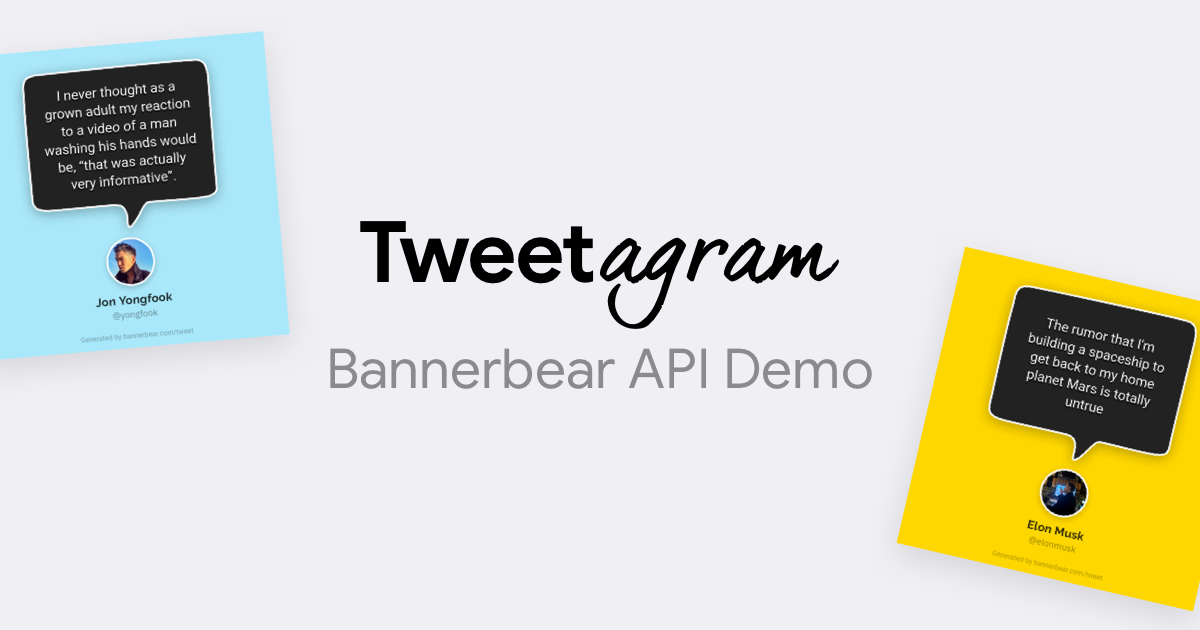
    The first demo is Tweetagram - plug in a tweet url and it gives you back an image (square or IG-story size). For free! (Built in one day 😅)

    Try it out! It does multiple sizes and colours. All of this is powered by the Bannerbear API.

    Note: one of the templates is inspired by a project called Startup Quotes, from maybe 10 years ago which I thoroughly enjoyed :)

    Here's an example Tweetagram, via Aaron Levie (follow him, his tweets are hilarious):

    The purpose of the demos is to give developers some idea of what Bannerbear can do. But if you're not a developer and your interest is sparked by the demo, do get in touch (email at the bottom of the website!). I may be able to help with doing Bannerbear API integrations - or point to someone in my network who can help!


    About the authorJon Yongfook@yongfook
    Jon is the founder of Bannerbear. He has worked as a designer and programmer for 20 years and is fascinated by the role of technology in design automation.

    8 Best MCP Servers for Claude Code Developers in 2026

    Discover the 8 best MCP servers for Claude Code in 2026 that will supercharge your development workflow, including GitHub, Playwright, Supabase, Figma, and more.

    What is an MCP Server and How to Build One

    Learn what an MCP server is and build one using TypeScript. This guide shows you how to connect AI assistants like Claude to your application's API via the MCP server.

    How to Set Up MCP Servers in Cursor

    Stop switching between tools while coding in Cursor. In this article, you'll learn how to set up MCP servers in Cursor so you can access external services like GitHub, Zapier, Jira, Figma, and more all without leaving your IDE.

    Automate & Scale
    Your Marketing

    Bannerbear helps you auto-generate social media visuals, banners and more with our API and nocode integrations

    Tweetagram! a free Bannerbear API Demo
    Tweetagram! a free Bannerbear API Demo