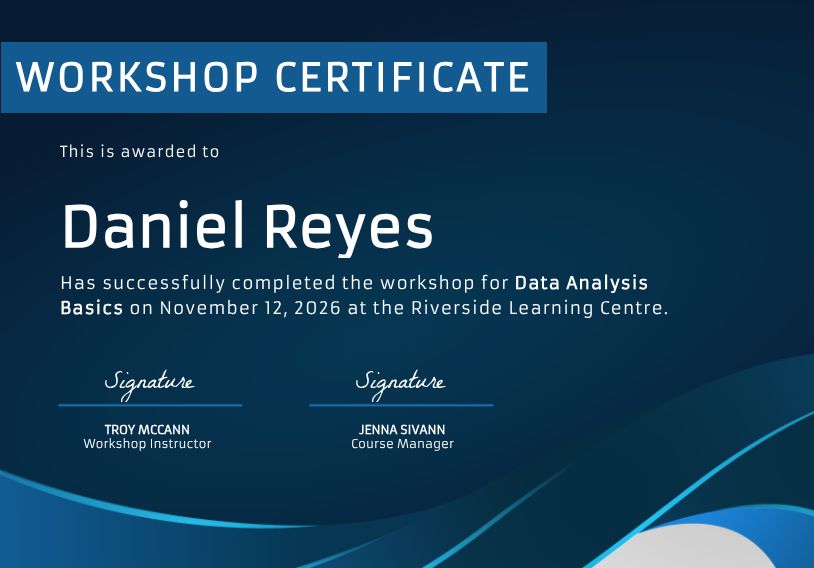
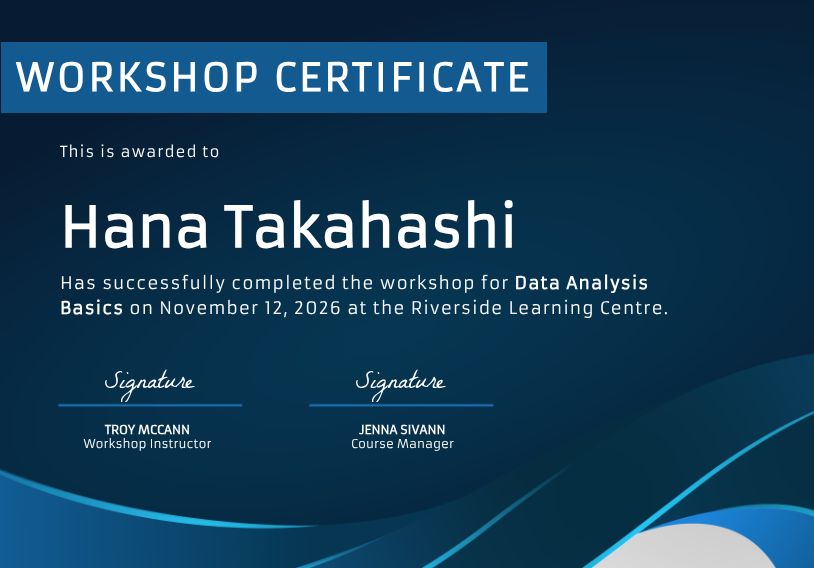
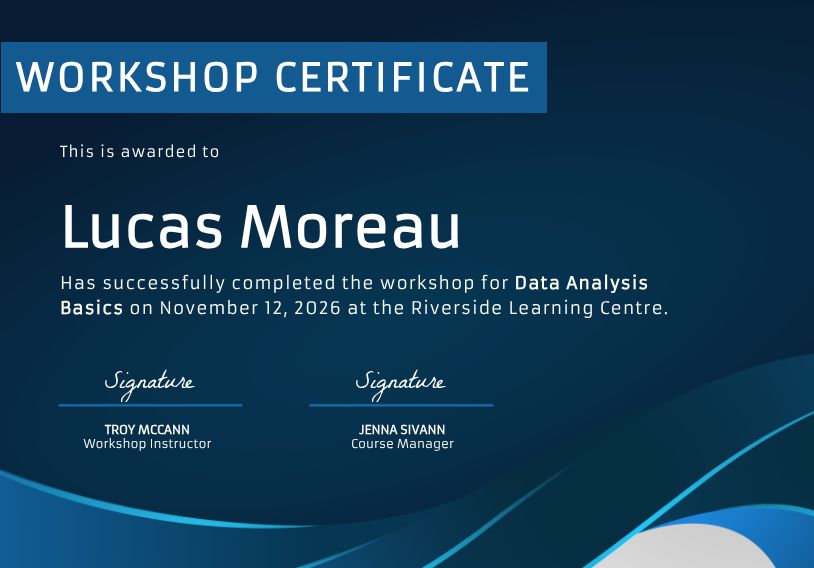
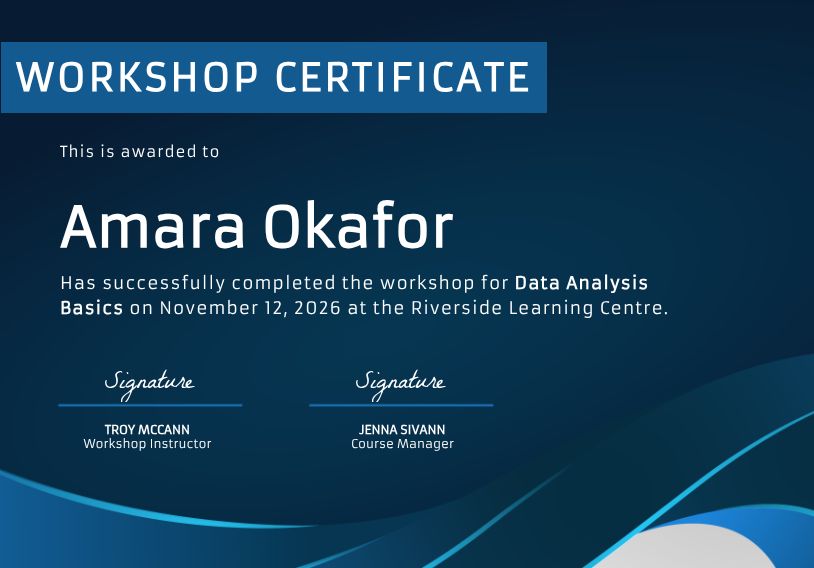
Course, training and event teams send many certificates. Bannerbear fills one template with each row of a spreadsheet or each form entry, and returns a PDF per person.


A certificate is the same design with a new name, course and date. Bannerbear keeps the design in one template and fills it from your data, so nobody retypes a name in a design tool.


fetch('https://api.bannerbear.com/v5/images', {
method: 'POST',
headers: { 'Authorization': `Bearer ${API_KEY}` },
body: CERTIFICATE_DATA
})Add a row for each graduate with the name, course and date. Each row fills the text layers of your certificate template and returns a PDF. This is a real Bannerbear render.
When a learner finishes a course or registers for an event, the form entry becomes the data for a render. The certificate is ready as soon as the entry arrives.


Point an AI agent at your attendee list and ask for the certificates. It renders each one from your template.
Connect Google Sheets, Airtable and more, or use the PDF API and Zapier

Pull rows from an Airtable base and (optionally) write generated image URLs back to a column.

Pull pages from a Notion database, and optionally write generated image URLs back to a URL property.

Pull contacts, companies, deals, tickets and optionally write generated image URLs back to a property.

Pull events from an Eventbrite organization.
The Bannerbear features certificates teams use most
Ask any image template for a PDF and get a print-ready document.
A row per person, rendered with Zapier, Make or a Bannerbear workflow.
Let colleagues request a render through a form, no Bannerbear login needed.
Fonts, colours and logos live in the template, so every certificate matches.
Pin a template version so a redesign never changes certificates already issued.
Ask Claude or ChatGPT for the certificates and get the finished files back.
12 month trailing 99.9% uptime. 6 years providing image and video API services. Check our current status.
Common questions from teams that send many certificates.
Render your certificate template and ask for pdf in the formats array. It is the same request as a JPG, only the format differs. See the PDF API for details.
The free online certificate generator makes one certificate at a time. Use Bannerbear when you need one for each row of a list.
Yes. Connect the sheet with Zapier, Make or a Bannerbear workflow, and map each template layer to a column. See the Google Sheets integration.
One, the same as any other format. Asking for a PDF and a JPG together costs two, because credits are counted per format. A free trial includes 30 API credits.
Pin the template version. A render can target a specific saved version, so a redesign never changes a certificate you already issued.
Yes, as long as you use a font that supports the language or writing system. You can upload your own fonts.
Start a free trial with 30 API credits, no credit card required