- events & weddings
Print Event Badges from an Excel List
Turn an attendee spreadsheet into personal badges, A4 sheets with cut guides and a CMYK file for a print shop
Render Spreadsheet
Lay Out Print Sheet
Flatten PDF For Print
PDF To Image
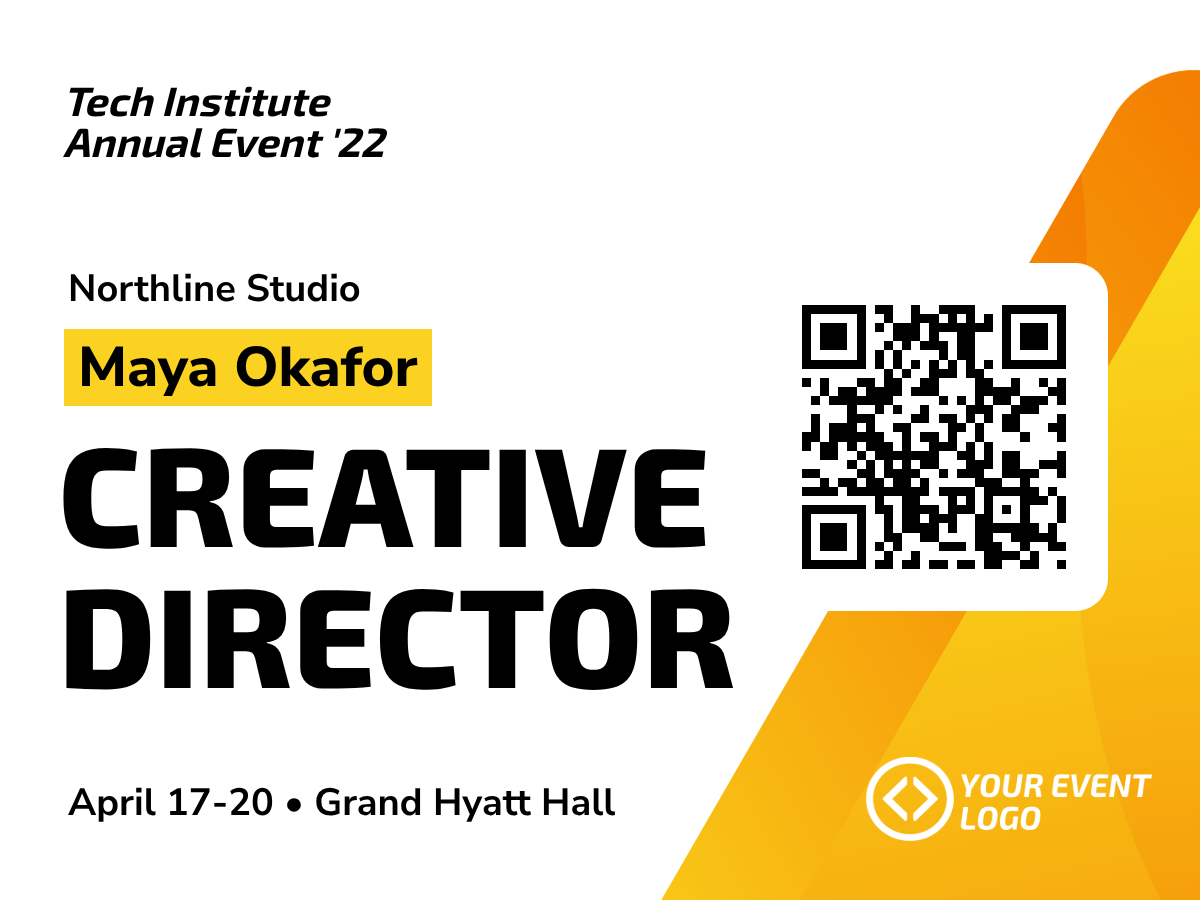
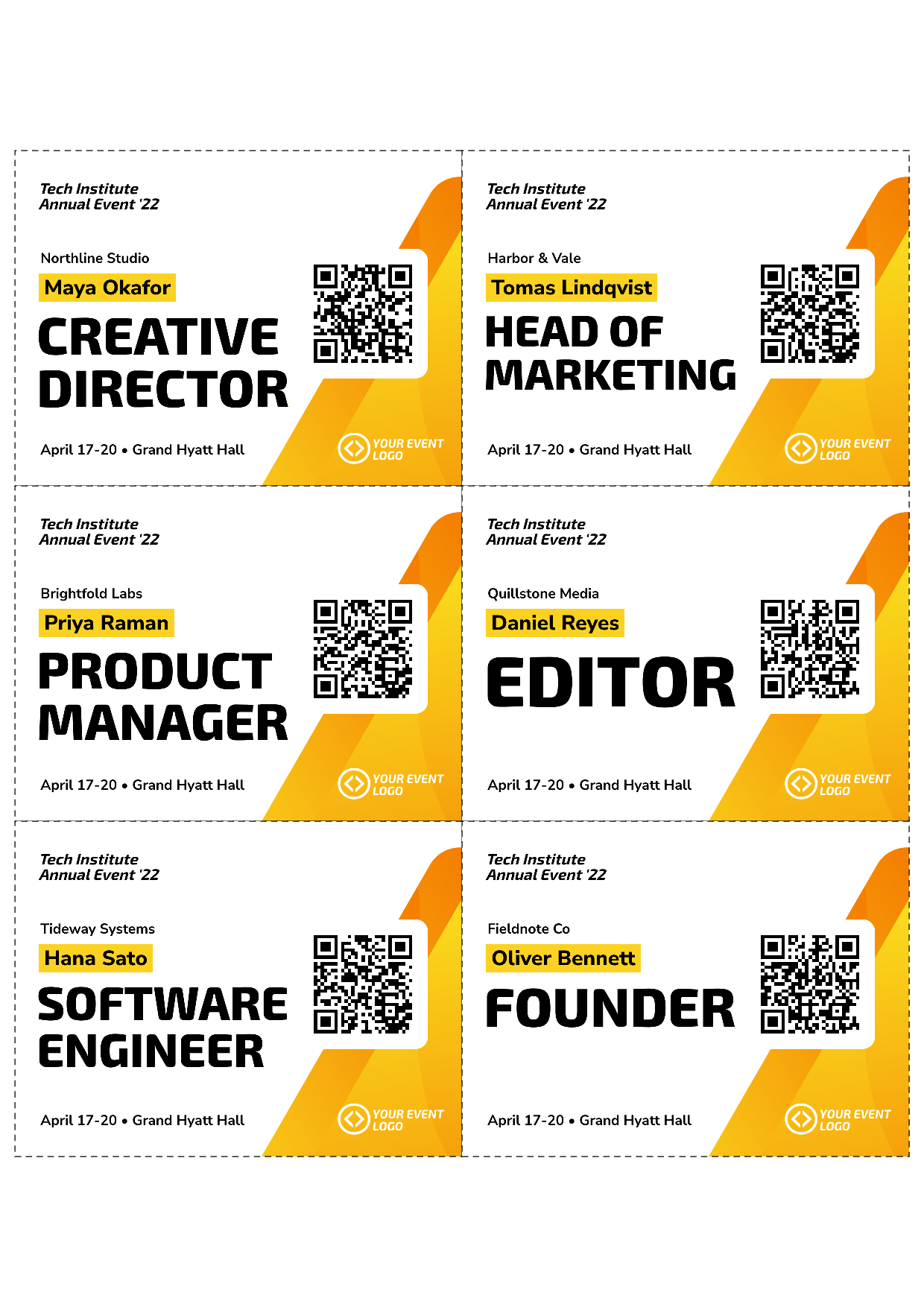
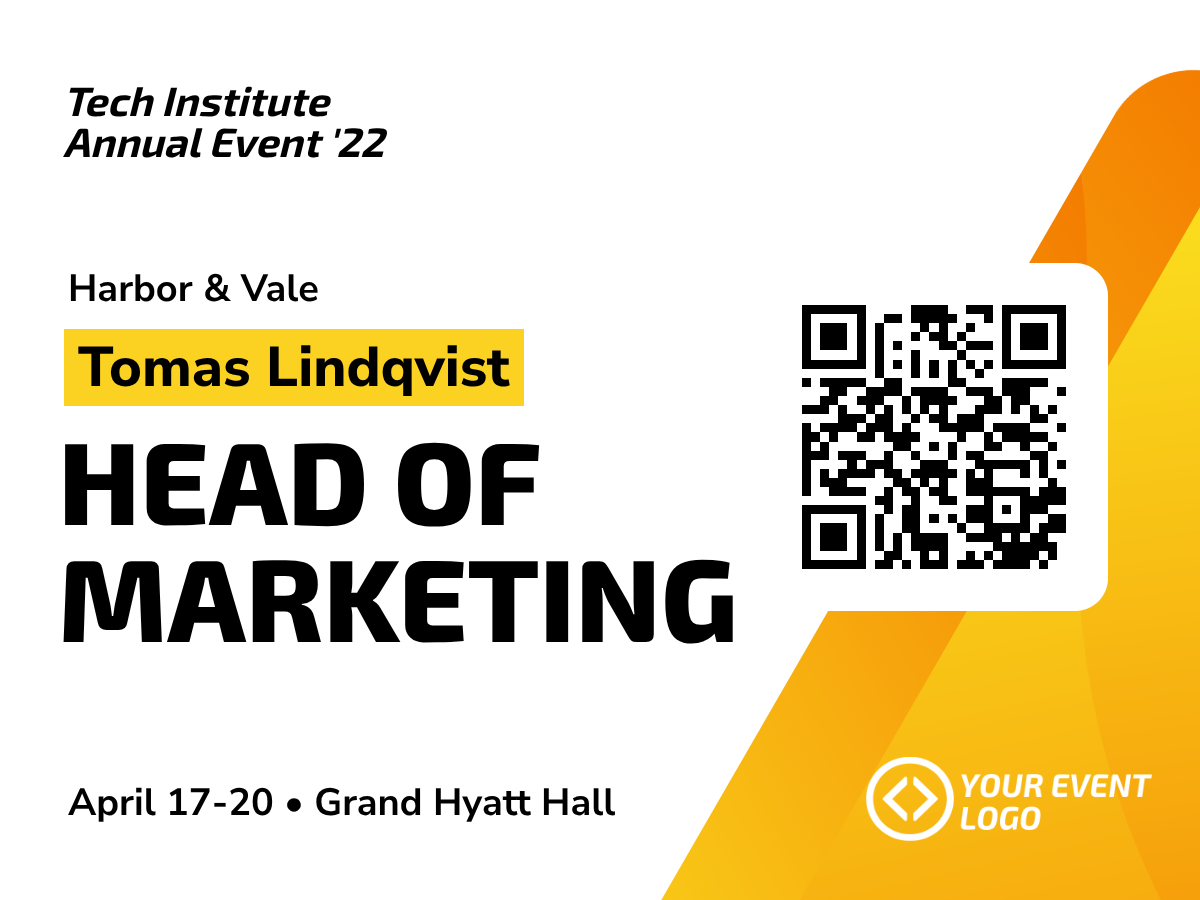
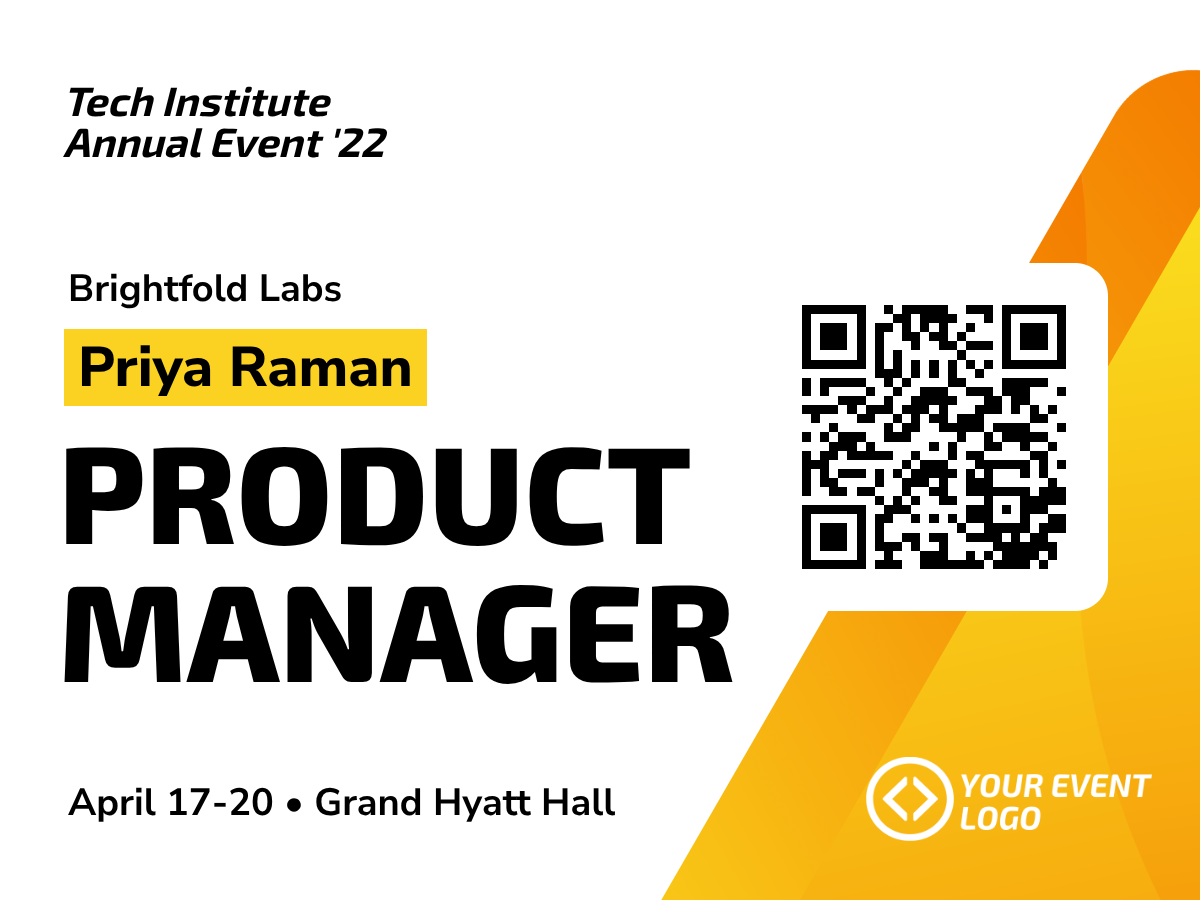
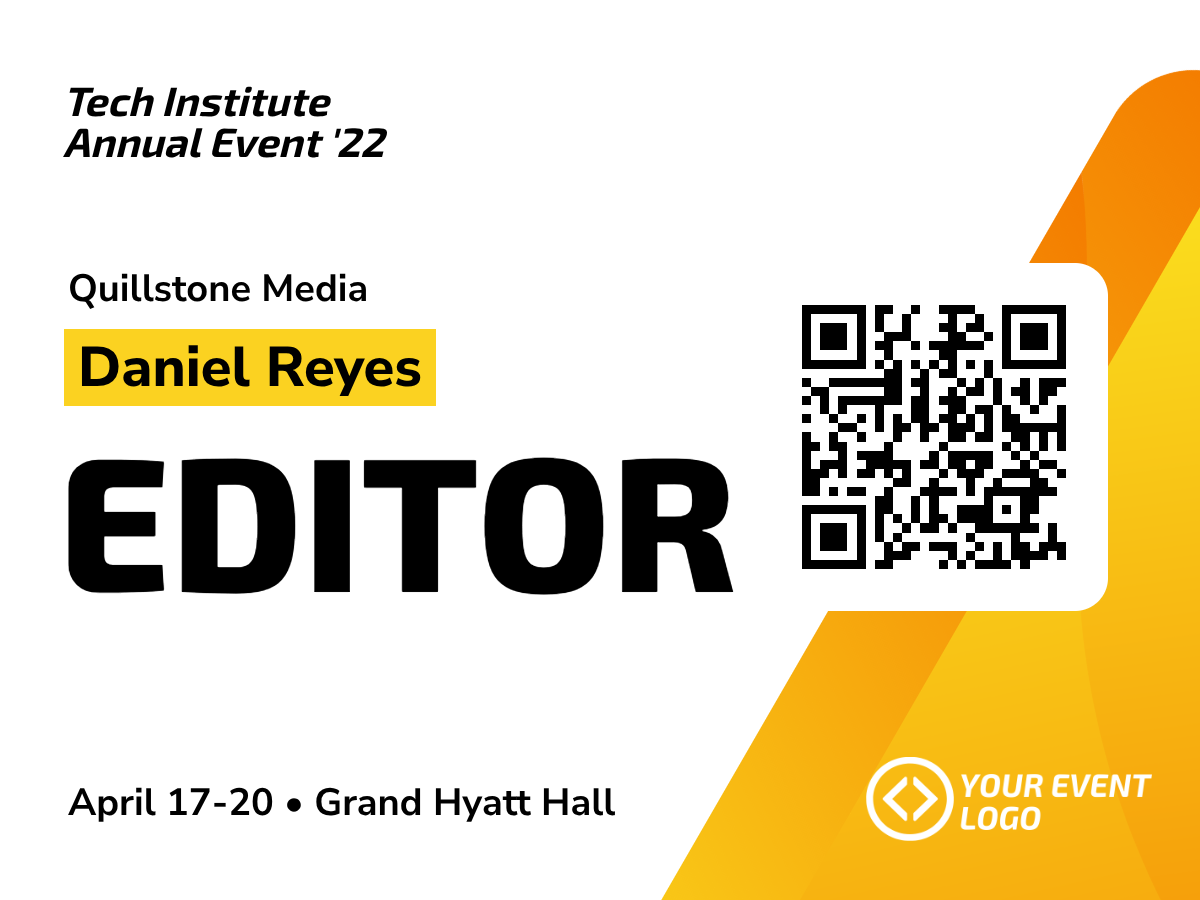
Turn an attendee spreadsheet into personal badges, A4 sheets with cut guides and a CMYK file for a print shop
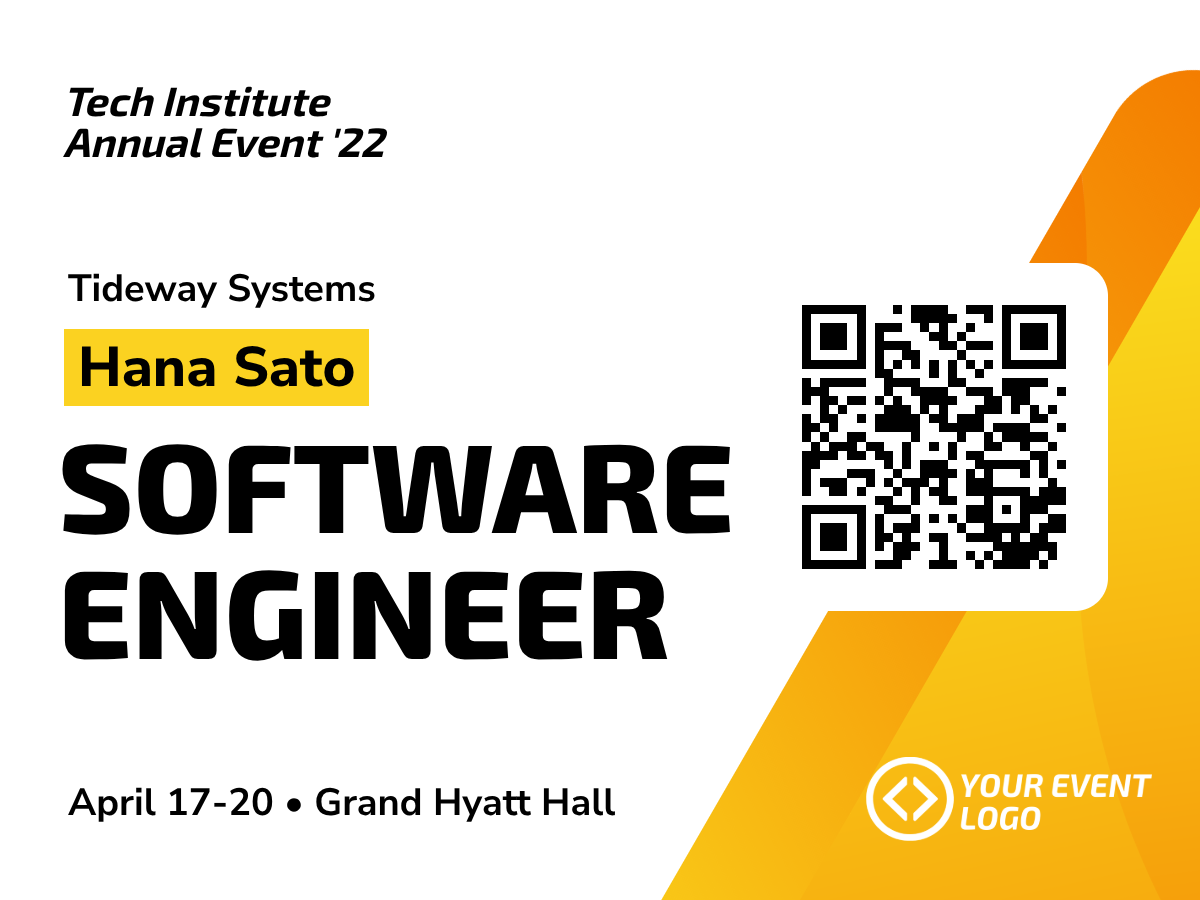
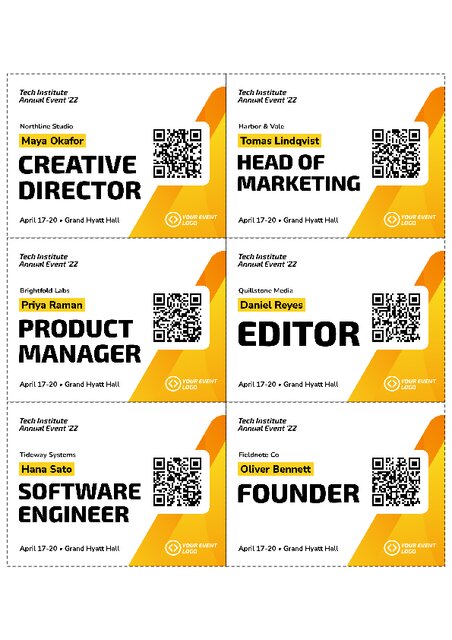
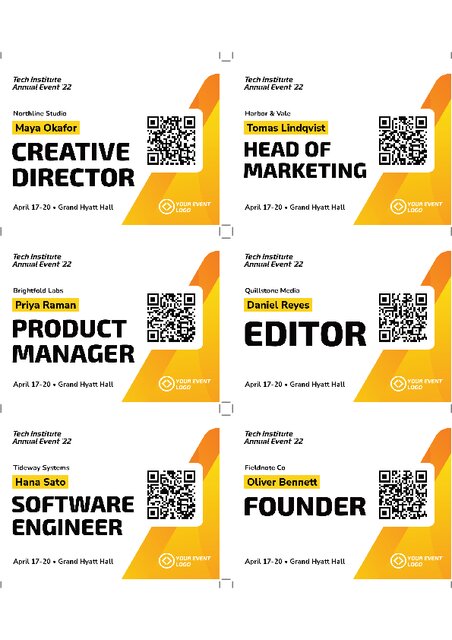
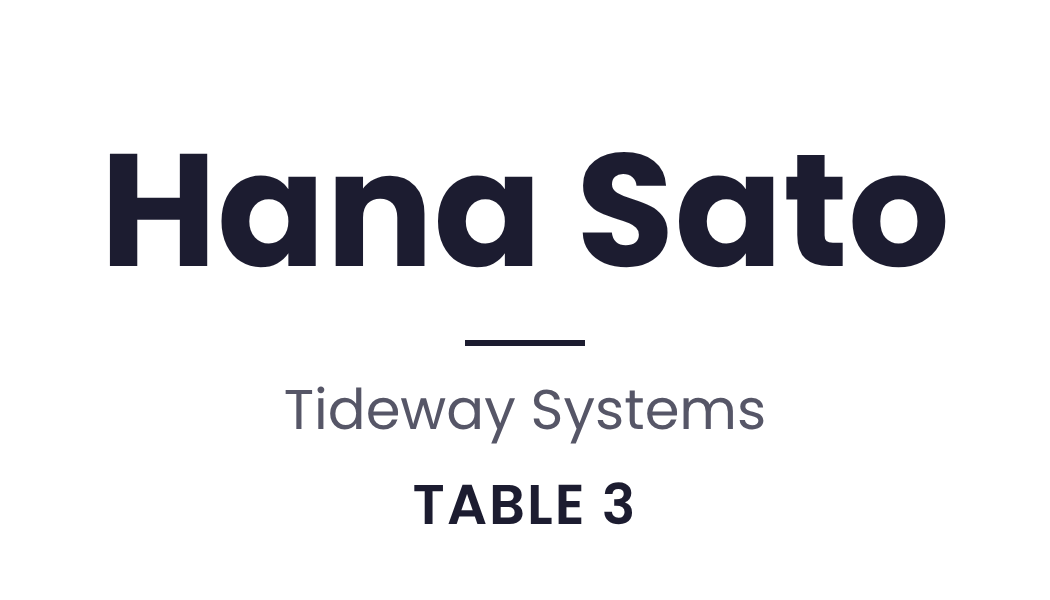
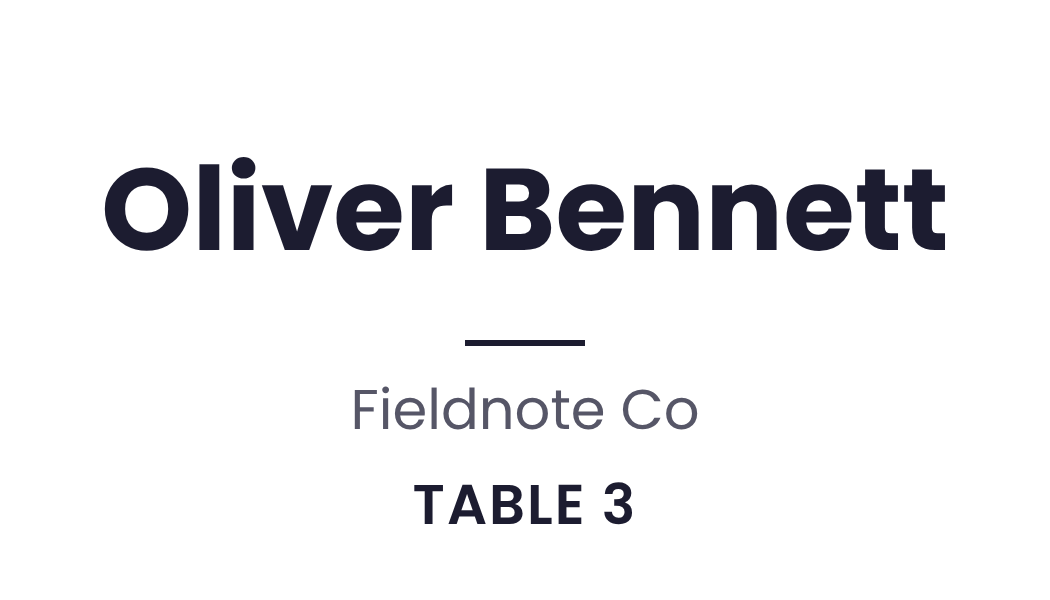
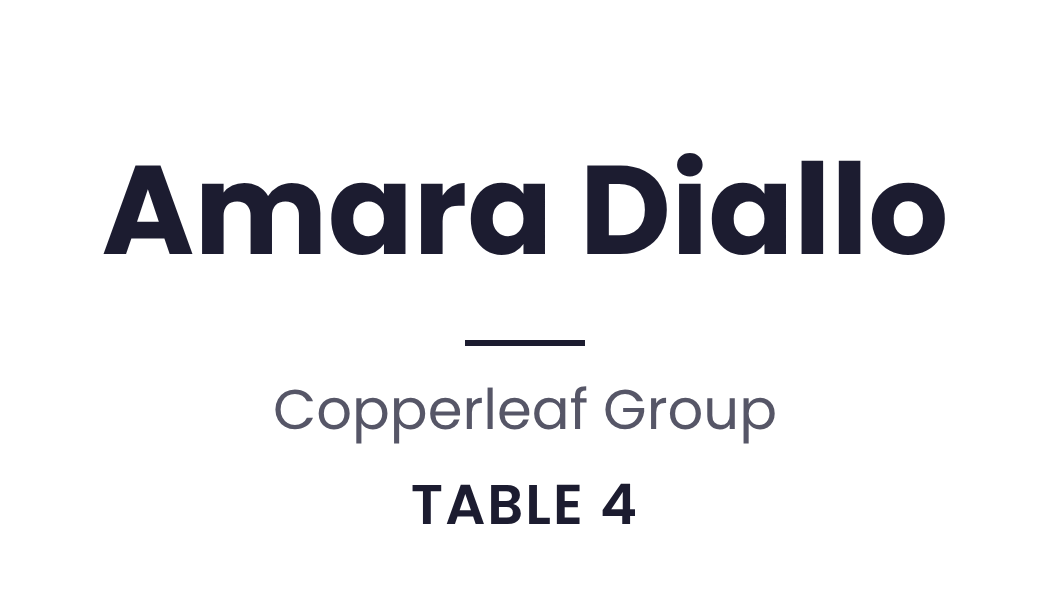
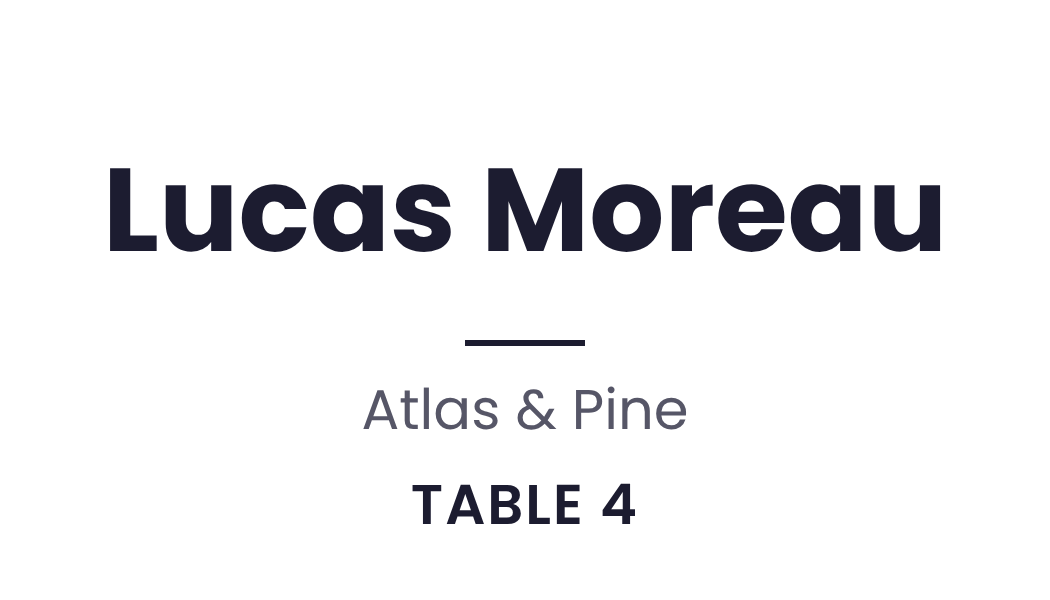
This workflow turns an attendee spreadsheet into badges that you can print. It makes one badge for each person. It then puts the badges on A4 sheets with cut guides, and it makes a CMYK file with crop marks for a print shop.
You can run the workflow again when the list changes, so new attendees get a badge without a manual layout.
Every template in this workflow is yours to edit. Add your own logo, change the colors and fonts, move the layers or change the dimensions. Your next run uses the new design.
Run this workflow yourself in the app, or start it from your own code, your other apps or an AI assistant.

Install the workflow, fill in its inputs in your dashboard and run it. You can also share a form so that other people can run it.
Send the workflow uid and its inputs to one endpoint. The run continues in the background and returns the finished files.

Start a run when something happens in another app, such as a new row in a sheet or a new form entry.

Connect Claude or Cursor to the Bannerbear MCP server, and then ask it to run the workflow with your data.
This workflow is a starting point. Add, remove or reorder steps to make it do more. Each Bannerbear tool can be a step, with over 25 tools on offer.
The common questions about this workflow, and their answers
Print shops print with CMYK colors. The CMYK file with crop marks is the file to send to a print shop. For an office printer, use the A4 sheets.
The workflow reads a spreadsheet from a link. Open the example input on this page to see the layout that it expects.
Yes. After you install the workflow, you own a copy of the badge template. Change the colors, fonts and logo in Bannerbear.
Add the person to the spreadsheet and run the workflow again. You get new sheets that include the new badge.
The example run on this page used 17 API credits and 0.0 AI credits. The cost of a run can change with your input, for example the length of a video or the number of rows in a spreadsheet. There is no charge for the workflow itself.
Yes. You do not have to open the app to run it. You can start it from your own code with the API, from a Zap in Zapier, or from an AI assistant that is connected to the Bannerbear MCP server. Each run takes your data and gives you the finished files.
Yes. The install gives you your own copy of the workflow and of its templates. You can change the templates, such as the colors, fonts and logo, and you can change the steps of the workflow.
A run is not instant, so the API answers at once, and the run continues in the background. Ask for the run to see its status. The status is queued, running, completed or failed. When the run is completed, it lists its outputs.
A sequence of steps that runs as one thing. Each step is an image render, an animation render, or a tool — and a step can use the output of an earlier step as its input.
Define its inputs, then supply them when you run it. Steps reference those inputs the same way they reference each other’s outputs.
POST to the workflow’s run endpoint with its inputs. The run is queued and reports progress as each step completes.
That is the point of inputs. Define the parts that change — a headline, an image URL, a name — and supply them per run.
Yes. Each run records every step, its inputs, its outputs and how long it took, so a failure points at the step that caused it rather than the whole workflow.
The run stops there and the failure is recorded against that step, with the outputs of the steps that already succeeded still available.
As long as its steps need — video work is not instant, and a workflow with several video steps takes minutes rather than seconds. Use the run’s progress or a webhook rather than holding a request open.
The workflow and its bundled templates are copied into your workspace, and the steps are rewritten to point at your copies rather than the originals.
Three on a trial. They are counted per workspace.
A workflow decides what gets made. An integration decides what triggers it and where the result goes. They are often used together.
Other ready-made workflows you can install
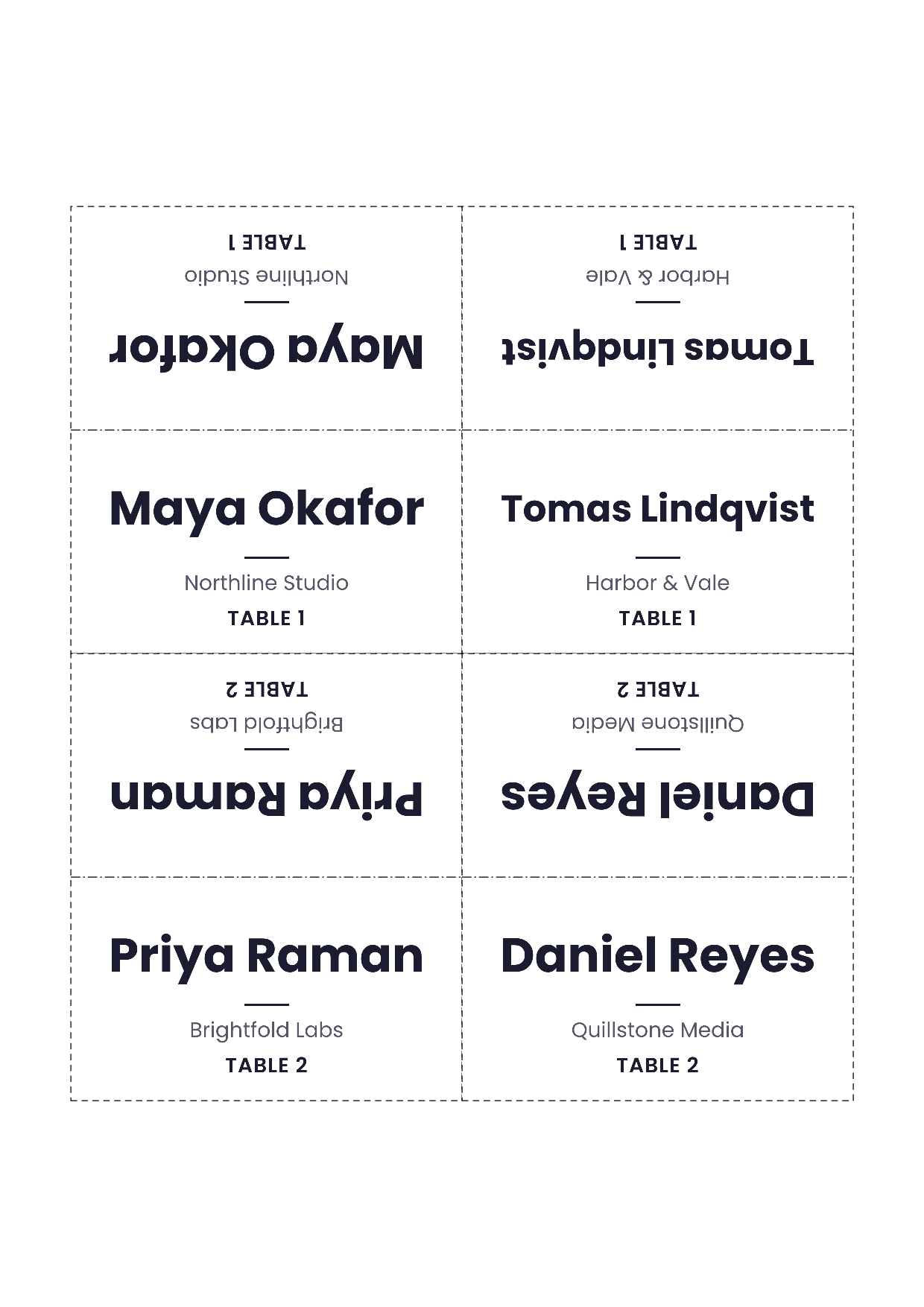
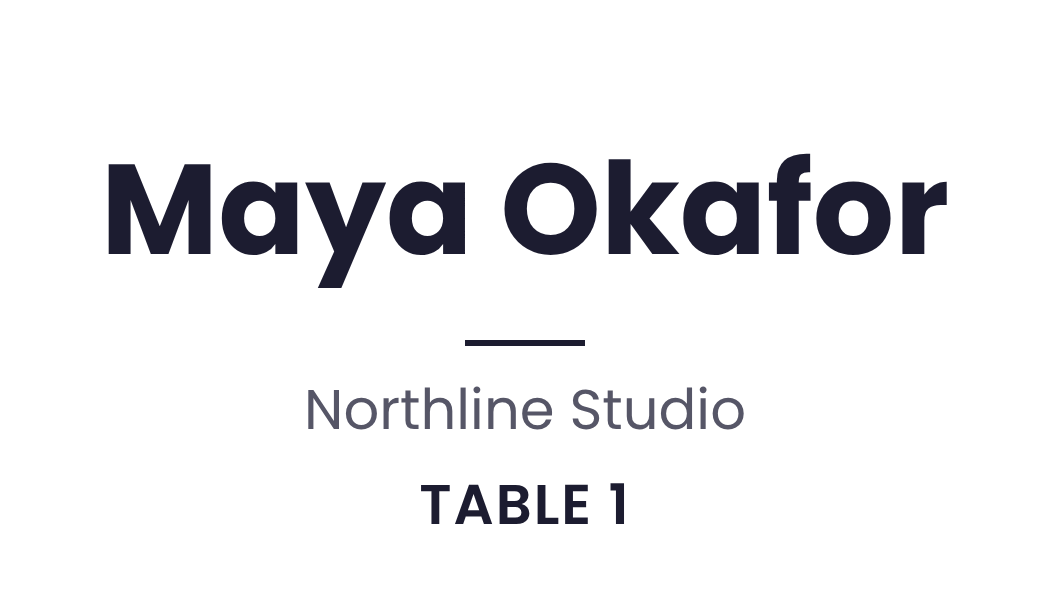
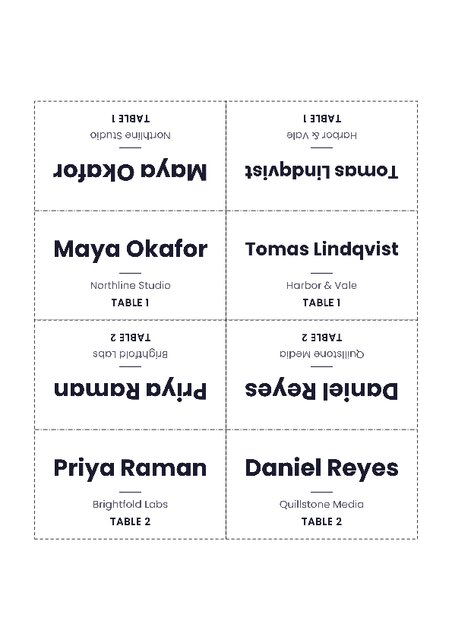
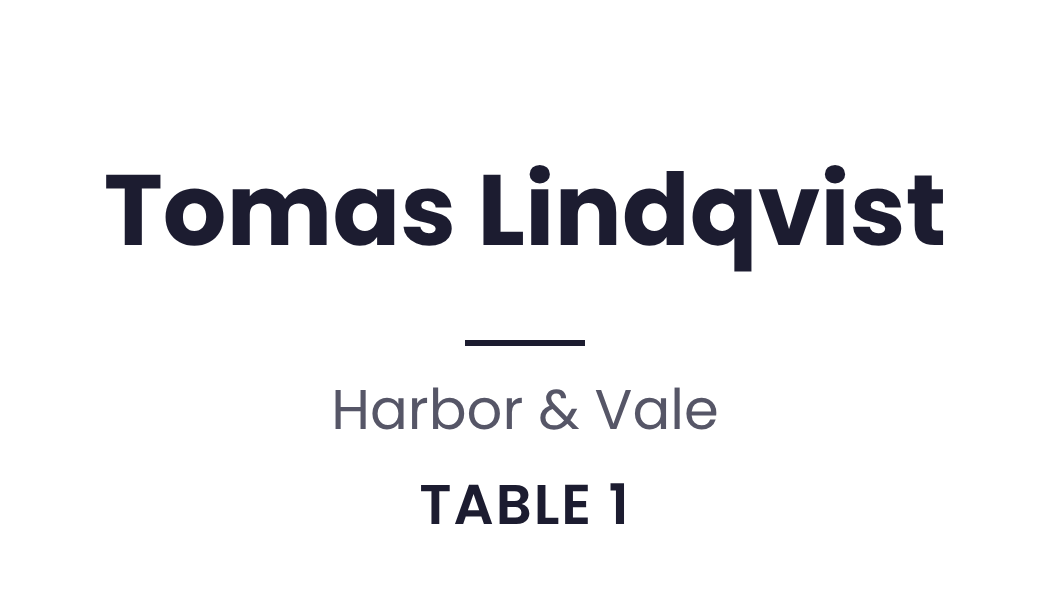
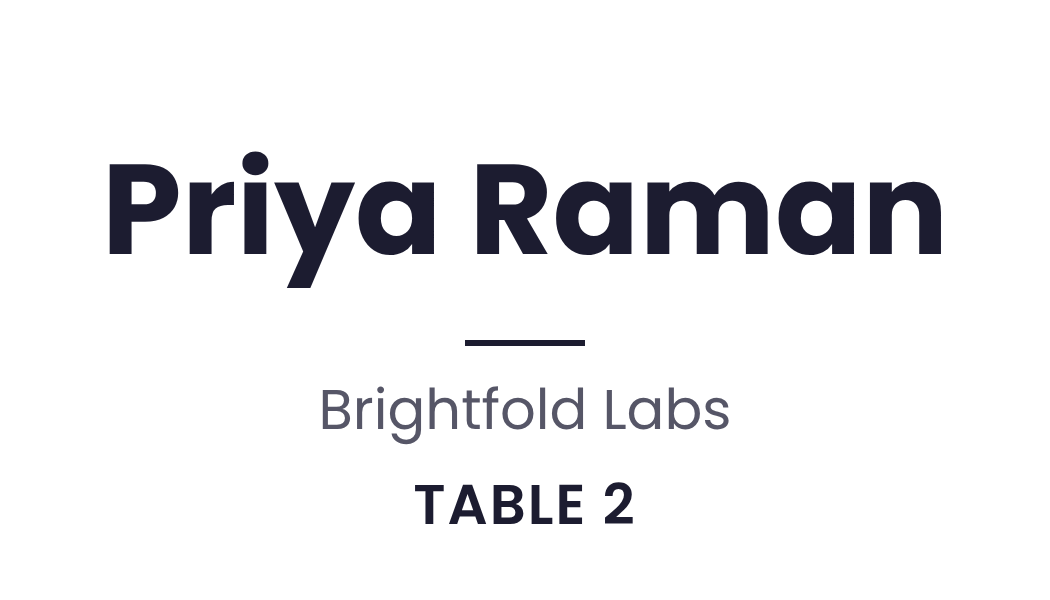
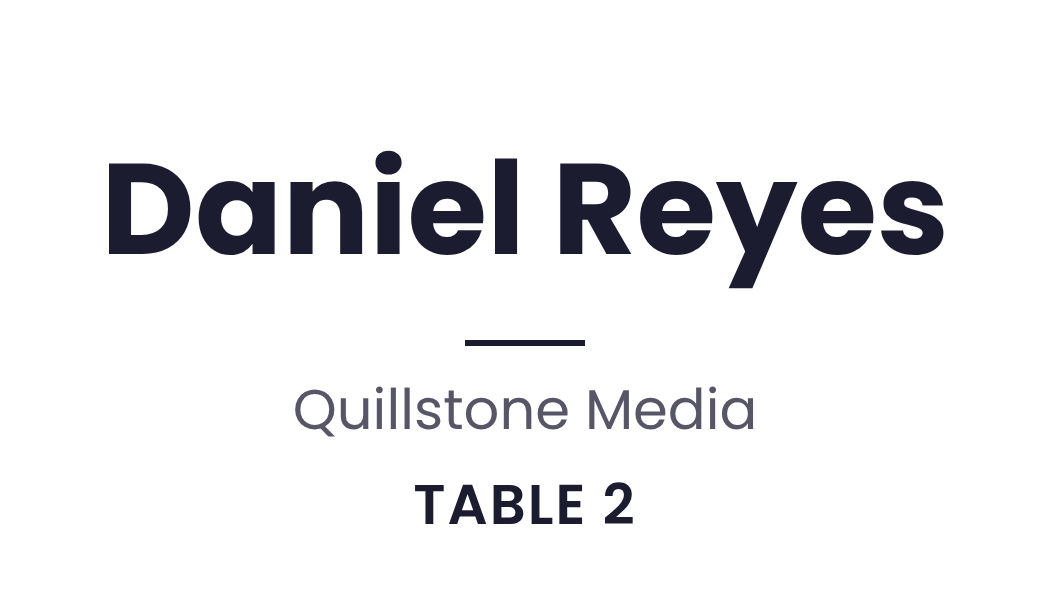
Turn a guest spreadsheet into A4 sheets of tent cards that read correctly from both sides when folded

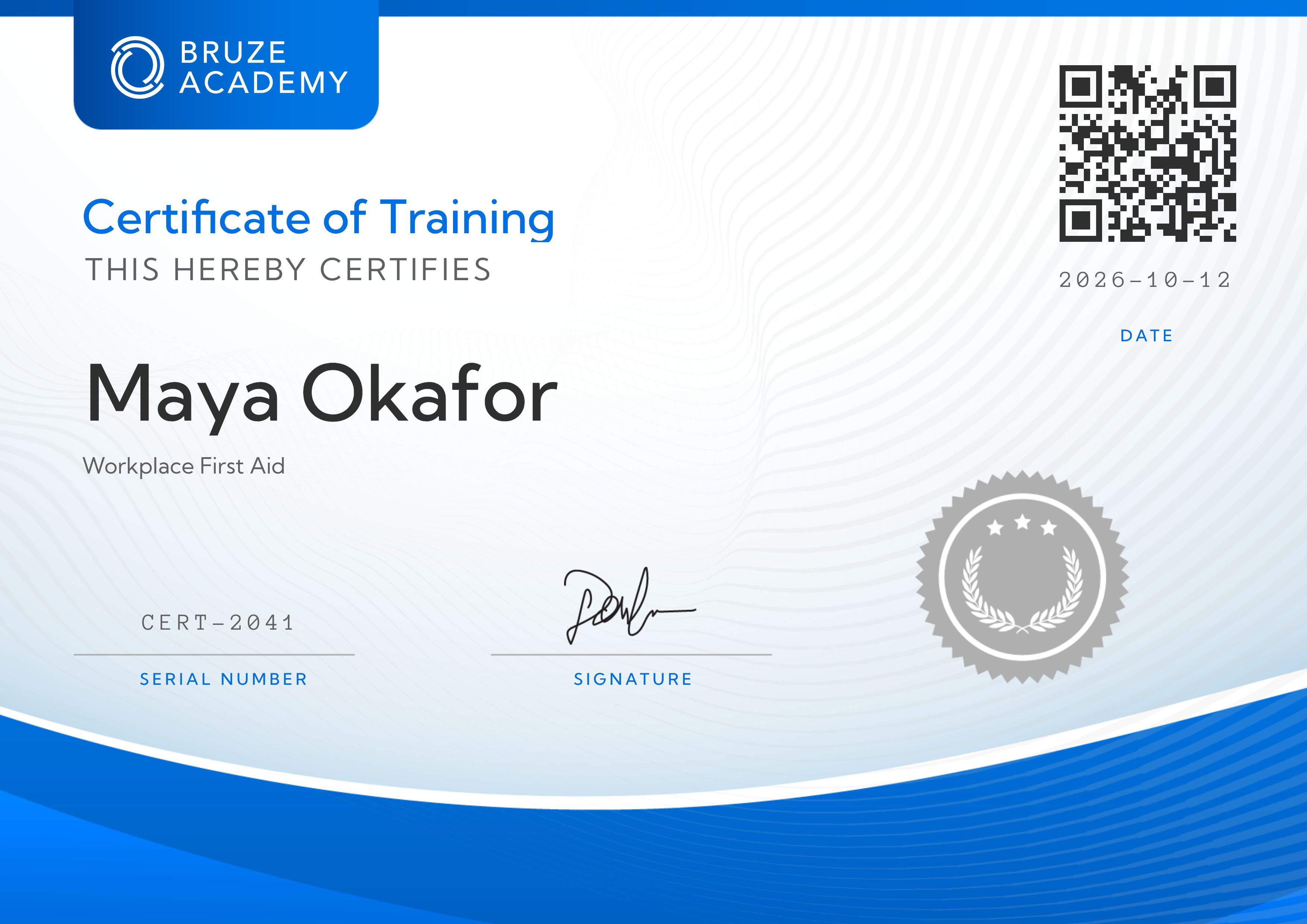
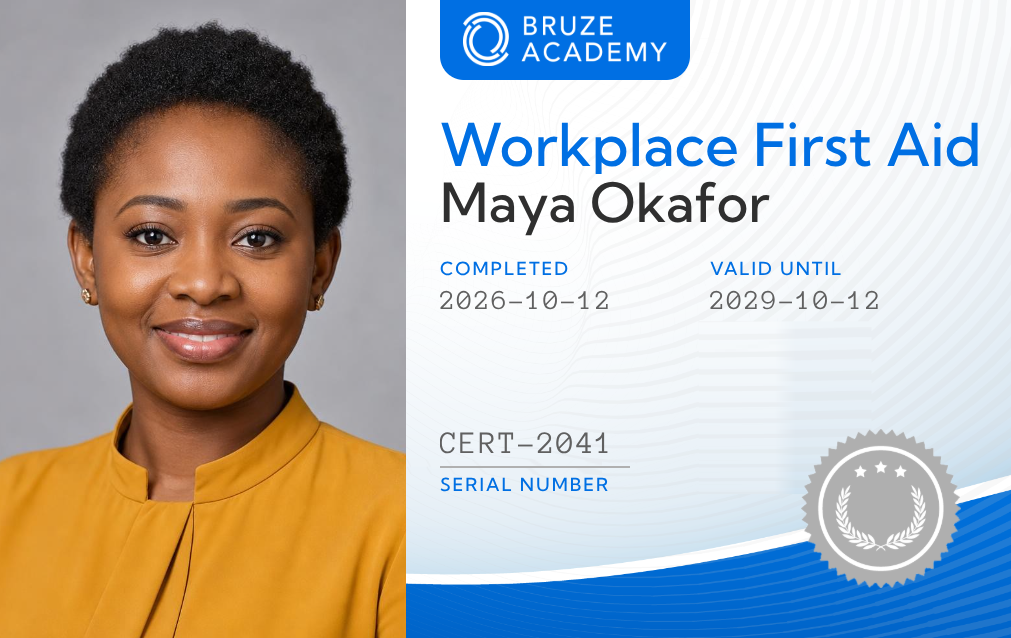

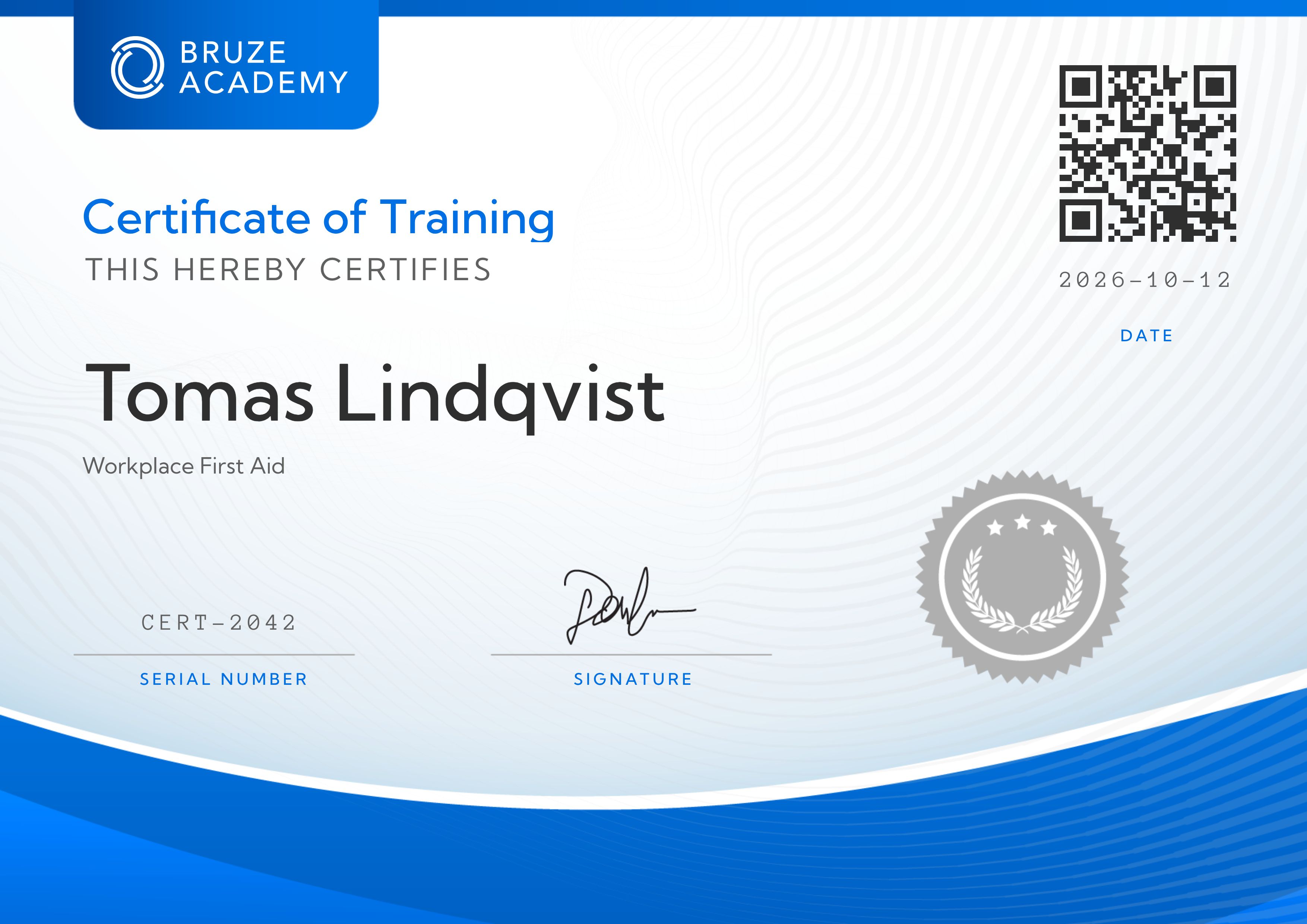
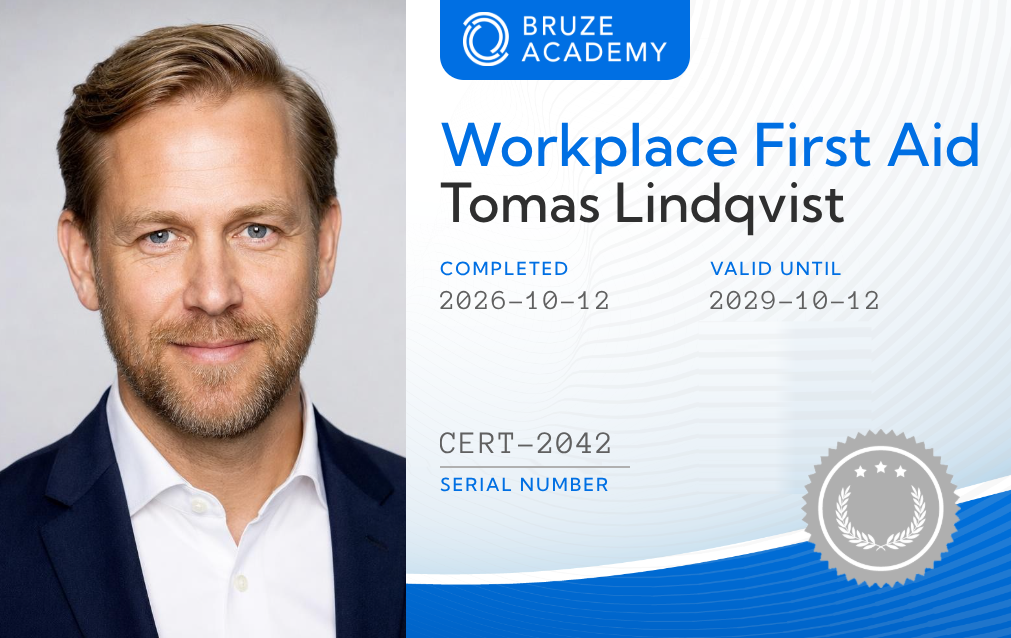
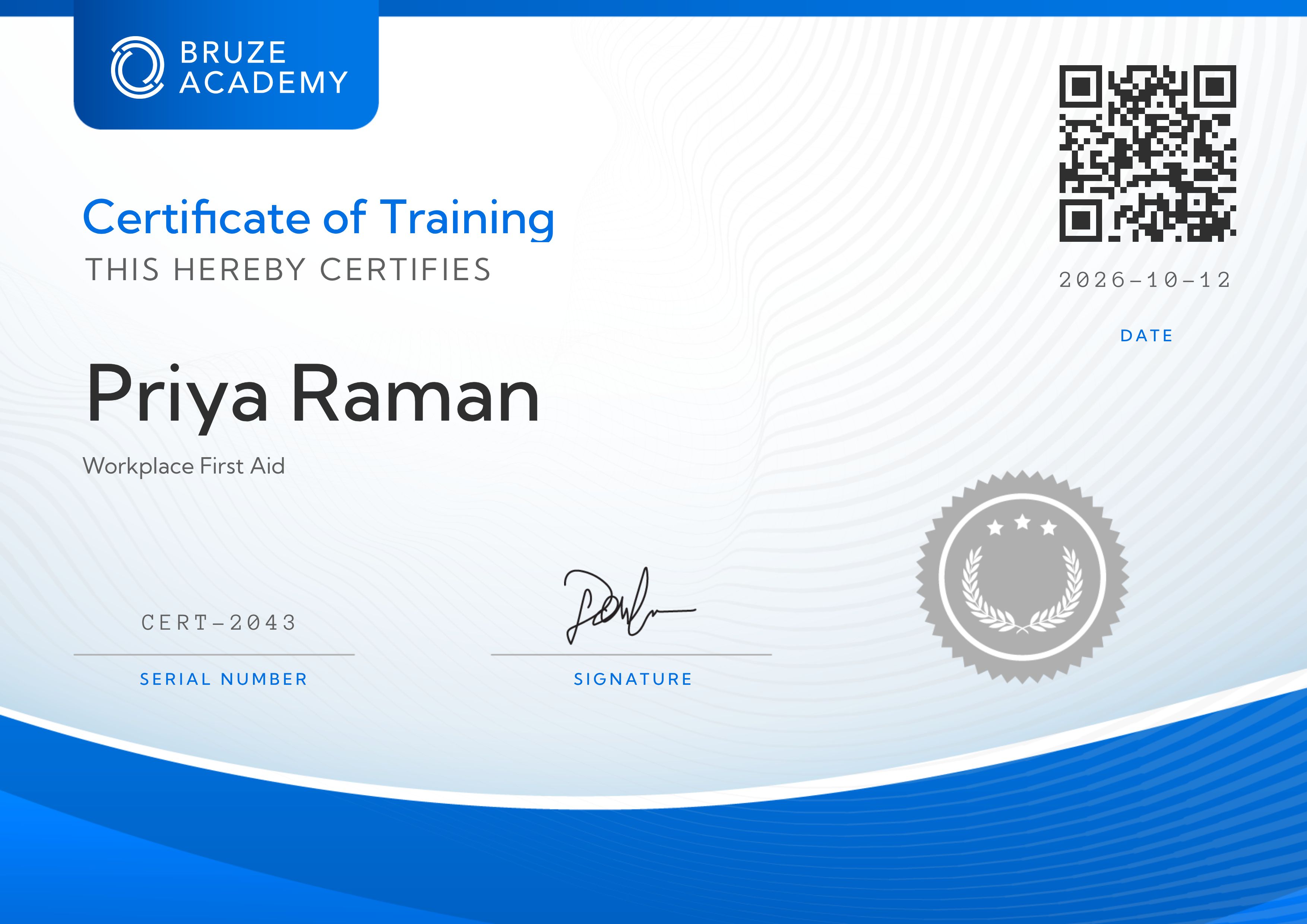
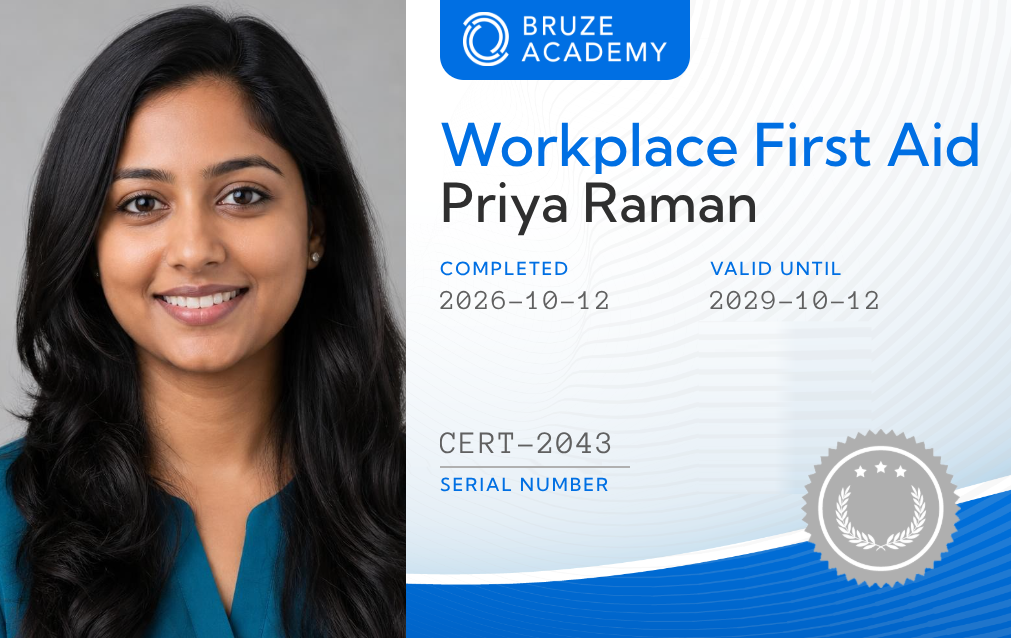
Turn a list of people into certificates, a print-ready PDF pack and A4 sheets of wallet cards with cut guides





Four listing photos become narrated vertical and wide videos with AI motion, a listing card and a flattened flyer PDF
Start a free trial with 30 API credits, no credit card required