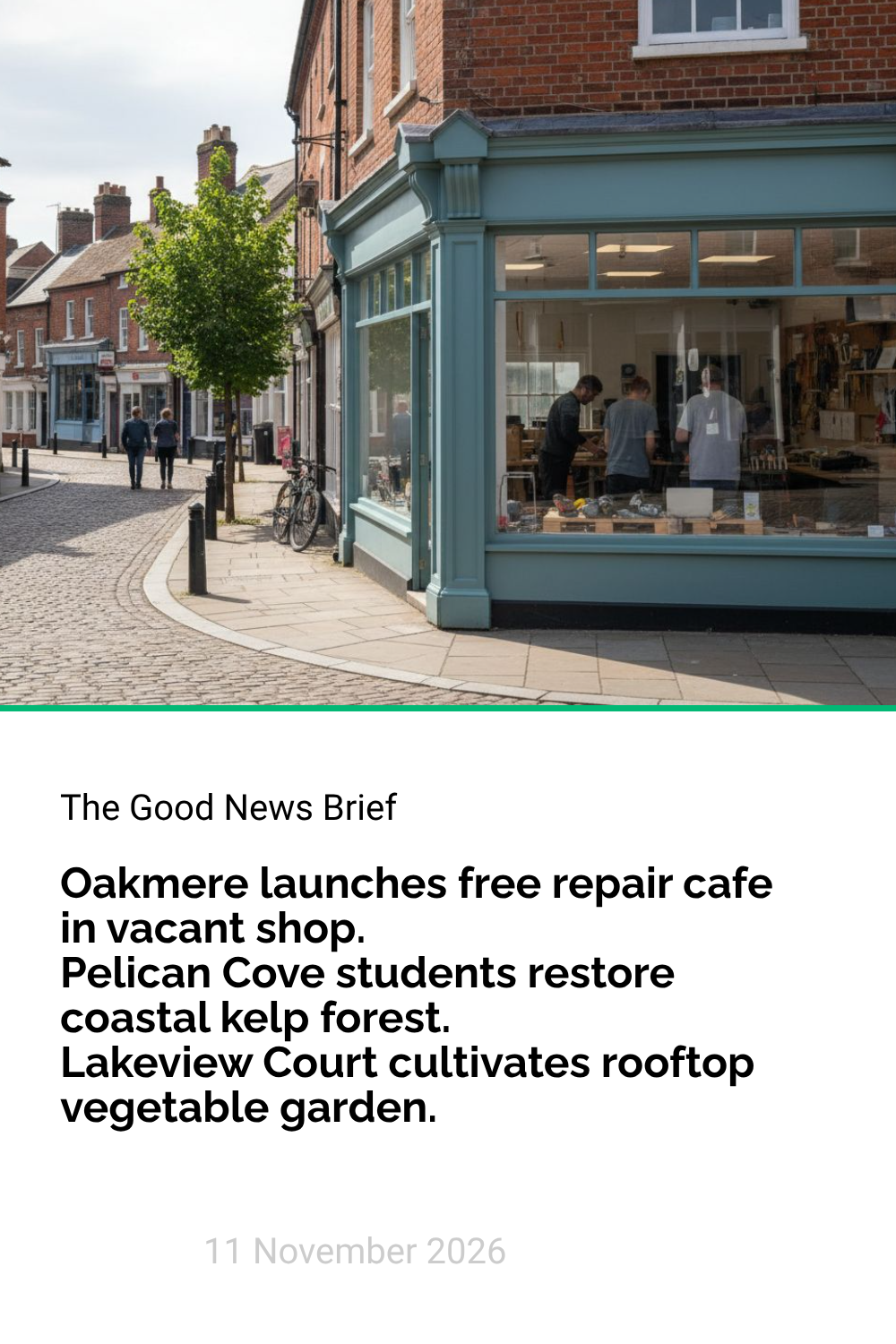
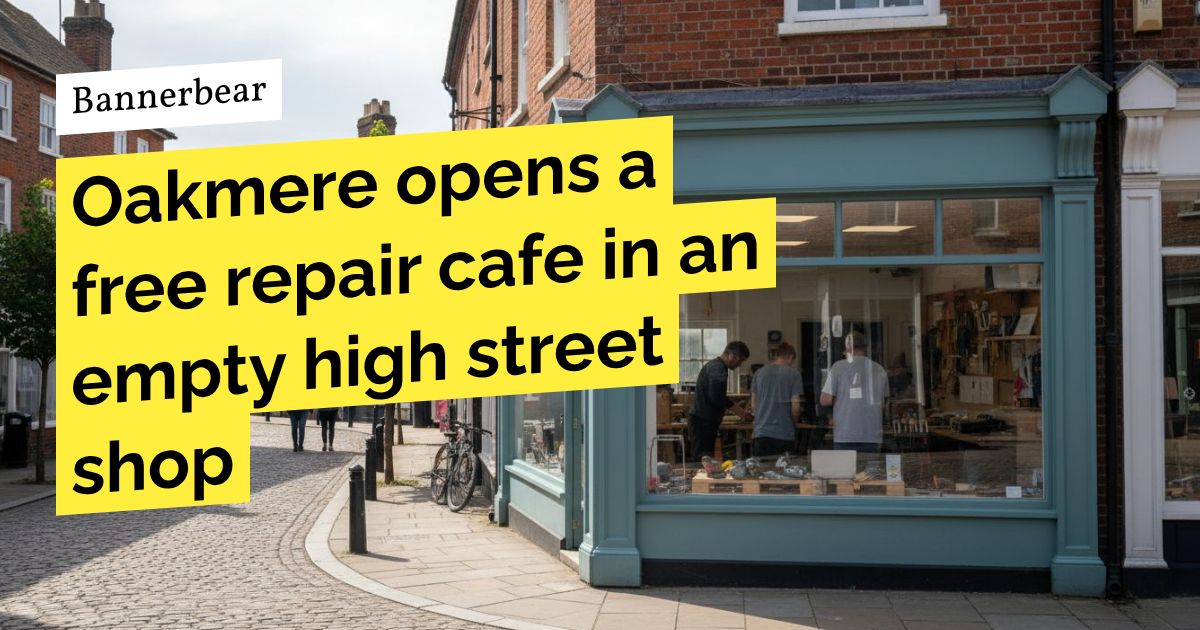
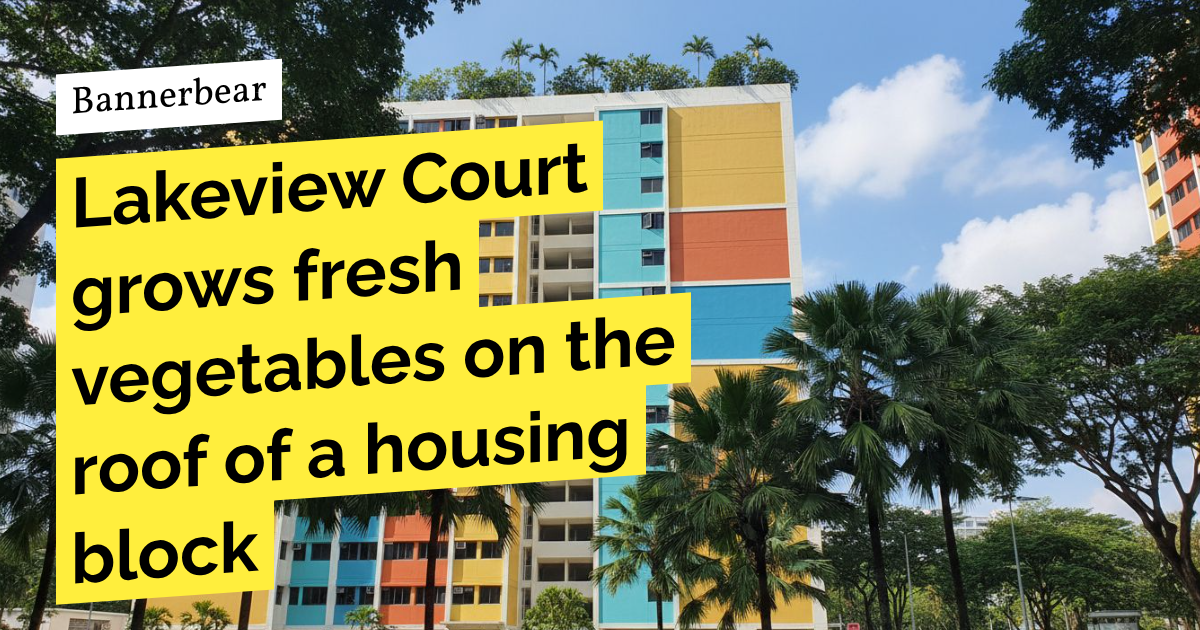
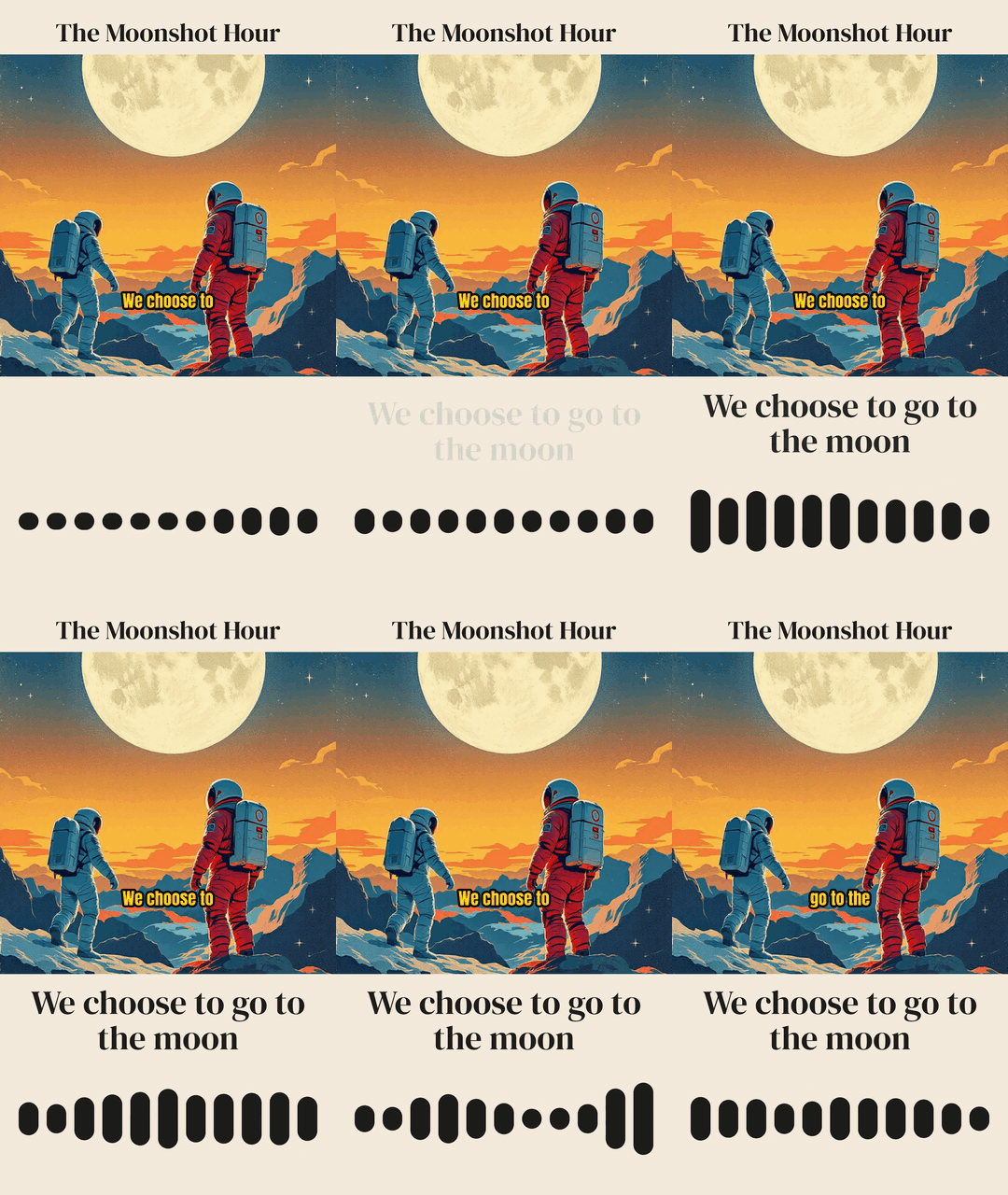
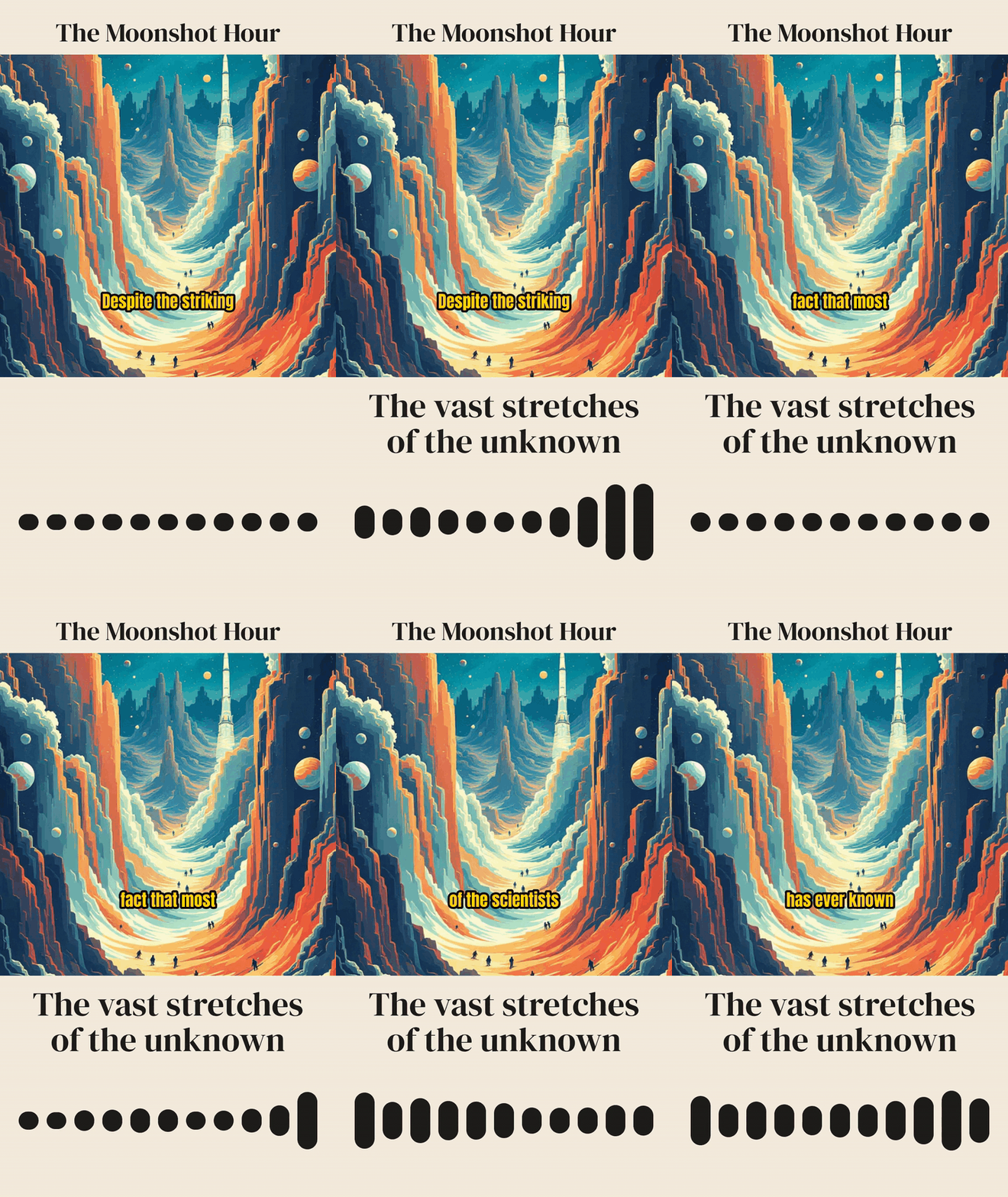
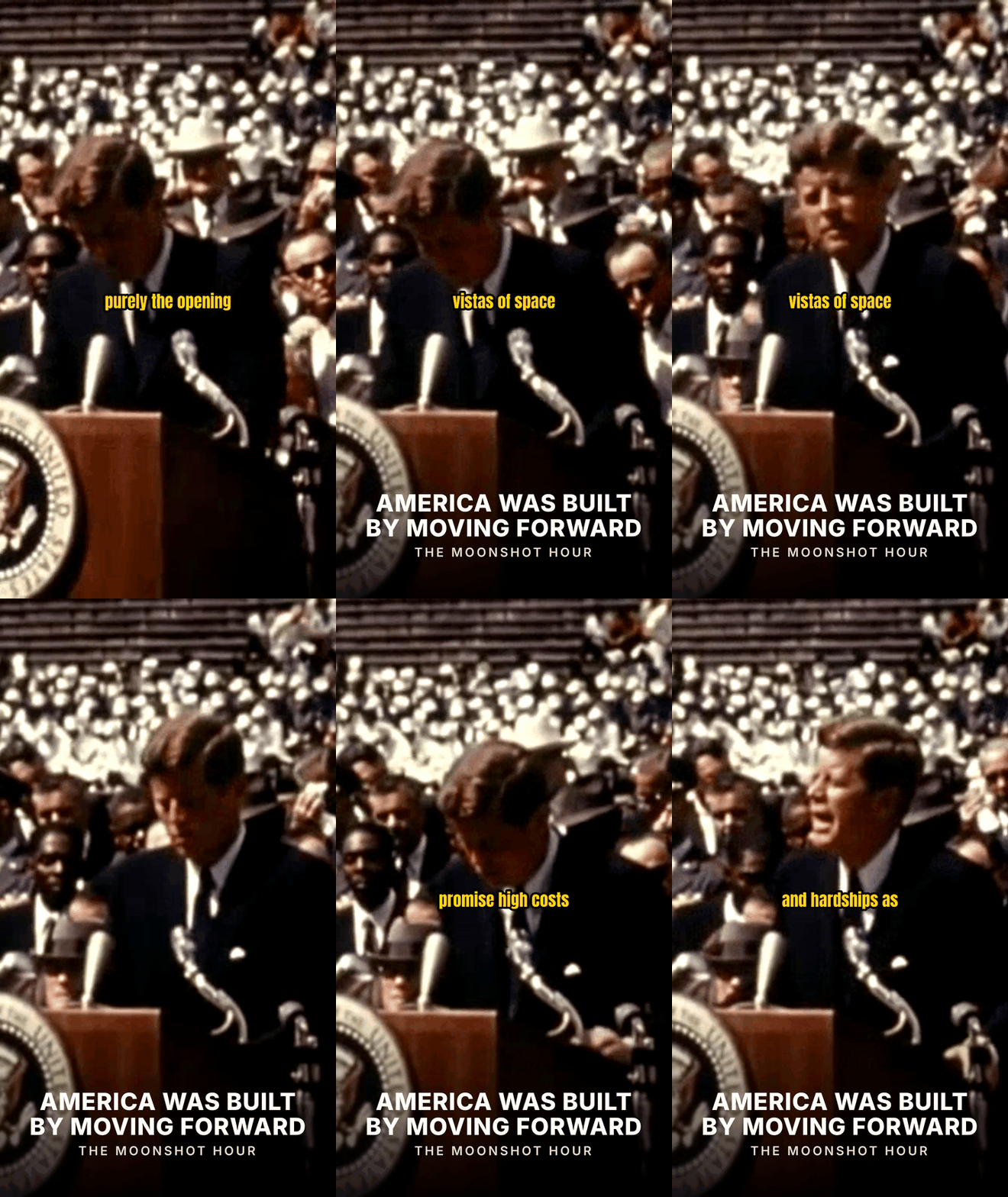
Paste three article URLs and get one narrated bulletin, a clip for each story, a digest pin, link cards and post copy


This workflow turns three news articles into a complete bulletin. You give it three article links, a bulletin name and the date. It reads each article, writes a short script, records a voiceover, adds captions and music, and joins an opening and the three stories into one vertical video. It also makes the cards and the text to share.


You choose the three articles, the name of the bulletin and the date.
Every template in this workflow is yours to edit. Add your own logo, change the colors and fonts, move the layers or change the dimensions. Your next run uses the new design.
Run this workflow yourself in the app, or start it from your own code, your other apps or an AI assistant.
Install the workflow, fill in its inputs in your dashboard and run it. You can also share a form so that other people can run it.
Send the workflow uid and its inputs to one endpoint. The run continues in the background and returns the finished files.

Start a run when something happens in another app, such as a new row in a sheet or a new form entry.
Connect Claude or Cursor to the Bannerbear MCP server, and then ask it to run the workflow with your data.
This workflow is a starting point. Add, remove or reorder steps to make it do more. Each Bannerbear tool can be a step, with over 25 tools on offer.
The common questions about this workflow, and their answers
AI writes the scripts, the opening text, the three headlines of the rundown and the post copy. AI also records the voiceovers and makes the music. The layouts, the titles and the cards come from templates.
The bulletin plays the opening first. Then it plays the stories in the order of your links, with a badge that shows Story 1 of 3, Story 2 of 3 and Story 3 of 3.
Yes. The workflow makes a separate clip for each story, with its own title, captions and music. The clip is the same story as in the bulletin.
The prompts ask for only facts from the article, and for no opinion. AI can still make a mistake, so check each number and name before you publish.
The example run on this page used 124 API credits and 18.8 AI credits. The cost of a run can change with your input, for example the length of a video or the number of rows in a spreadsheet. There is no charge for the workflow itself.
Yes. You do not have to open the app to run it. You can start it from your own code with the API, from a Zap in Zapier, or from an AI assistant that is connected to the Bannerbear MCP server. Each run takes your data and gives you the finished files.
Yes. The install gives you your own copy of the workflow and of its templates. You can change the templates, such as the colors, fonts and logo, and you can change the steps of the workflow.
A run is not instant, so the API answers at once, and the run continues in the background. Ask for the run to see its status. The status is queued, running, completed or failed. When the run is completed, it lists its outputs.
A sequence of steps that runs as one thing. Each step is an image render, an animation render, or a tool — and a step can use the output of an earlier step as its input.
Define its inputs, then supply them when you run it. Steps reference those inputs the same way they reference each other’s outputs.
POST to the workflow’s run endpoint with its inputs. The run is queued and reports progress as each step completes.
That is the point of inputs. Define the parts that change — a headline, an image URL, a name — and supply them per run.
Yes. Each run records every step, its inputs, its outputs and how long it took, so a failure points at the step that caused it rather than the whole workflow.
The run stops there and the failure is recorded against that step, with the outputs of the steps that already succeeded still available.
As long as its steps need — video work is not instant, and a workflow with several video steps takes minutes rather than seconds. Use the run’s progress or a webhook rather than holding a request open.
The workflow and its bundled templates are copied into your workspace, and the steps are rewritten to point at your copies rather than the originals.
Three on a trial. They are counted per workspace.
A workflow decides what gets made. An integration decides what triggers it and where the result goes. They are often used together.
Other ready-made workflows you can install


Paste an article URL and get vertical, square and wide videos with voiceover, captions and music, plus an audio edition and post copy


Give one audio file and get AI-chosen waveform clips with illustrated art and captions, and show notes


Give one recording and get captioned vertical and square clips, cover art, a GIF teaser, show notes and post copy
Start a free trial with 30 API credits, no credit card required