
Create a Workflow Form
- Head to Workflows
- Choose your workflow from the list
- Click Actions → Create Form
- Enter a Name (internal identifier), Title (title shown on form), and a Submit Button Label (text on submit button)
- Hit Create Form
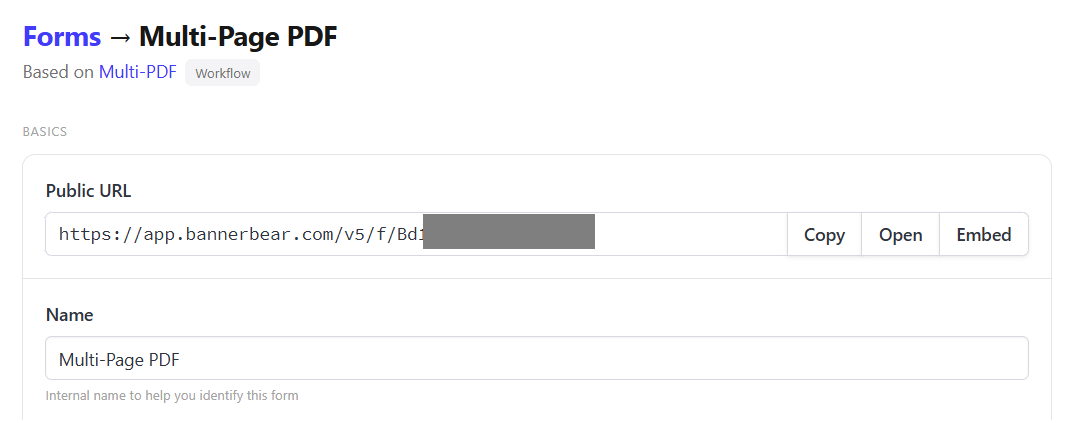
🐻 Bear Tip: Use the Public URL to access and share your forms.
Form Basics
- Public URL - Shareable link to this form
- Name - Internal name to help you identify this form
- Title - Title shown at the top of the public form
- Subtitle - Optional secondary text below the title
- Submit Button Label - Label on submit button
- Status - Determines form accessibility (e.g. 'Disabled' status returns a 403 error)
Advanced Settings
- IP Rate Limit - How often a person can submit a form (leave blank for unlimited submissions)
- Max Upload Size - Upload limit — subject to asset upload limits (Images, video, audio and PDF up to 5 MB (500 MB for video))

