
Use the Resize Video tool as the final step in your workflow to set the video size you want.
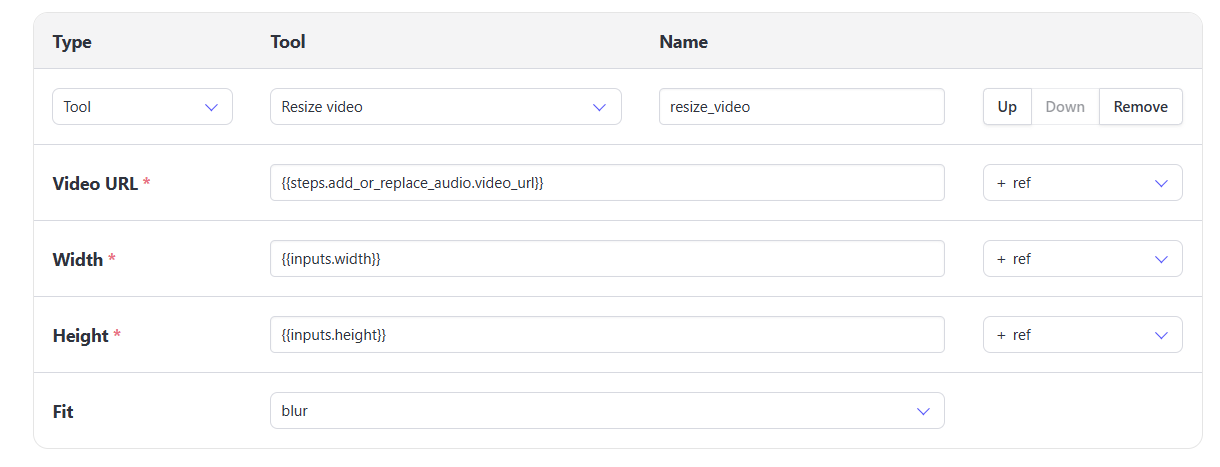
The Resize video tool expects the following:
- Video URL
- Width
- Height
- Fit
- Cover - this will scale your video to fill the entire video (no black bars)
- Contain - this will scale your video to fit within the height or width of the video (possible black bars)
- Blur - this creates a blurred video layer behind your video where black bars would be
Use inputs or manually enter the height & width that you want the video to be.

