You can share your created Workflows by publishing.
- Select Workflows on the left side panel
- Choose a Workflow to share and open the Actions menu
- Select Publish
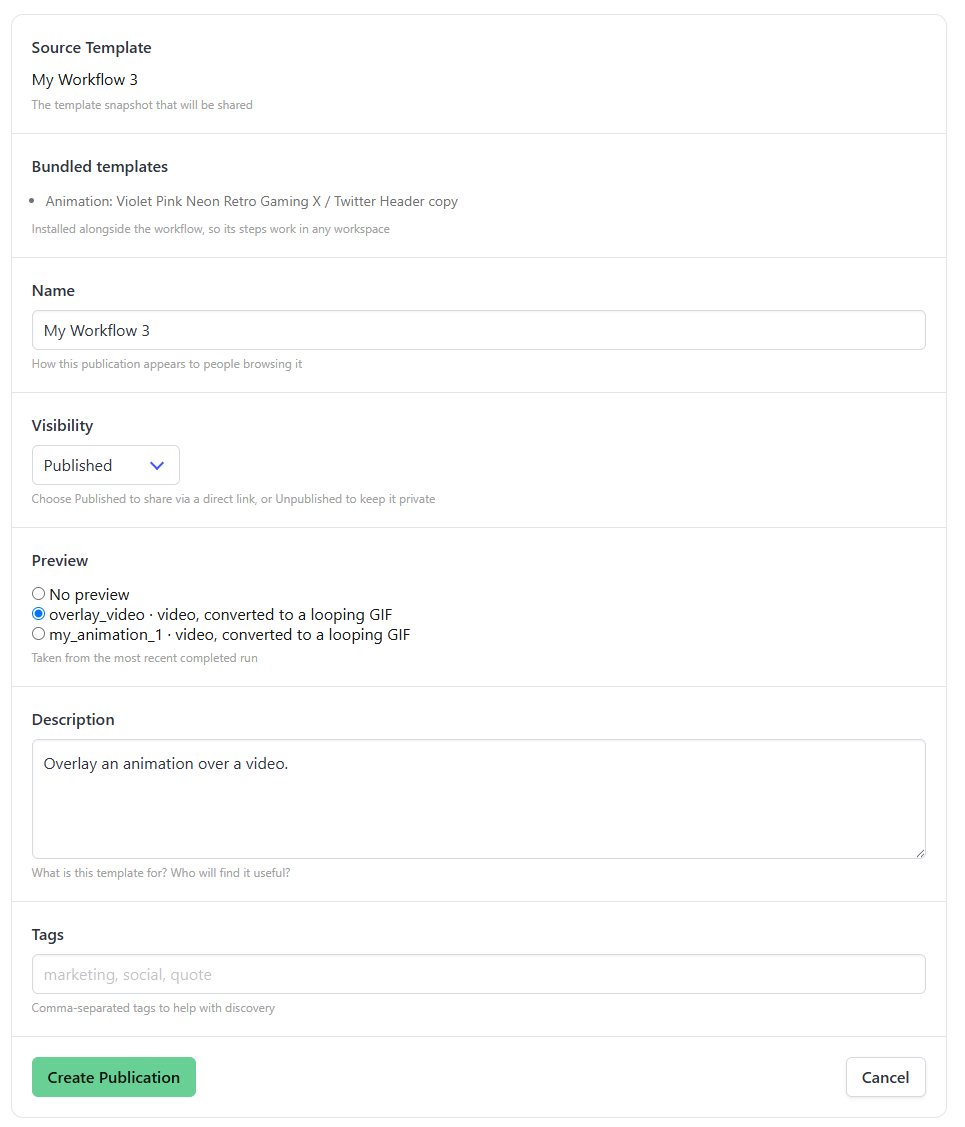
- Set name, visibility, preview, description, tags
- Hit Create Publication
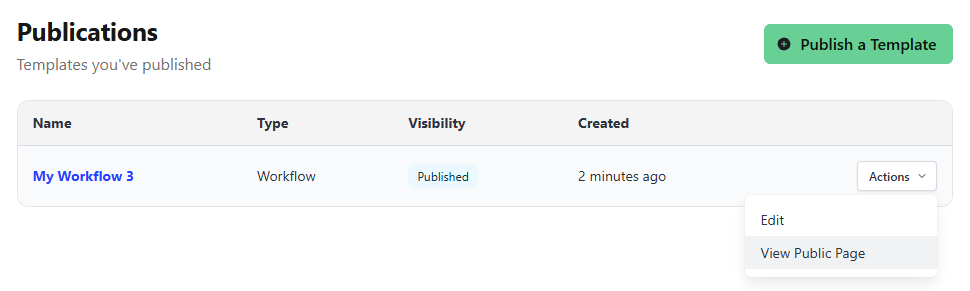
To get the shareable link, go to your Publications page: https://app.bannerbear.com/v5/publications