Connect an Airtable Base to Bannerbear

Connecting Airtable requires a Personal Access Token and Airtable Base ID. You could check our related articles on how to obtain them.

  • Find my Airtable Personal Access Token
  • Find my Airtable Base ID?

To connect Airtable:

  1. On the left panel, click Apps


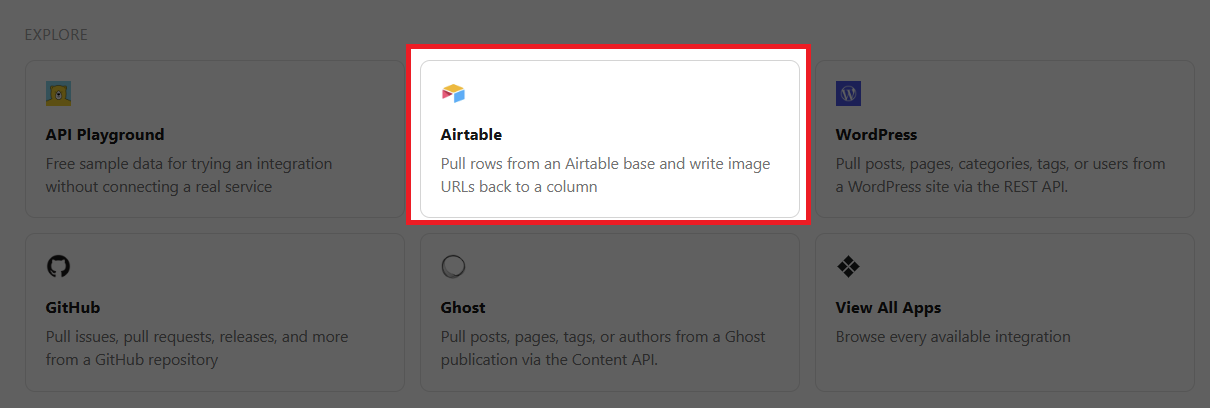
  2. Under Explore, select Airtable


  3. Set your preferred Label
  4. Set your Personal Access Token, and Base ID
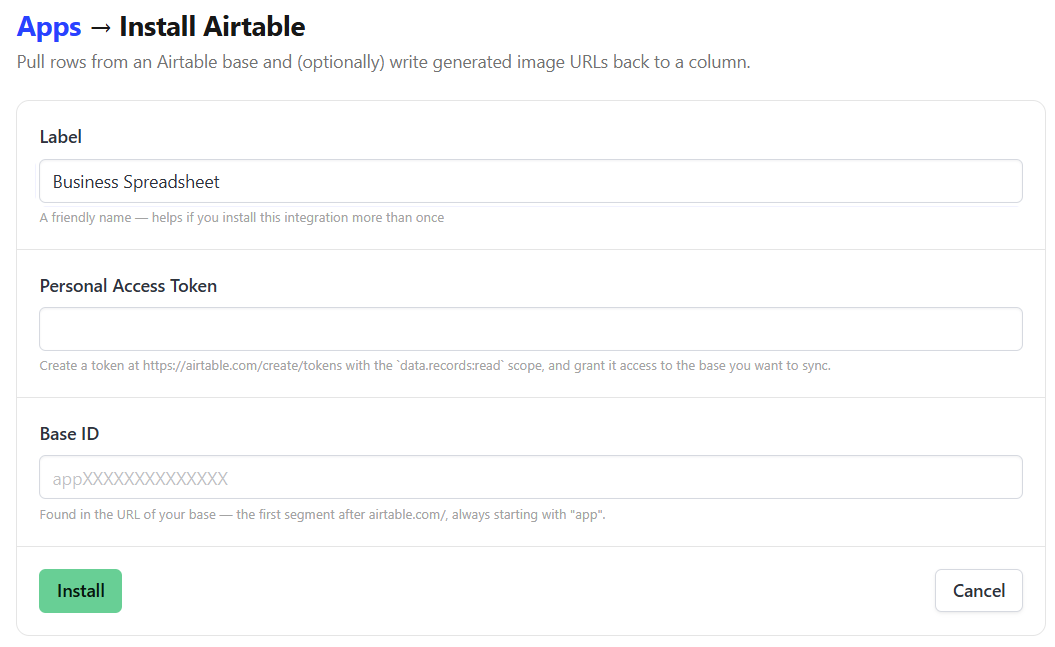

  5. Click Install

Start a Free Trial

Start a free trial with 30 API credits, no credit card required

Resize Video
Add Intro Animation
Add Subtitles

Get Started for Free