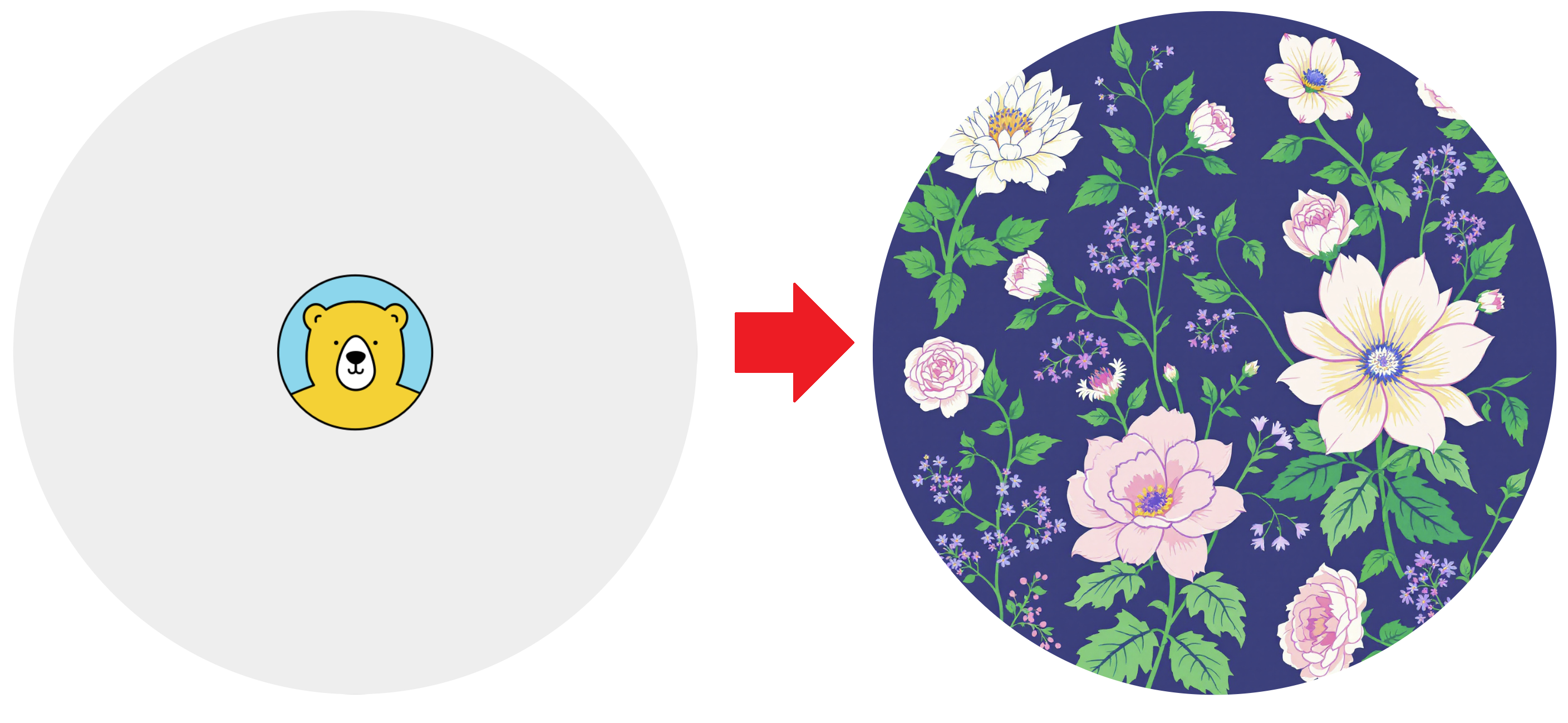
Use AI to generate image backgrounds from text prompts. Can be enabled from within the Template Editor, then flagged as "ai-background-generate": "enabled" and "ai-prompt": "Your Prompt Here" in your API requests.
Enabled In Editor
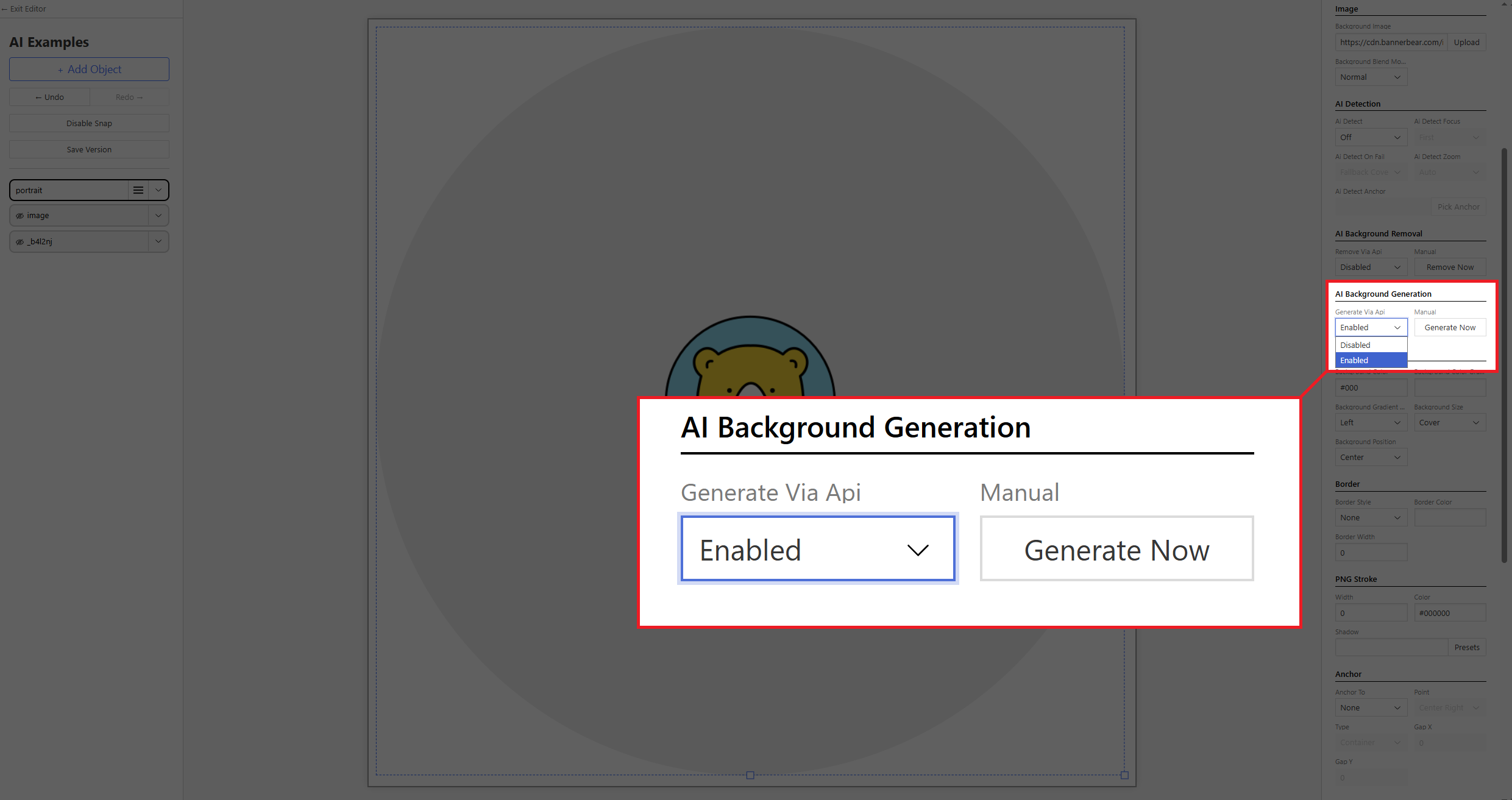
- Add a Rectangle / Circle Image Container (doesn't work with static image)
- Find the AI Background Generation section on the right
- Select Enabled from the drop-down menu
Flag in API Request
Generate AI backgrounds in your requests by flagging both the "ai-background-generate": "enabled" and "ai-prompt": "Your Prompt Here" parameters within your objects.
{
  "template": "ax9mYepjJgDpg8bAnB",
  "modifications": {
    "objects": [
      {
        "name": "portrait",
        "background-image": ".../images/background_placeholder.png",
        "ai-background-generate": "enabled",
        "ai-prompt": "2D floral wallpaper illustration"
      }
    ]
  }
}