
Grouping allows you to link multiple objects/layers (images, text, shapes) so that they behave as one.
Create a Group
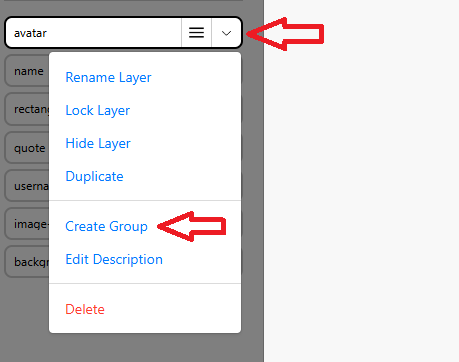
- Click on a layer’s drop-down menu
Select Create Group
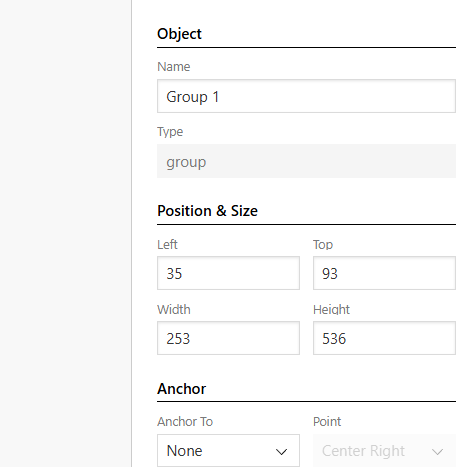
Edit the Group name
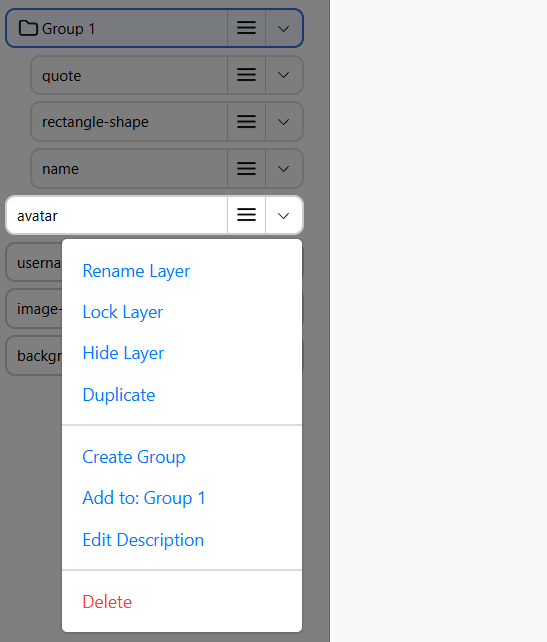
Add to an existing group
- Click on a layer’s drop-down menu
Select Add to: Your_Group
Remove from group
- Click the layer's drop-down menu
- Select Remove from Group

