
You can freely resize your Image Templates and Animation Templates at any time.
- Choose the template you want to resize
- Click Actions and select Edit Settings
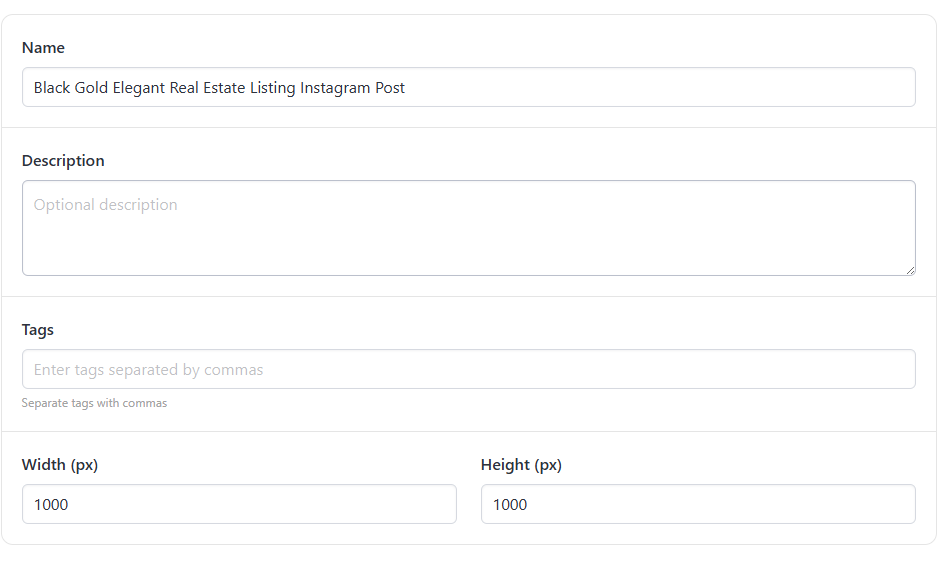
Modify the Width and Height
- Hit Save Changes
You can freely resize your Image Templates and Animation Templates at any time.
Modify the Width and Height
Start a free trial with 30 API credits, no credit card required

