
If you're sharing Image Template or Animation Templates with other team members, you'll need to unlock the templates to allow other members to edit them.
- Head to your template
- Click Actions
- Select Edit Settings
Scroll down to Dashboard edits and toggle Anyone in workspace
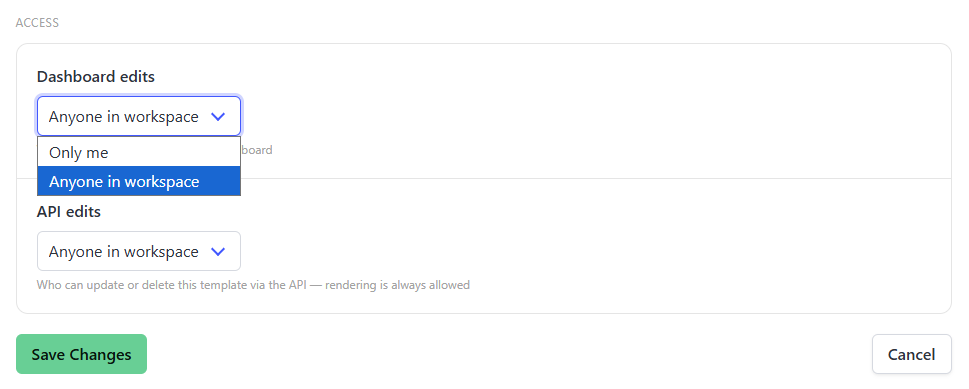
- Hit Save Changes

