
- Click your Username at the bottom left of your dashboard
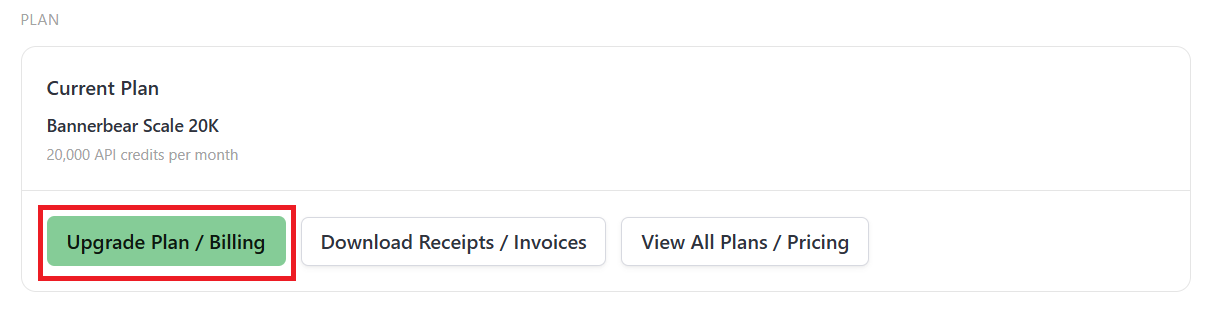
Hit Upgrade Plan / Billing button
From the billing portal, click on Update information

- Fill out the fields
- Hit Save
Note: Your new billing details will reflect in your next invoice.
Hit Upgrade Plan / Billing button
From the billing portal, click on Update information
Note: Your new billing details will reflect in your next invoice.
Start a free trial with 30 API credits, no credit card required

