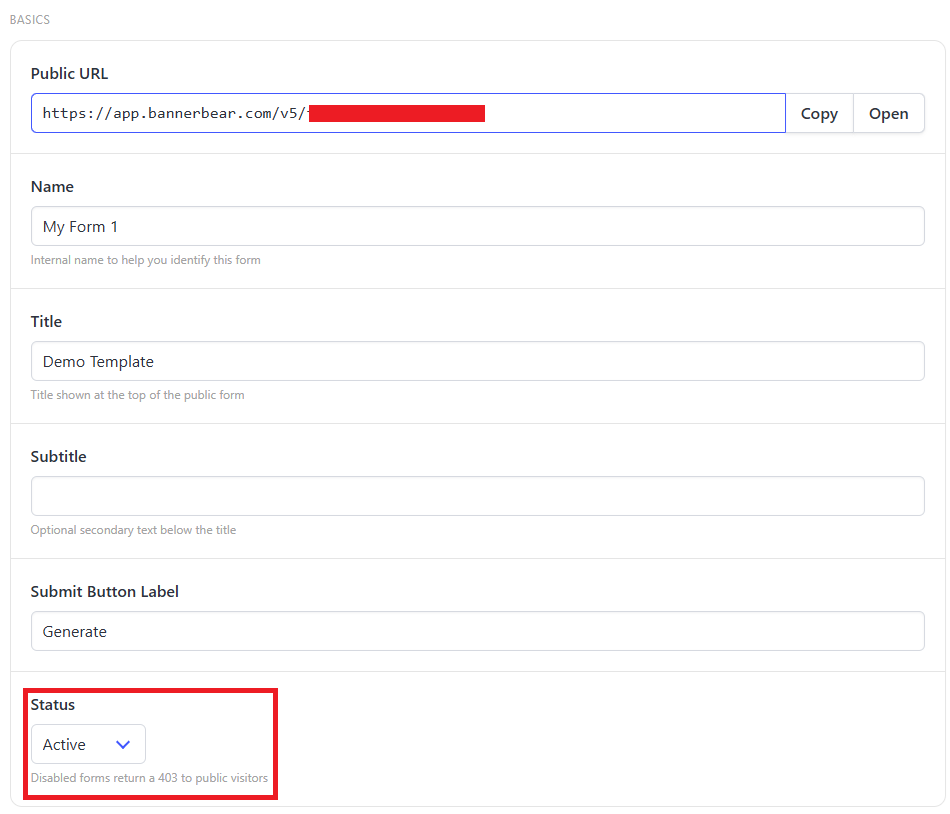
How to disable my Forms

  1. Login to your account
  2. Under Integrations tab, click More →
  3. Under Forms, click View
  4. Select your Form and open the Action menu
  5. Choose Edit Settings
  6. Set the Status to Disabled


  7. Hit Update Form

Start a Free Trial

Start a free trial with 30 API credits, no credit card required

Resize Video
Add Intro Animation
Add Subtitles

Get Started for Free