You can cancel your Bannerbear subscription at any time.
- Click your avatar located at the bottom left corner
- Select Billing
Click Cancel Subscription

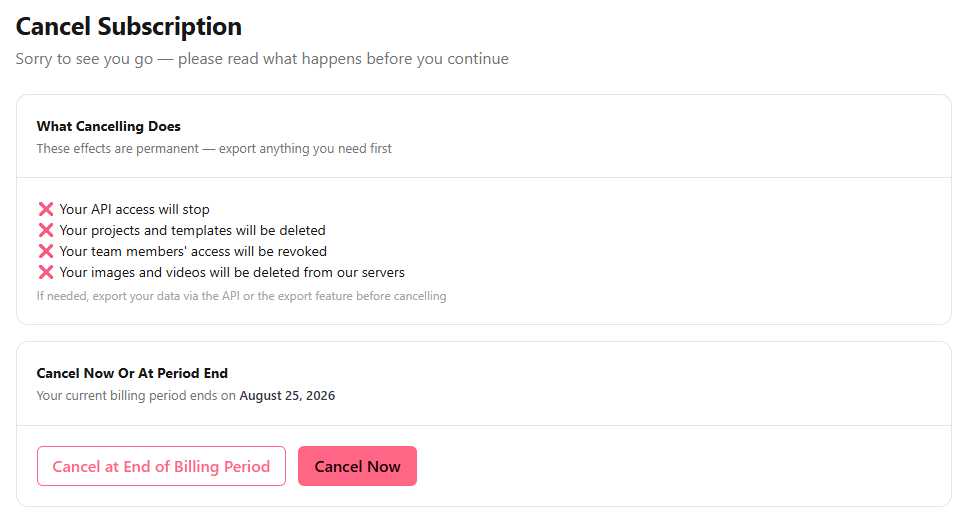
You'll be provided with the following options:
- Cancel at end of billing period - Your subscription and data will remain until the end of your current billing period, after which your data will be deleted and your API access stopped.
- Cancel now - Your subscription will be canceled immediately, your data deleted, and your API access stopped.