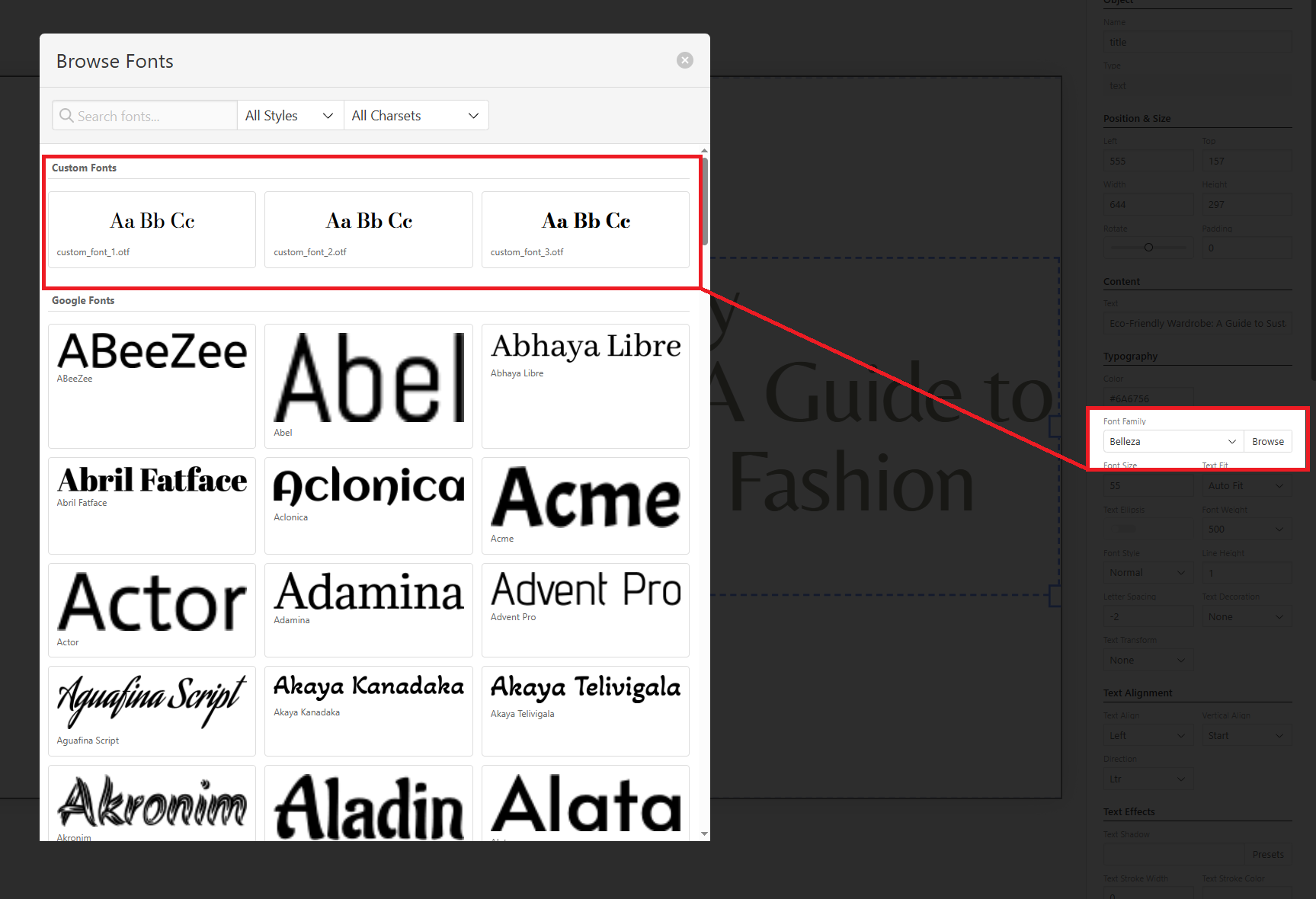
It’s possible to upload any OTF, WOFF, or WOFF2 web-safe font to Bannerbear, which will then become available in your Template Editor. You can upload a maximum of 500 custom fonts.
Upload a Custom Font
- Under the Create tab, select More ➔
- Click View on the Fonts option
- Choose your file
- Hit Upload
Once that’s done, your font should be available for use in the editor via the Font Family menu.