
You can publish and share your templates privately or publicly.
- Head to your Image Templates dashboard
- Select the template for publishing
- Click the Actions menu and select Publish
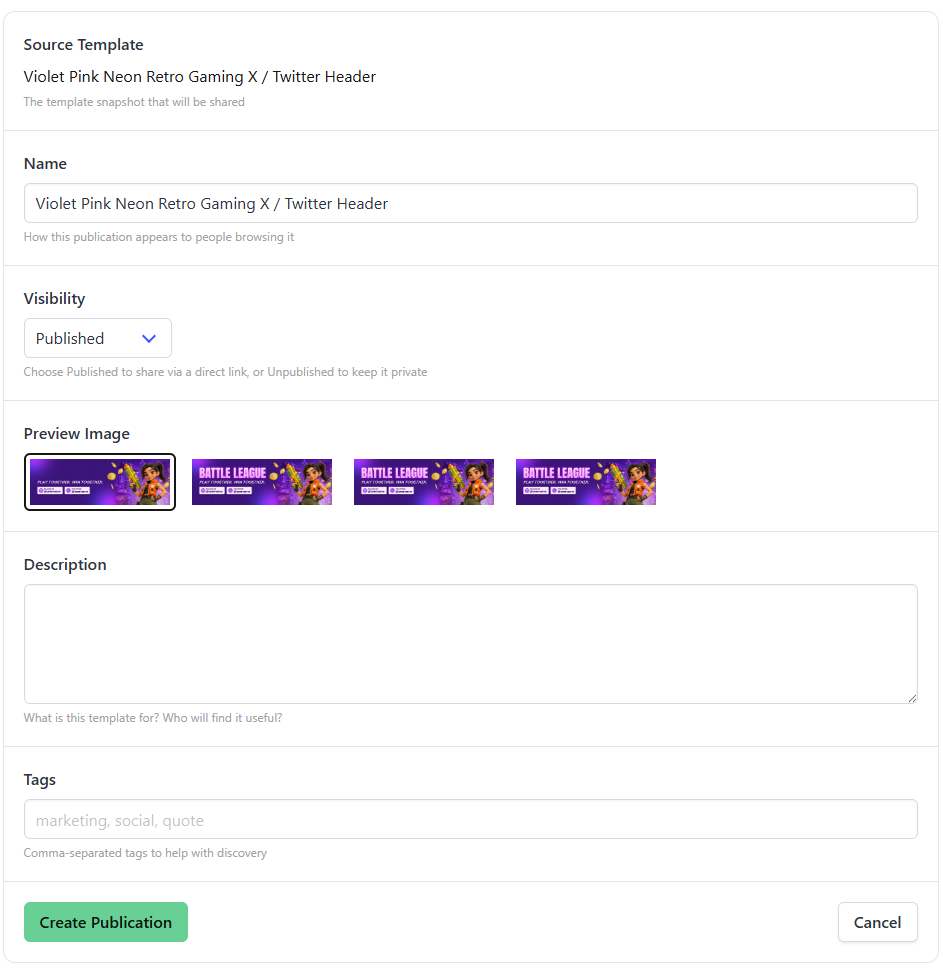
- Enter the description, tags, and select some example images.
- Click Create Publication
To get a shareable link, head to your Publications page or poll the GET /v5/publications endpoint.

